
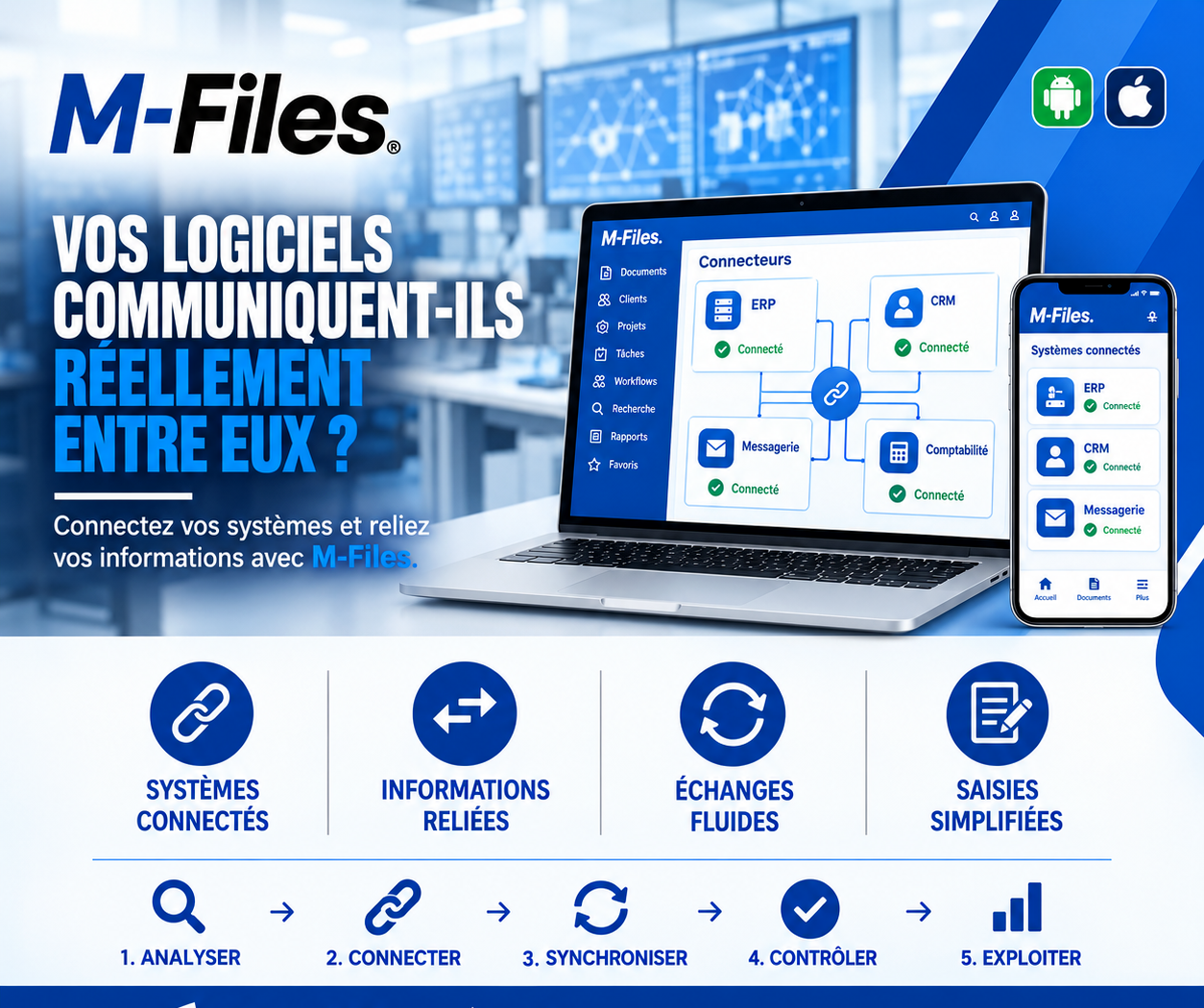
DO YOUR SOFTWARE SYSTEMS REALLY TALK TO EACH OTHER?
Connected systems, linked information, smooth exchanges, simplified data entry: discover how M-Files connectors eliminate double entry.
Galaxy Conseils • Banking & financial institutions sector
The bank has just approved a new equipment loan for Société Alpha. To set it up, Aïcha's advisor has to record the information in several places: in the customer relationship tool, for sales tracking; in the management system, for the credit file; in the accounting spreadsheet, for commitment tracking; and in the file names of the shared folder.
Four entries of the same information: company name, trade register number, tax ID, amount, term. By the third entry, tired, he swaps two digits of the trade register number.
A few weeks later, during a consistency check, Société Alpha's file comes up as an anomaly: the numbers don't match from one system to another. Everything has to be checked, corrected everywhere, and Aïcha has to be asked for a copy of her trade register to settle the matter.
The bank's software was all good. But it didn't talk to itself. It was up to the advisor to make the connection by hand, with the risk of error that comes with it.
Each piece of software was chosen to do its job well: the management system for operations, the CRM for customer relationships, email for exchanges, accounting for the numbers. But when each one runs on its own, it's the teams who become the hyphens.
Double entry. The same information is typed several times, into several tools.
Copy errors. A reversed digit, a forgotten letter, and the systems no longer agree.
Documents with no context. A contract in a shared folder doesn't "know" which client or which credit file it belongs to.
Wasted time. Copying, pasting, checking, and correcting.
The goal isn't to replace every piece of software with a single one, but to make them talk to each other. Information entered once in the reference system should be available wherever it's needed, and every document should be automatically linked to the right data.
Let's replay Aïcha's story, this time at a bank using M-Files and its connectors.
1. Analyze. The bank identifies which information lives in which system: clients in the management system, sales tracking in the CRM, exchanges in email, commitments in accounting.
2. Connect. M-Files is linked to these systems through its connectors. On screen, each one shows its status: ERP, CRM, Email, Accounting, "Connected."
3. Synchronize. Société Alpha's reference data (company name, trade register, tax ID) flows automatically into M-Files. The advisor no longer enters it.
4. Check. When he records the credit agreement, he simply picks "Société Alpha" from the list. All of the client's information applies to the document, with no copying and no possible error.
5. Use. The contract, the emails exchanged with Aïcha, and the loan data are all linked. Every department finds them, on computer as well as on mobile.
Aïcha's loan is set up with a single entry. No anomaly comes up at the control stage. And the advisor spends his time advising, not copying.
Connected systems. Your management software, your CRM, your email, and your accounting feed M-Files instead of running on their own.
Linked information. Every document is tied to the right data: client, contract, file.
Smooth exchanges. Information flows between systems, with no copy-pasting.
Simplified entry. Information entered once is reused everywhere, with fewer errors.
M-Files has connectors that can read data in other systems, such as a customer database, and use it as reference lists. Documents saved in M-Files then rely on that data instead of copying it.
Integration with email makes it possible to save a message and its attachments directly in the right folder, with the right information. And programming interfaces allow, when needed, information to be exchanged with other applications.
Each integration is designed around the systems already in place: it's not a magic button, but a project carried out with your IT teams, starting with the exchanges that save the most time.
Ask yourself:
"How many times is the same client information entered across your different pieces of software when opening a file?"
If the answer is more than once, your software deserves to communicate better.
At Galaxy Conseils, we analyze your existing systems and connect M-Files to your tools (management software, CRM, email, accounting), starting with the most useful exchanges. Want to see concretely what this would look like at your bank?
Galaxy Conseils: innovation serving your performance.
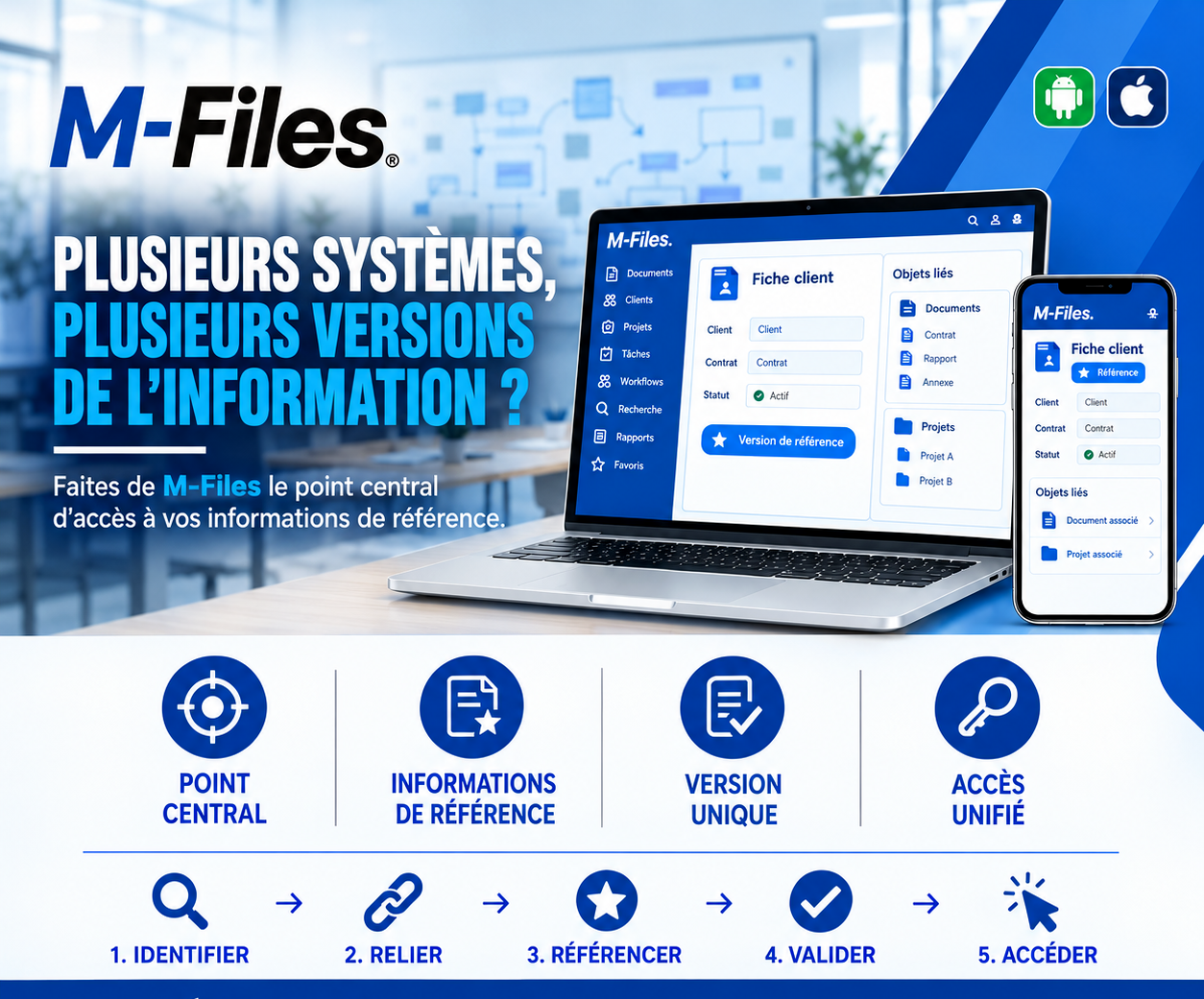
Multiple systems, multiple versions of the information? Central hub, reference information, single version, unified access: make M-Files the reference for your client data.
Read more
Why digitize your accounting management? Online accounting, time savings, secure data: an overview of the software types suited to Cameroonian SMEs and criteria to choose well.
Read more
Actual earnings or simplified flat tax (IGS): which tax regime fits your business in Cameroon? Thresholds, obligations, advantages and pitfalls: the steps to make the right choice.
Read moreContact us to learn more about our news and upcoming events.
Our offers, news and document management tips, straight to your inbox. One e-mail a month at most.
Unsubscribe in one click at any time. Privacy policy
Check your inbox
We've sent you a confirmation link. Click it to complete your sign-up.
Comments
No comments yet. Be the first to react!