
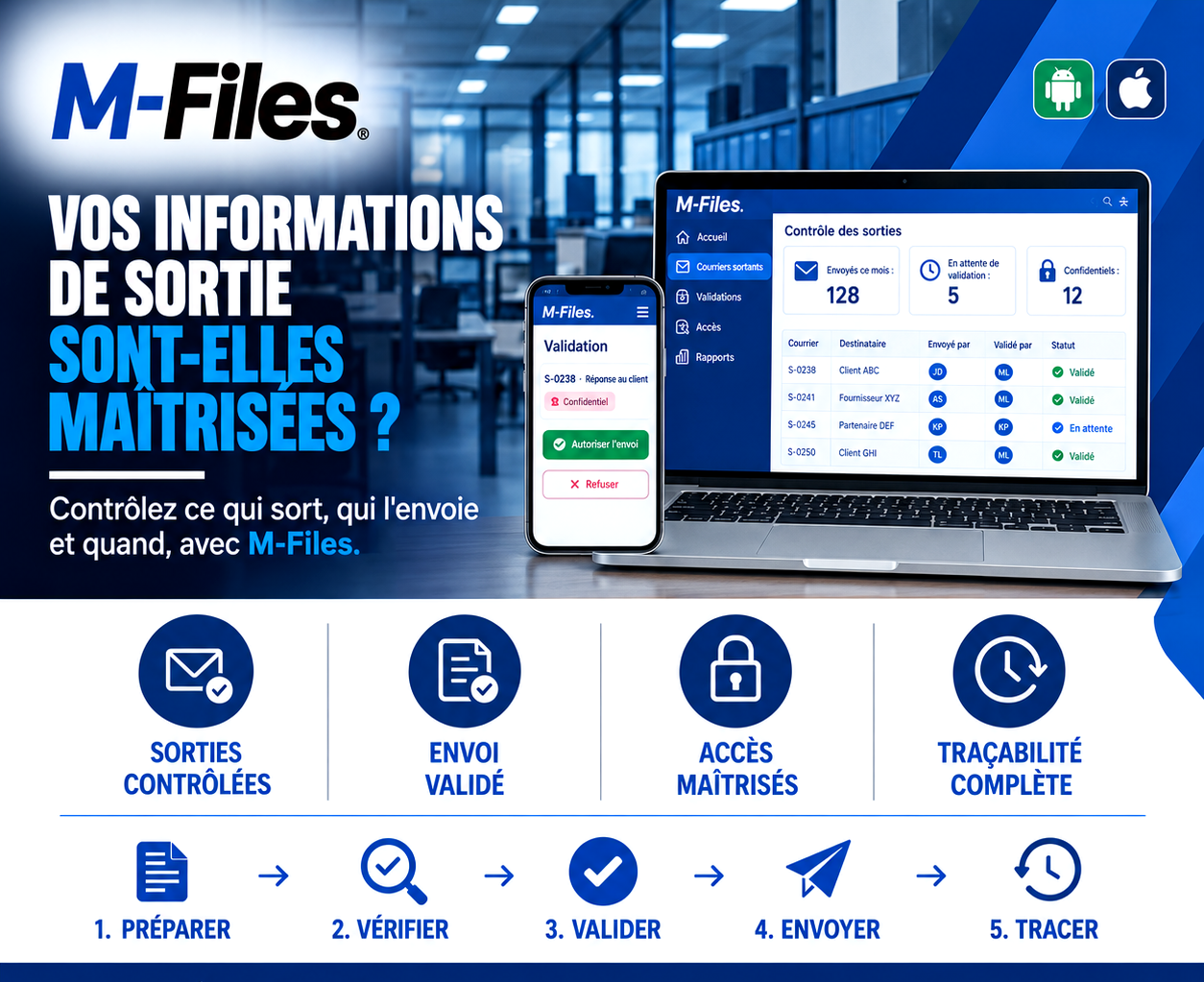
Is what leaves your bank actually under control?
An almost identical name, an autocomplete suggestion, one click too fast: that's all it takes for a confidential document to land with the wrong client.
Galaxy Conseils • Banking & financial institutions sector
Aïcha has asked her bank for a full summary of Société Alpha's situation: balances, outstanding loans, current collateral. She needs it for a meeting with her partners. A customer-service staff member drafts the reply late in the day, squeezed between two other files.
When it's time to send, he types "Alpha" in the recipient field. The email client suggests an address: that of "Alpha Services," another client of the bank. He clicks it, attaches the document, and sends.
"The next day, Alpha Services' director calls, embarrassed: he received another company's financial information by mistake. The bank has to notify Aïcha, apologize to her, and manage a confidentiality incident."
No one meant any harm. But a confidential document left the bank without anyone else reviewing it. And Aïcha, who trusted her bank's discretion, won't forget this episode.
To: recipient
✗ Alpha Services — autocomplete suggestion, wrong client
For a bank, bound by professional secrecy, a single mistake can cost a client, a reputation, or even a sanction.
The rule is simple: any sensitive document must be checked and approved by a second person before it leaves the bank. And every outgoing message must leave a trace: who prepared it, who approved it, who it was sent to, and when.
Drafted — the staff member drafts letter S-0238, "Reply to client." Since it contains financial information, it's marked "Confidential."
Checked — being confidential, the letter is automatically routed for review. It cannot go out until it's approved.
Approval request
S-0238 — Reply to client
Recipient: Alpha Services ⚠️
Approved — the manager gets the request on her phone. She notices the recipient is Alpha Services, not Société Alpha. She taps "Reject" and states why.
Sent — the staff member corrects the recipient. The manager checks again and taps "Approve send." The reply goes to the right address.
Logged — the sending is recorded: who drafted it, who approved it, to whom, and when. Even the rejection and its reason are kept.
On its "Outgoing Control" dashboard, management tracks the month's activity:
128
letters sent
5
awaiting approval
12
confidential
Every line shows the author, the approver, and the status.
Aïcha receives her summary the same day, at the right address. She'll never know a mistake was caught in time. And that's exactly what you'd expect from a bank.
Controlled outgoing mail — you know what leaves the bank, to whom, and when, in real time.
Approved sending — sensitive letters only go out after a second person approves them, from a computer or a phone.
Controlled access — only authorized people can draft, approve, or view confidential letters.
Complete traceability — every send, every approval, and every rejection is logged, with its author and date.
With M-Files, the path an outgoing letter follows is defined in advance according to your rules. A document marked "Confidential," for instance, can follow a reinforced path: mandatory approval by a designated manager before it goes out.
Approval takes just seconds, at the office or on the road, through the Android and iOS mobile app. And the "four eyes" principle applies naturally: the person who drafts it is not the person who approves it.
Finally, each letter's history and the dashboards give management and auditors a clear view of what leaves the bank.
"How many confidential documents left your bank this month, and how many were reviewed by a second person before going out?"
If you can't answer that, your outgoing information deserves better control.
We help banks and financial institutions set up control workflows for their outgoing letters with M-Files, tailored to their confidentiality rules.
Galaxy Conseils: innovation in the service of your performance.
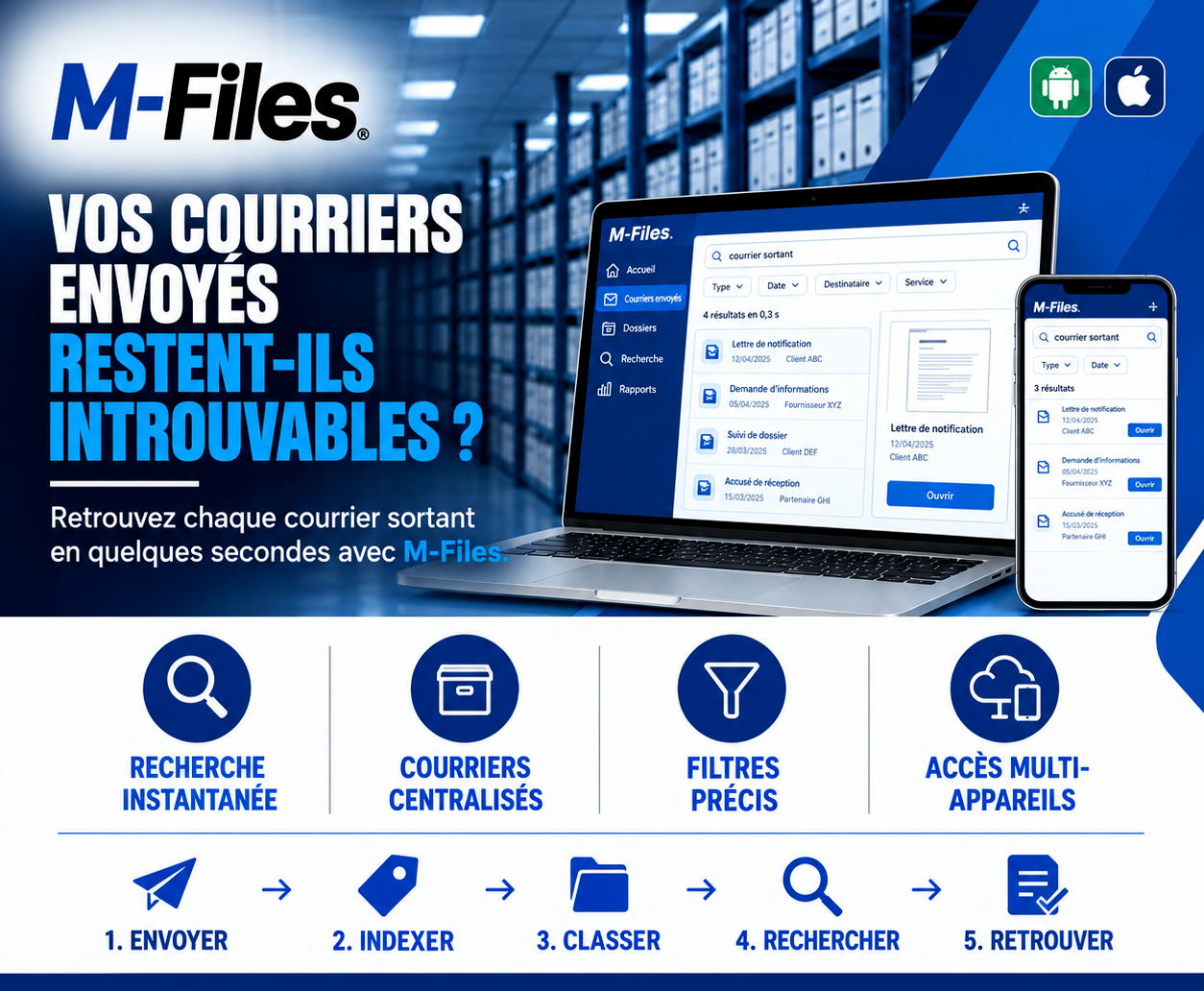
Do your sent letters stay impossible to find? Instant search, centralized letters, precise filters, access on computer and mobile: discover how M-Files retrieves every outgoing letter in seconds.
Read more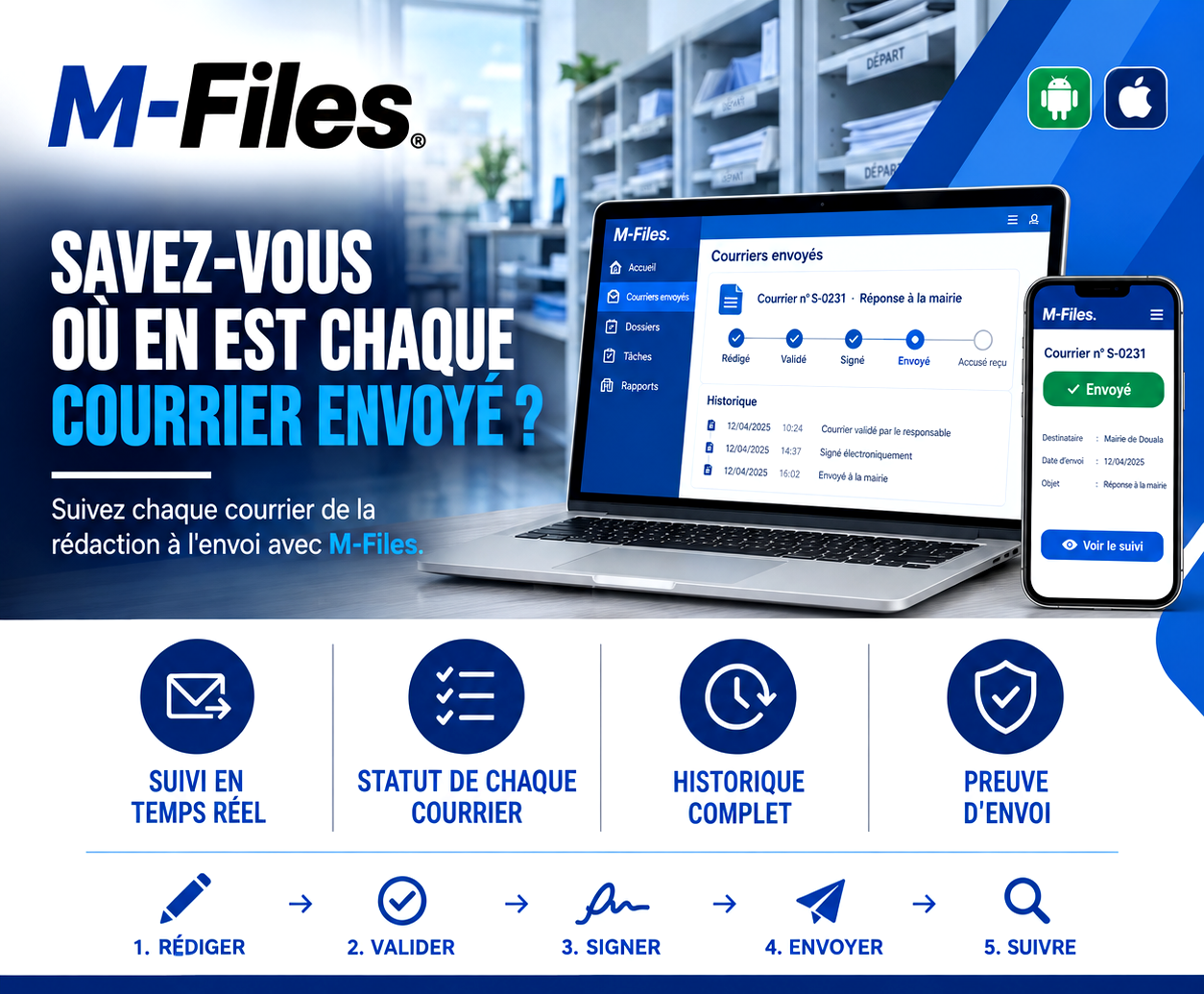
Do you know where every letter you sent actually stands? Drafted, approved, signed, sent, receipt confirmed: discover how M-Files tracks every letter from drafting to delivery, with a complete history.
Read more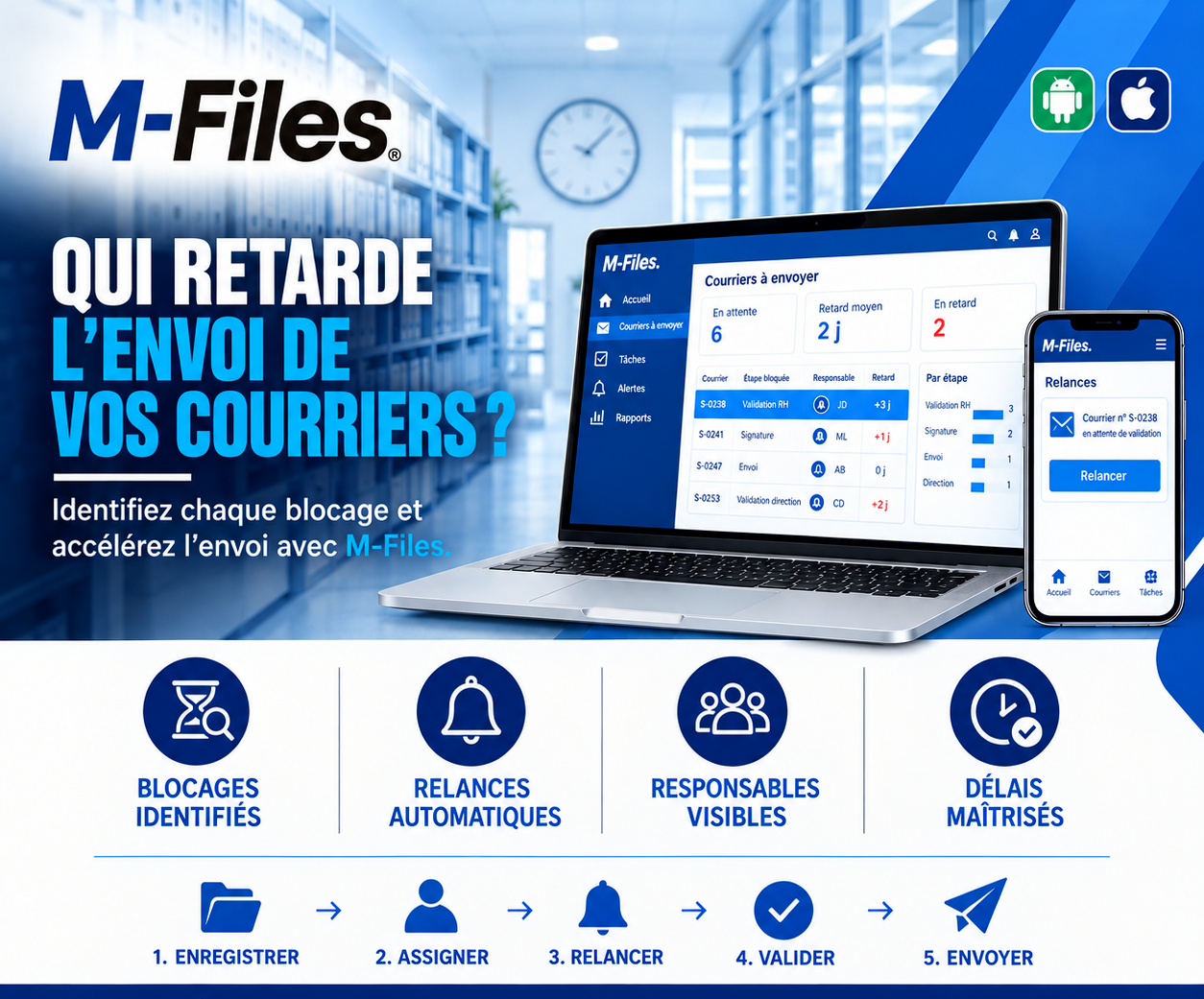
Who is delaying your letters? Identified bottlenecks, automatic reminders, visible owners, controlled deadlines: discover how M-Files speeds up the sending of every letter.
Read moreContact us to learn more about our news and upcoming events.
Our offers, news and document management tips, straight to your inbox. One e-mail a month at most.
Unsubscribe in one click at any time. Privacy policy
Check your inbox
We've sent you a confirmation link. Click it to complete your sign-up.
Comments
No comments yet. Be the first to react!