
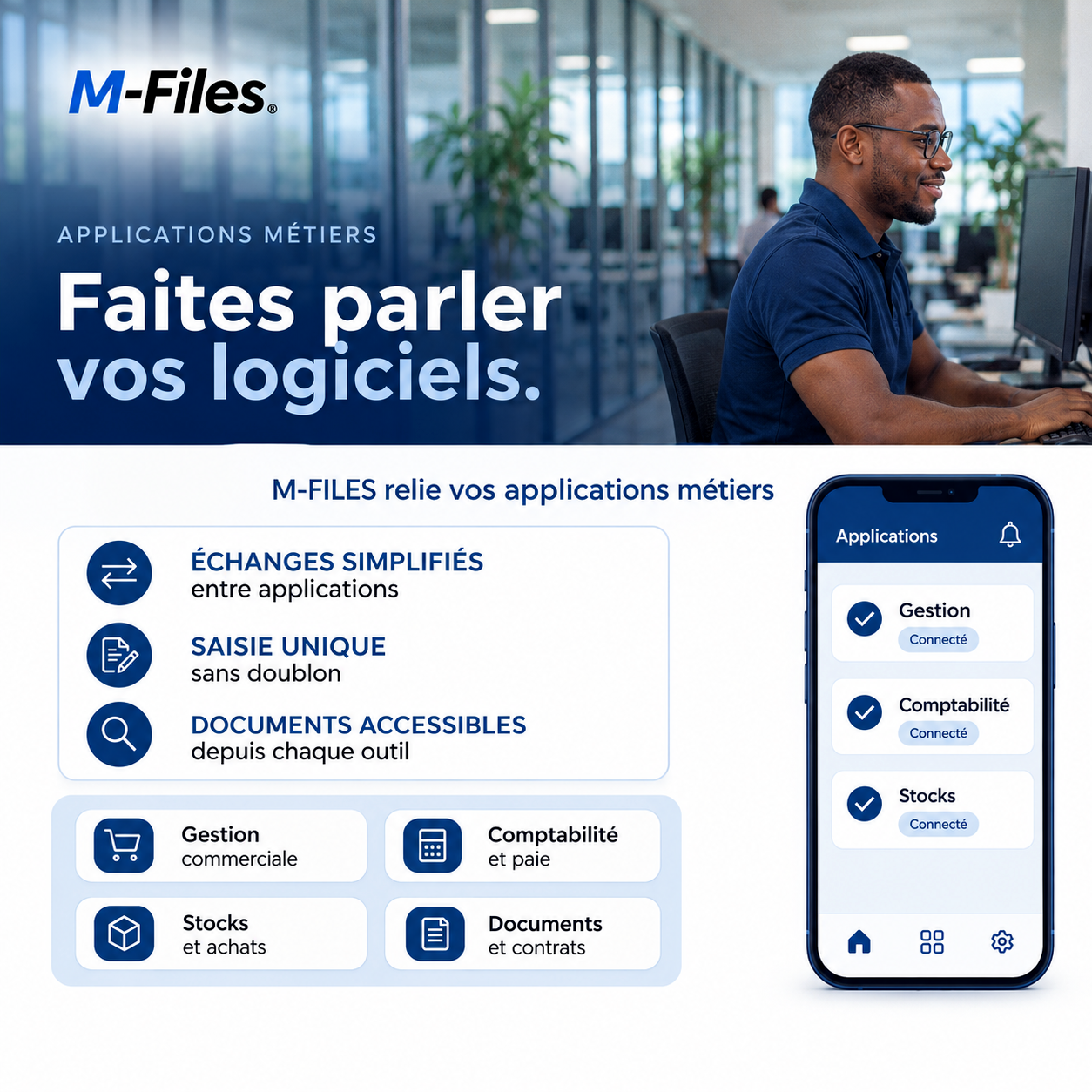
Supplier contract to check during an order? Discover how M-Files links your business applications so you can open the right document without leaving your software.
Rosine, stock manager at Société Alpha, is validating an order for parts in her stock and purchasing software. Before confirming, she wants to check the delivery terms in the supplier's contract.
The contract is not in the software. She leaves her order on hold, opens the file explorer, types “supplier contract” and finds three documents with the same name. She calls the legal department to find out which is the right one.
By the time the answer comes, she has lost track of her order and has to start it again from the beginning.
“Rosine did nothing wrong. But for a simple check, she had to leave her tool, search elsewhere, and wait for someone.
Illustration: three files with the same name, and an order left on hold.
You do not abandon your business software (sales management, accounting and payroll, stock and purchasing). You link it to M-Files, which keeps the documents and contracts. From each tool, you can then reach the right document, without searching for it elsewhere.
Let's revisit the story of Rosine's order, with M-Files.
Illustration: from the order, the up-to-date contract opens without leaving the software.
“Rosine checks the delivery terms in a few seconds and confirms her order without interruption.
M-Files keeps a single copy of each document, with its versions. Business software reaches it rather than each keeping its own copy, which avoids the three files with the same name.
ℹ️ Let's be precise: how the document opens from the tool depends on the application. Some software offers a link or an embedded screen, others require development. This is what we study with you and your IT department, application by application.
For payroll and accounting tools, the data is sensitive: access to documents follows rights defined for each user. M-Files does not run payments or payroll, that is the role of your software.
Finally, linking a piece of software is a small project in its own right. It is prepared, tested, and validated before being extended to other tools.
Ask yourself this question:
In your business software, can you open the linked contract or document without searching for it elsewhere?
If the answer is no, your software does not yet talk to each other.
At Galaxy Conseils, we help banks and companies link their business applications to M-Files, starting from their existing software.
Want to see concretely what this would look like in your bank?
Galaxy Conseils: innovation in service of your performance.
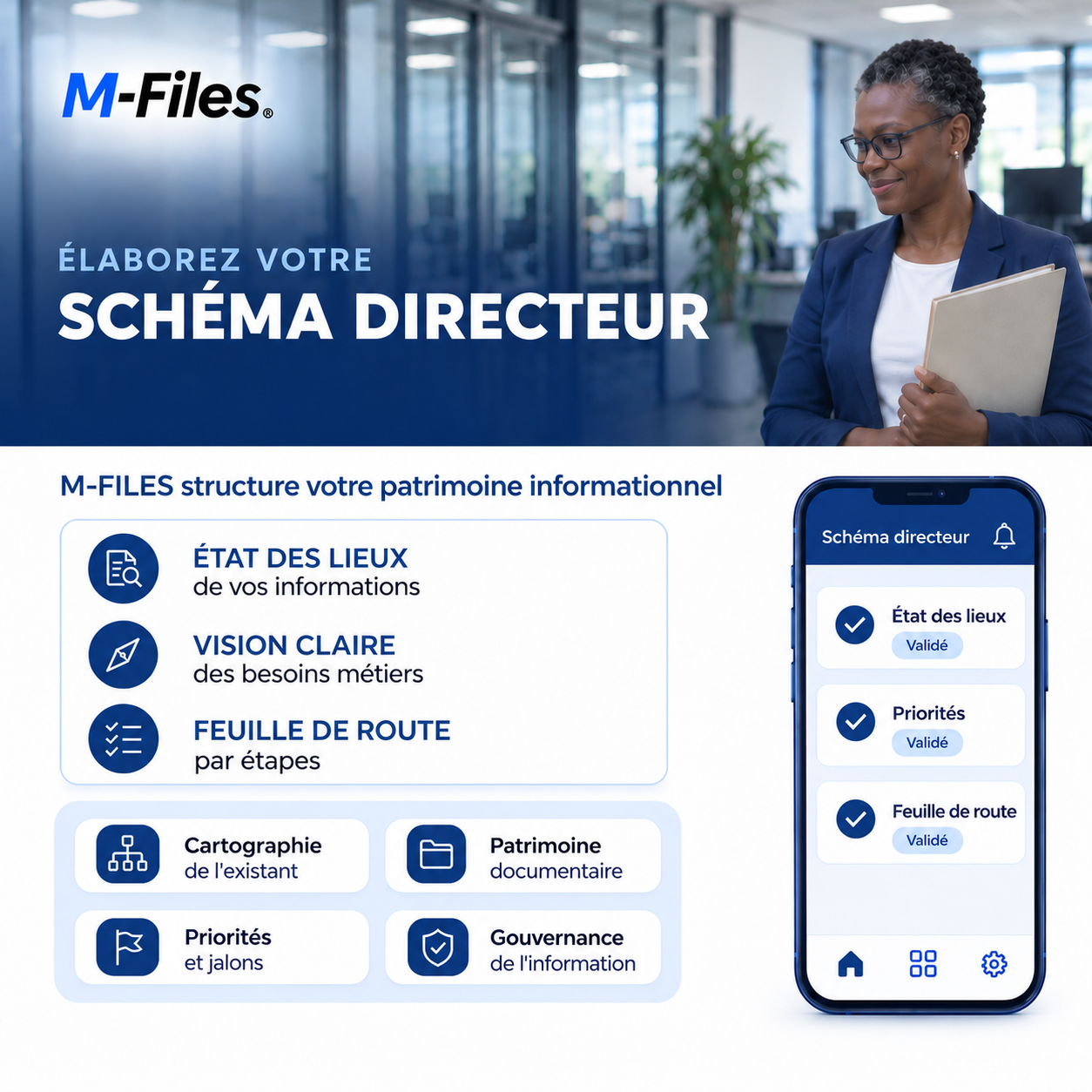
Where do you start with an information master plan? Discover the approach: inventory, understanding business needs, a step-by-step roadmap, with M-Files.
Read more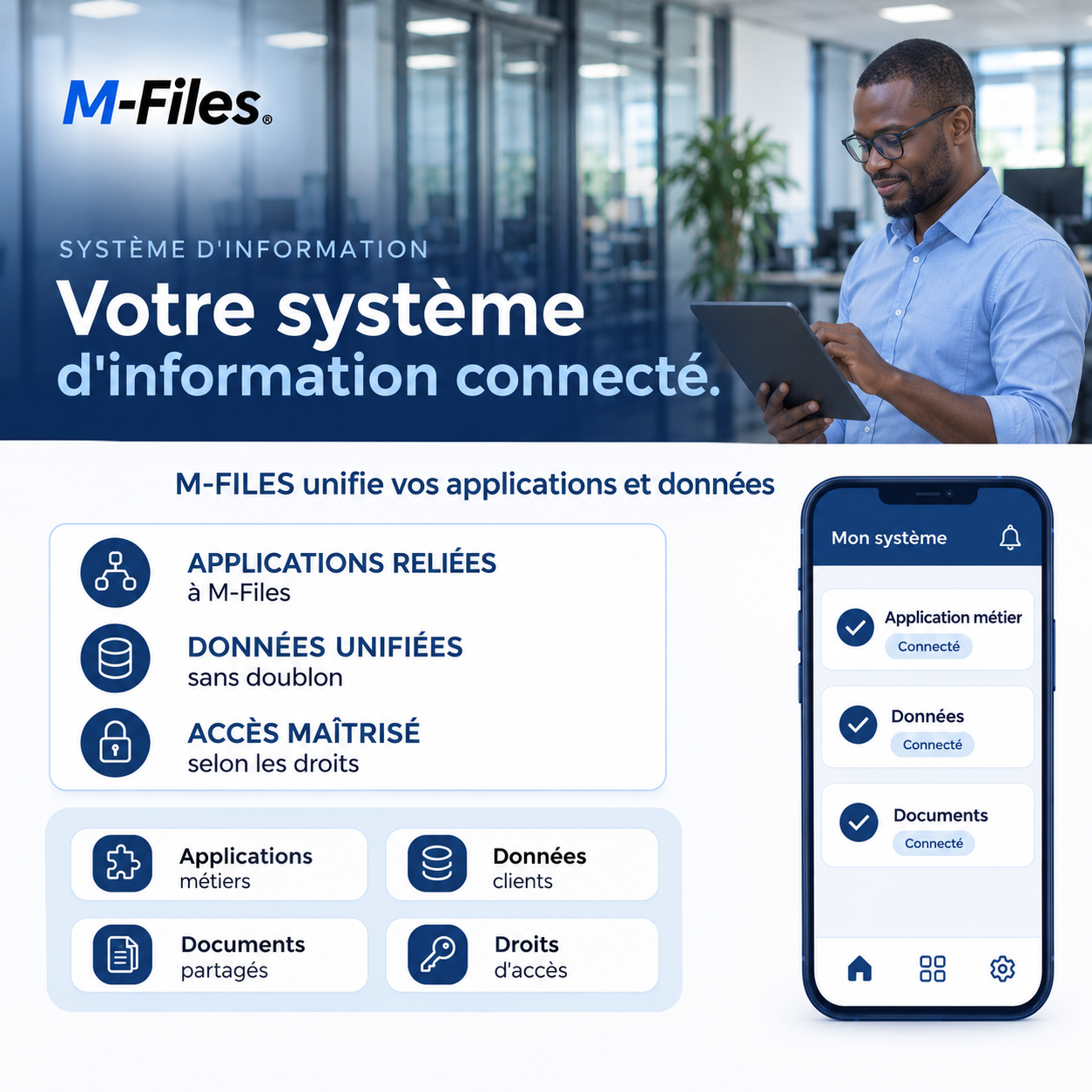
Does linking your applications mean risking opening your data? Discover how M-Files unifies your applications with controlled access according to everyone's rights.
Read more
How many contracts are in progress, and for which customers? Discover how M-Files gives your documents clear properties so you can filter, count and steer.
Read moreContact us to learn more about our news and upcoming events.
Our offers, news and document management tips, straight to your inbox. One e-mail a month at most.
Unsubscribe in one click at any time. Privacy policy
Check your inbox
We've sent you a confirmation link. Click it to complete your sign-up.
Comments
No comments yet. Be the first to react!