
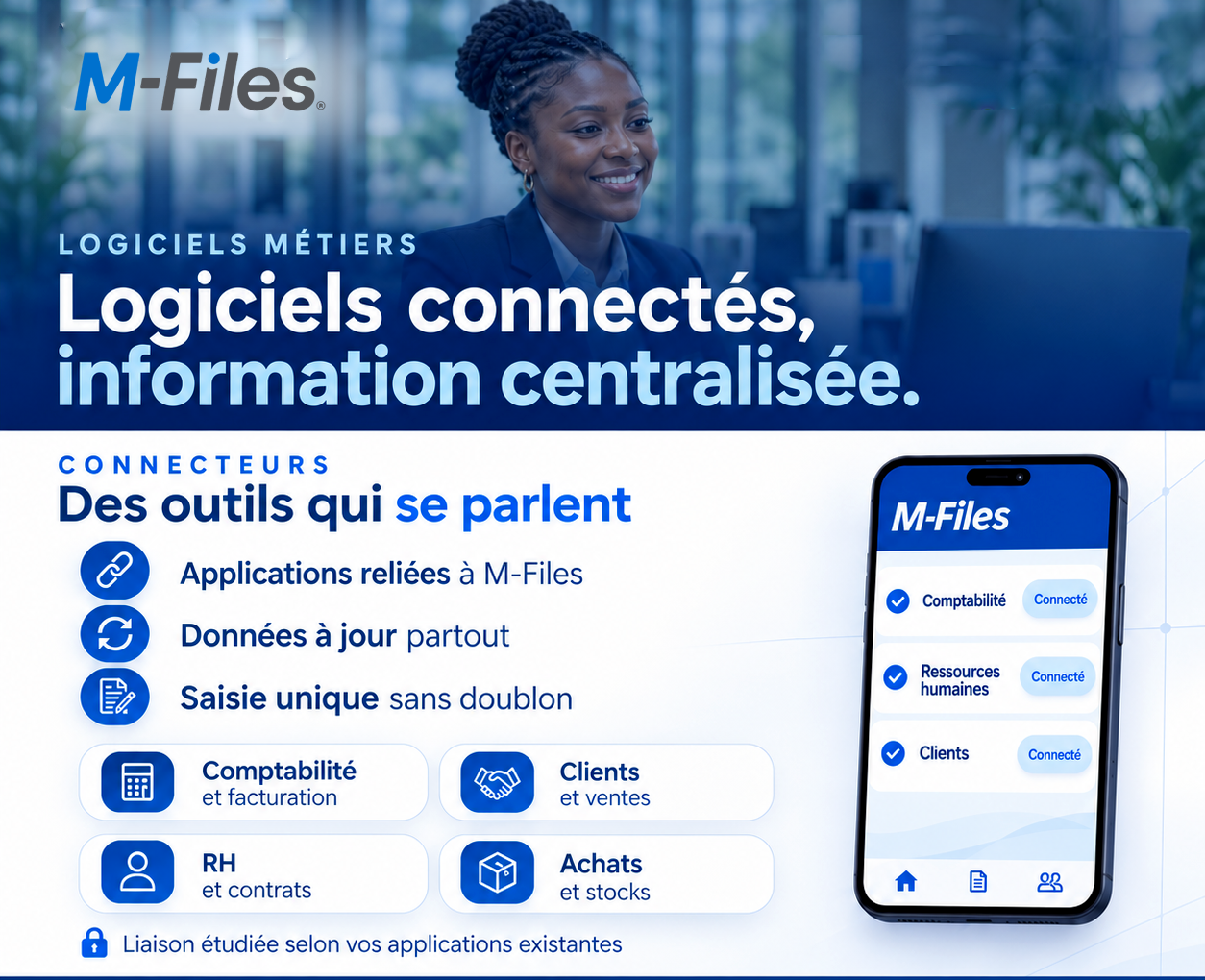
The same customer entered three times, a name error, a rejected invoice: discover how M-Files connects your business software for single entry and up-to-date data everywhere.
Hugues, a sales representative at Société Alpha, has just signed a new customer, a transport company. He creates it in the sales software: name, address, contacts. The signed contract is scanned and filed in a folder.
A few days later, Sandrine, in accounting, has to invoice. The accounting software does not know this customer yet. She recreates it by hand, copying the name from the contract, and swaps two letters.
The customer receives an invoice made out to a name slightly different from the one on the contract. They send it back for correction. Payment is delayed.
“Nobody did a bad job. But the same information was entered twice, in two software systems that do not talk to each other.
Illustration: the same customer entered twice, with a typo made while copying. The name is fictional.
You keep the software you already use (accounting and invoicing, customers and sales, HR and contracts, purchasing and stock) and connect it to M-Files. Information is entered once and stays up to date everywhere it is used.
Let's revisit the story of the transport company, with M-Files.
Illustration: the customer is entered once, then available in every connected software.
“The invoice goes out under the right name, first time, and payment is not delayed.
M-Files does not replace your business software: it complements it. It keeps the documents, their properties and their history, and makes them available to the applications that need them.
ℹ️ Let's be clear: the connection is studied according to your existing applications. Some software connects easily, some needs more work, and no connection is made without a prior study with your IT department.
Single entry does not mean access for everyone: each person sees the data according to their rights.
Ask yourself this question:
When you create a new customer, how many times do you have to enter the same information?
If the answer is “more than once”, your software does not talk to each other yet.
At Galaxy Conseils, we help banks and companies connect their business software to M-Files, starting from their existing applications.
Want to see concretely what this would look like in your bank?
Galaxy Conseils: innovation in service of your performance.
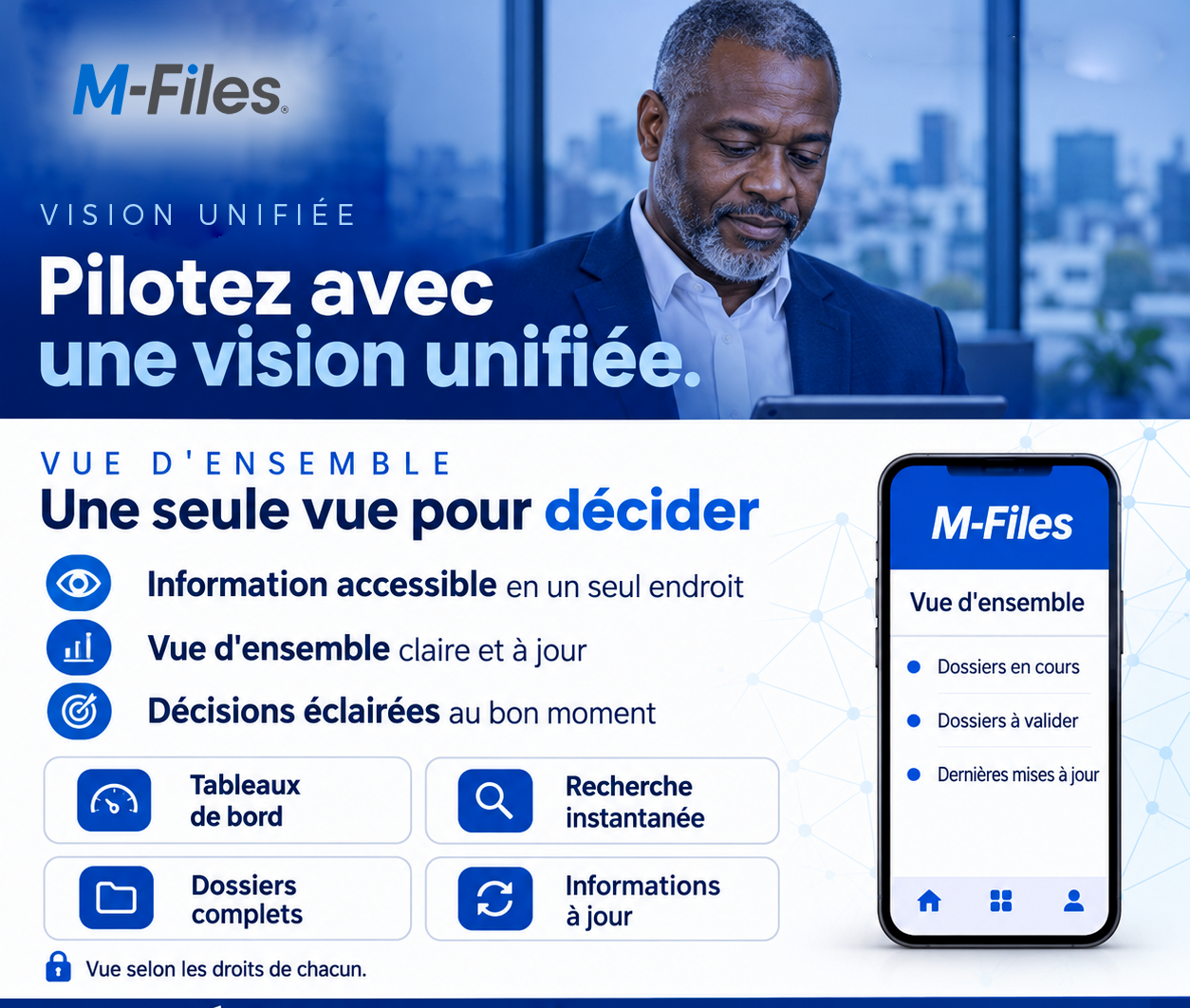
Three managers, three different answers: discover how M-Files gives management one clear, up-to-date view of ongoing files and files awaiting approval.
Read more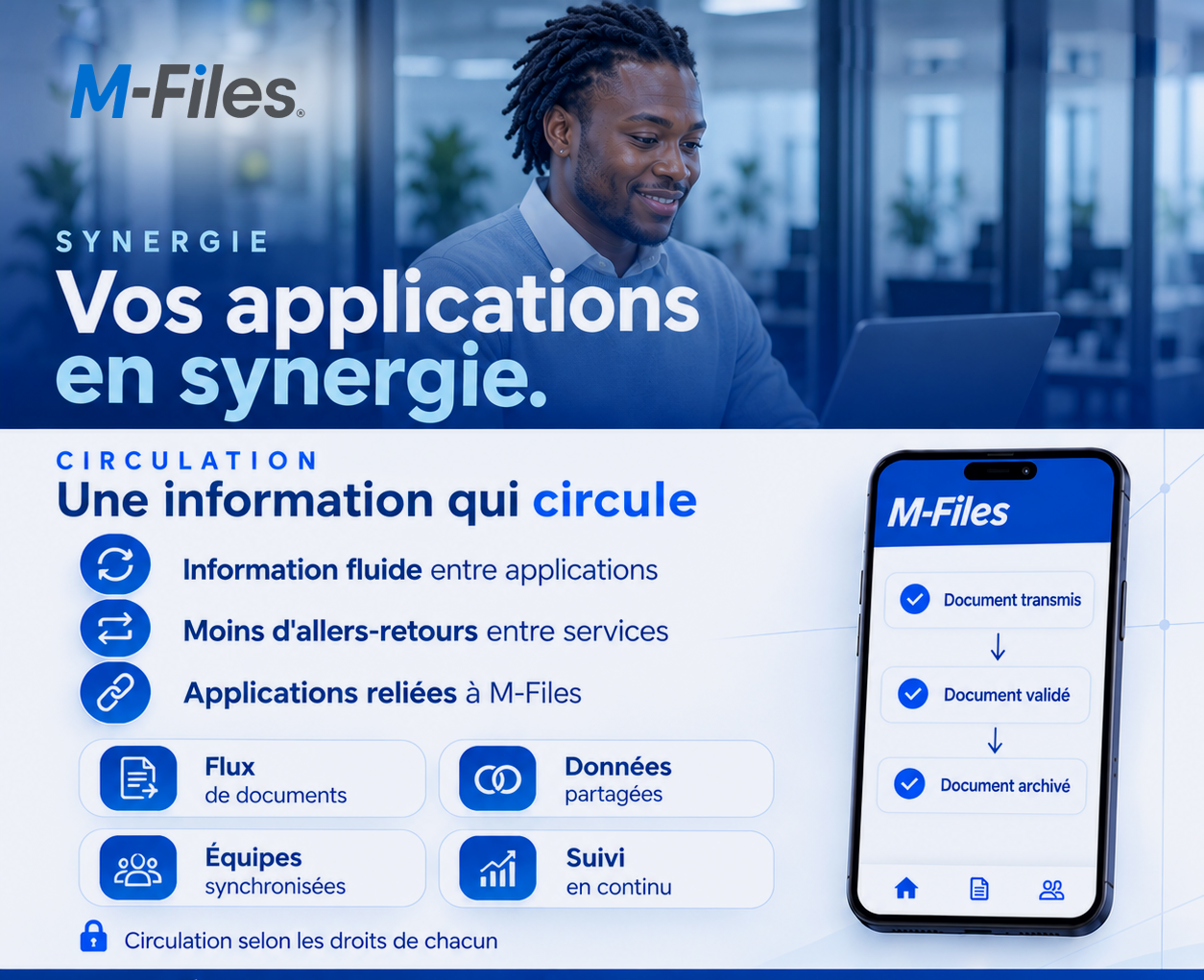
Re-keying, reminder emails, back-and-forth between departments: discover how M-Files connects your applications so that information flows from the document received to the document archived.
Read more
A colleague on leave, a customer writing in: discover how M-Files brings documents, emails and files together in one place, organised by customer and by project.
Read moreContact us to learn more about our news and upcoming events.
Our offers, news and document management tips, straight to your inbox. One e-mail a month at most.
Unsubscribe in one click at any time. Privacy policy
Check your inbox
We've sent you a confirmation link. Click it to complete your sign-up.
Comments
No comments yet. Be the first to react!