
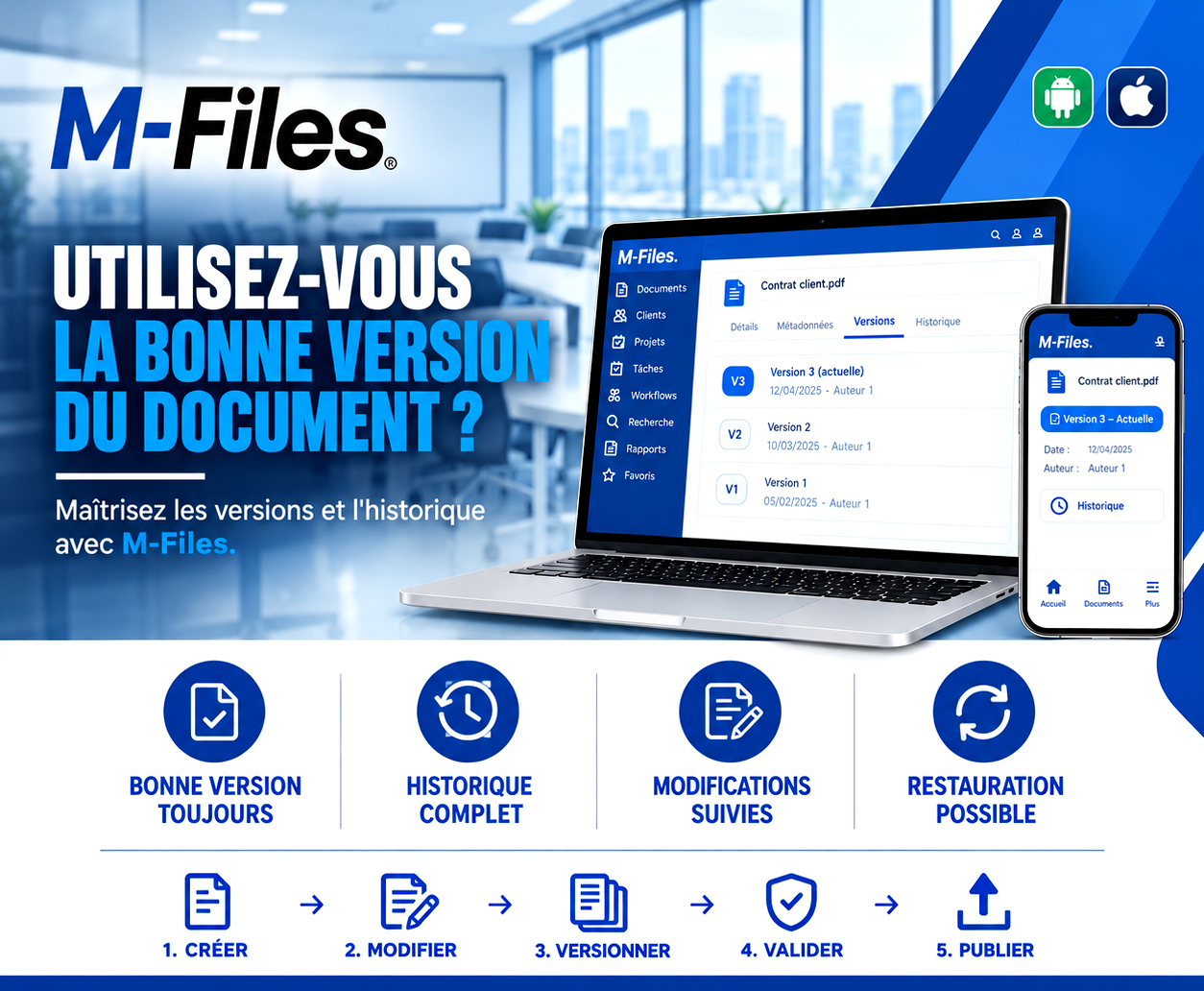
Are you working on the right version of the document?
A staff member fixes a typo. Without realizing it, he starts from an old file and, with a single save, overwrites weeks of negotiation.
Galaxy Conseils • Banking & financial institutions sector
After several weeks of discussion, the bank and Société Alpha have agreed on the contract that will govern their relationship: loan terms, collateral, negotiated rates. Aïcha secured an addendum that mattered to her: a repayment schedule adapted to her business's seasonal cycle.
A few days before signing, a staff member opens the contract to fix a typo. He works from a file he had saved on his own computer. Without realizing it, he's starting from an old version, one without the negotiated addendum. He fixes the typo, saves, and overwrites the file on the shared server.
"On signing day, Aïcha carefully re-reads the contract. The addendum is gone. She grows worried: has the bank gone back on its word? At the bank, no one understands. The complete version was overwritten. Staff have to dig through email inboxes to find the addendum's text and rebuild the document."
The signing is pushed back a week. Nothing serious in the end, but Aïcha had her doubts about her bank. And an entire team spent hours fixing a simple file mistake.
A working copy that circulates
Everyone keeps their own copy, and no one knows which one is current.
Overwritten edits
Saving a file sometimes means erasing a colleague's work.
No history
There's no way to know who changed what, or when.
No way to go back
Once a mistake is made, the previous version is gone.
For a bank, a contract that doesn't reflect what was actually agreed is a legal risk, and a strained client relationship.
The right approach is to never overwrite a document. Every edit creates a new version, and every previous version stays available. You always know which one is current, and you can go back to an earlier version if a mistake is made.
Société Alpha contract
With repayment-schedule addendum
↩️ Any earlier version can be restored in one click
1. Created — Société Alpha's contract is created in M-Files, attached to the client's file. This is version 1.
2. Edited — as the negotiation progresses, the lawyer and the advisor edit it directly in M-Files. No copies on their computers: everyone works on the same document.
3. Versioned — every edit automatically creates a new version, with its date and author. The addendum Aïcha negotiated lands in version 3, which becomes the current version.
4. Approved — the manager approves version 3. It's clearly marked "Current," on computer as well as on phone.
5. Published — the approved version is sent to Aïcha for signature.
And if a mistake still happens? Imagine an edit accidentally removes the addendum. The history immediately shows who changed the contract and when. In a few clicks, the complete version is restored. Nothing is lost.
Aïcha signs the contract on the scheduled date, addendum included. She never had to doubt her bank. And the team spent its time serving clients, not rebuilding files.
The right version, always — everyone immediately sees which version of a document is current, and works on it.
A complete history — every previous version is kept, with its date and author.
Tracked changes — you know who changed what, and when, without having to ask.
A way to restore — if a mistake happens, you go back to an earlier version in a few clicks.
In a typical shared folder, saving a file replaces the old one. In M-Files, saving creates a new version: the old one stays available in the history. It's even possible to compare two versions to see what changed.
When a staff member edits a document, M-Files checks it out for the duration of the edit. Colleagues see that it's being worked on, and no one can accidentally overwrite their work.
And finally, the current version is the same everywhere: on a computer, a tablet, or the Android and iOS mobile app. There's no more forgotten copy sitting on a workstation.
"If someone accidentally overwrote the latest version of an important contract, how long would it take you to find it again?"
If the answer is "we couldn't," your documents deserve real version control.
We help banks and financial institutions take control of their document versions with M-Files, so everyone always works on the right one.
Galaxy Conseils: innovation in the service of your performance.
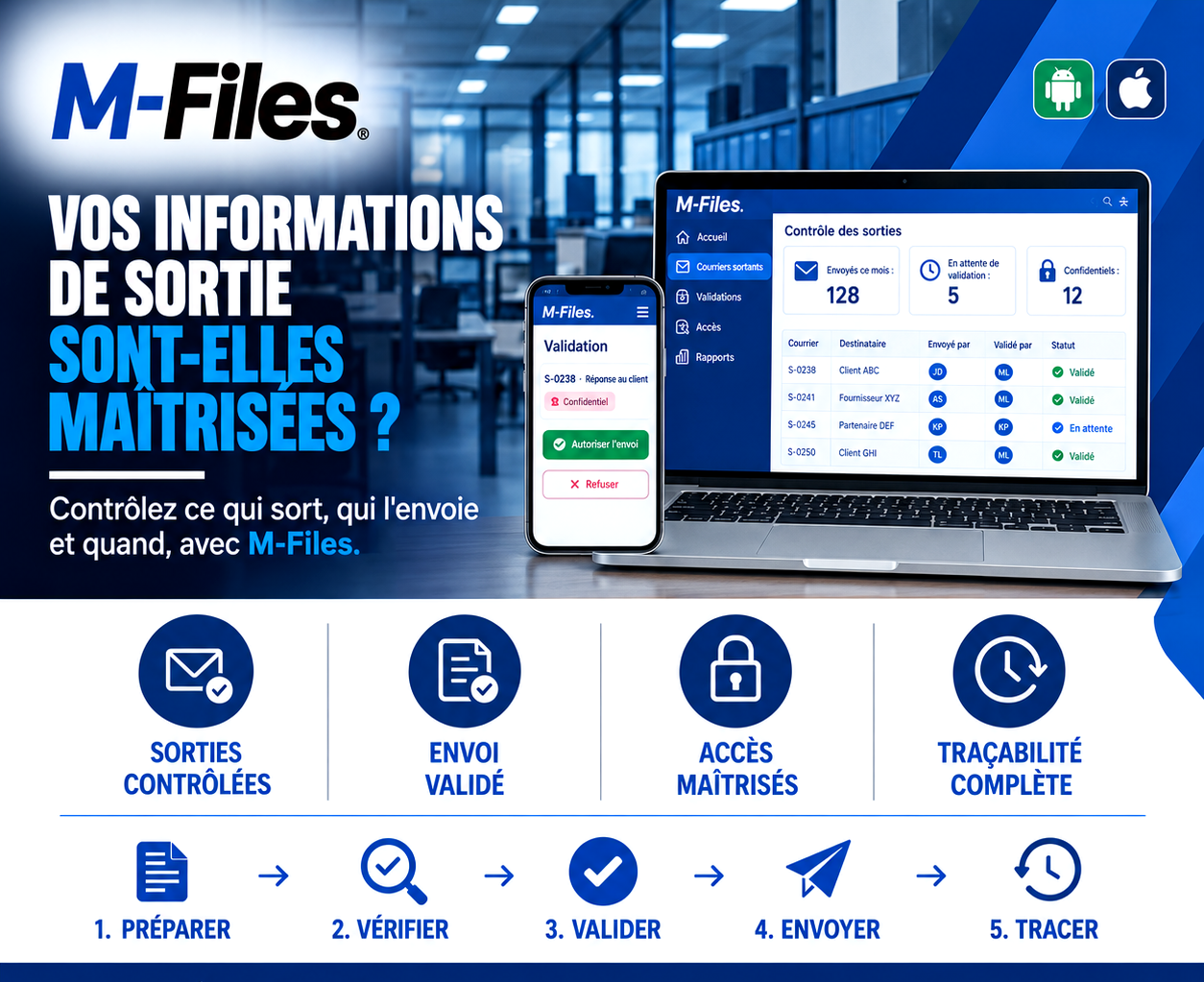
Is what leaves your bank actually under control? Controlled outgoing mail, approved sending, controlled access, complete traceability: discover how M-Files controls what goes out, who sends it, and when.
Read more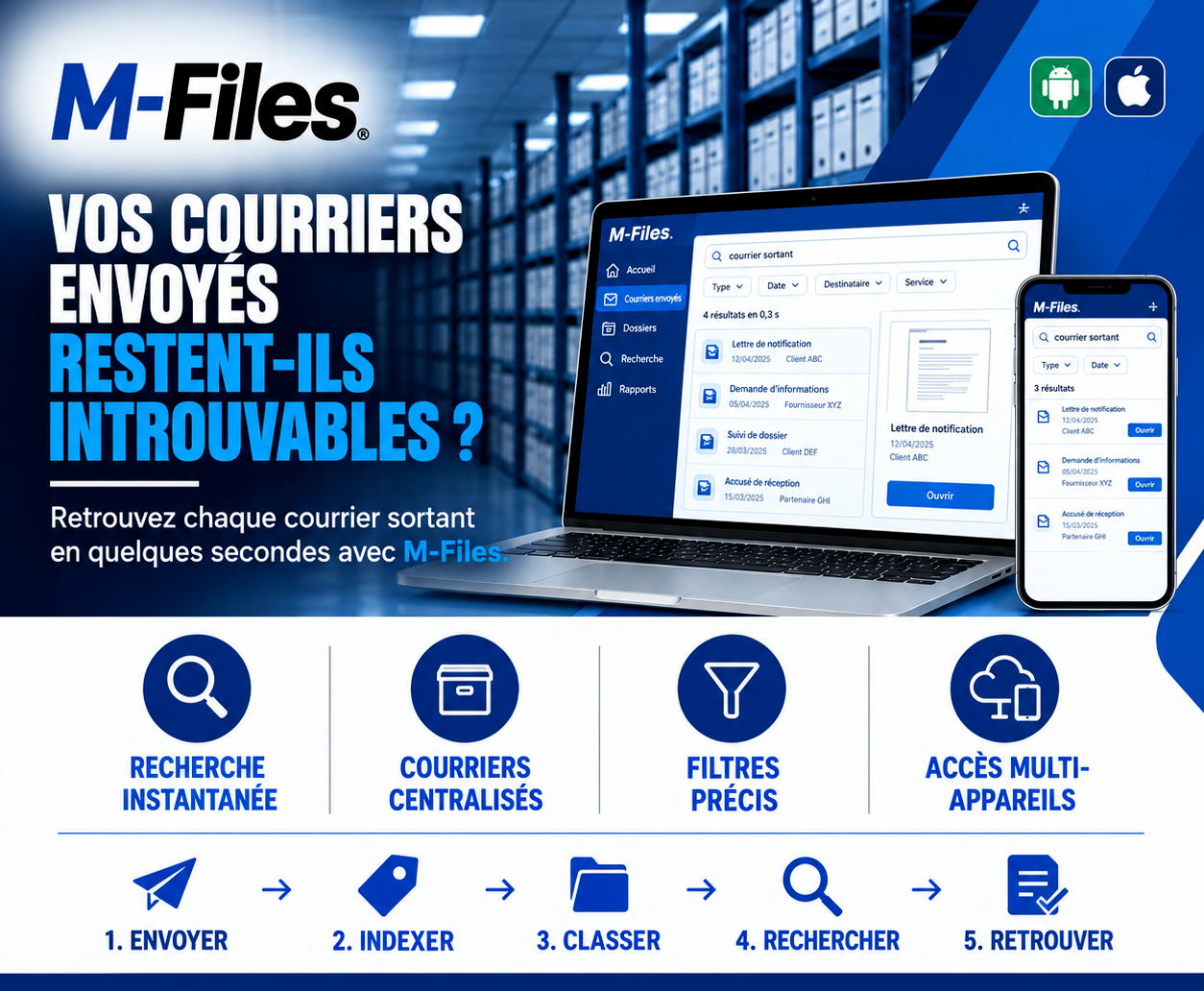
Do your sent letters stay impossible to find? Instant search, centralized letters, precise filters, access on computer and mobile: discover how M-Files retrieves every outgoing letter in seconds.
Read more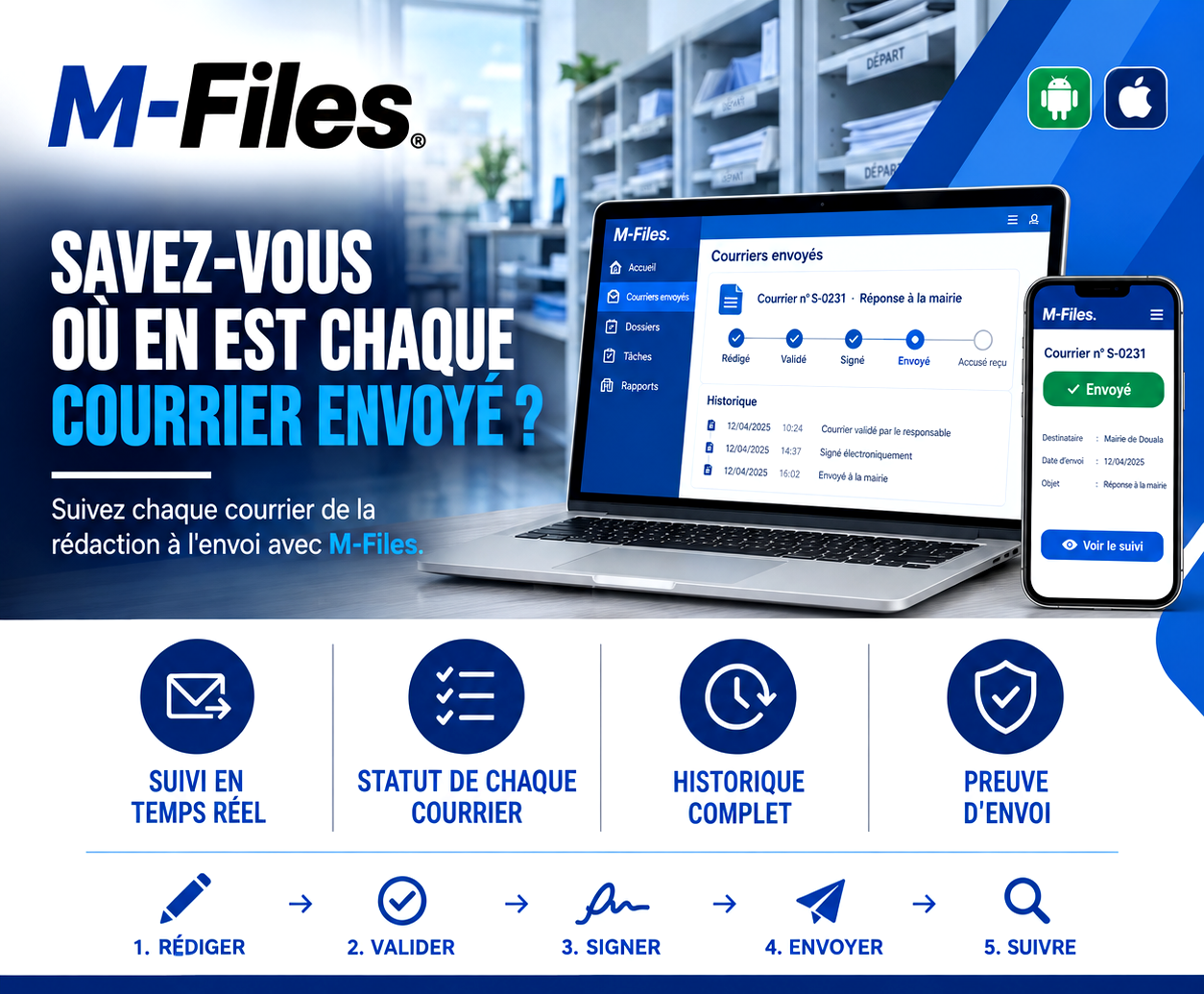
Do you know where every letter you sent actually stands? Drafted, approved, signed, sent, receipt confirmed: discover how M-Files tracks every letter from drafting to delivery, with a complete history.
Read moreContact us to learn more about our news and upcoming events.
Our offers, news and document management tips, straight to your inbox. One e-mail a month at most.
Unsubscribe in one click at any time. Privacy policy
Check your inbox
We've sent you a confirmation link. Click it to complete your sign-up.
Comments
No comments yet. Be the first to react!