
Document management & reliability
How many versions are circulating in your teams?
Contract_v2, Contract_final, Contract_final_OK... Here's Aïcha's story — and what would have changed with M-Files.
Galaxy Conseils • Banking & financial institutions
The big day has arrived. Aïcha got her mortgage, and she has an appointment at the notary's office to sign for her new house.
The evening before, she calmly re-reads the loan offer her advisor emailed her : a rate of 7.5%, a fixed monthly payment, a fifteen-year term. Everything is clear.
The next day, at the notary's office, she's handed the contract to sign. Aïcha reads through it and stops short : the rate shown is 8%, and the monthly payment isn't the same.
"This isn't what I was sent yesterday."
The notary calls the bank. The advisor searches. In the shared folder, she finds "Offer_Aicha_v3.docx," "Offer_Aicha_final.docx," and "Offer_Aicha_final_corrected.docx." In her inbox, there's yet another version, edited by the credit analyst. Which one was approved by the committee? No one is sure.
The signing is postponed. Aïcha leaves worried, with a question that won't leave her : if the bank doesn't know which is the right version of her contract, what does it really know?
In this story, no one meant to mislead Aïcha. The rate was simply adjusted after the first version was sent, and the new version never replaced the old one. They kept circulating side by side.
This is everyday life for many teams. A document goes out by email, comes back edited, gets saved under a new name, then gets copied onto a computer or a USB drive. Very quickly :
In a bank, a version mistake is never trivial. A wrong rate, a forgotten clause, or an outdated fee schedule can lead to a dispute, a financial loss, or a compliance issue.
For a client, a bank contract is a commitment. They need to be able to trust it, line by line. For the bank, it's evidence that must be accurate, up to date, and validated.
The answer isn't to ask teams to be "more careful" with file names. It's to make sure only one official version of each document can ever exist.
✓ A single document. Aïcha's loan offer exists only once in M-Files, attached to her client record. There's no copy sitting in an attachment : the advisor, the analyst, and the notary all view the same document.
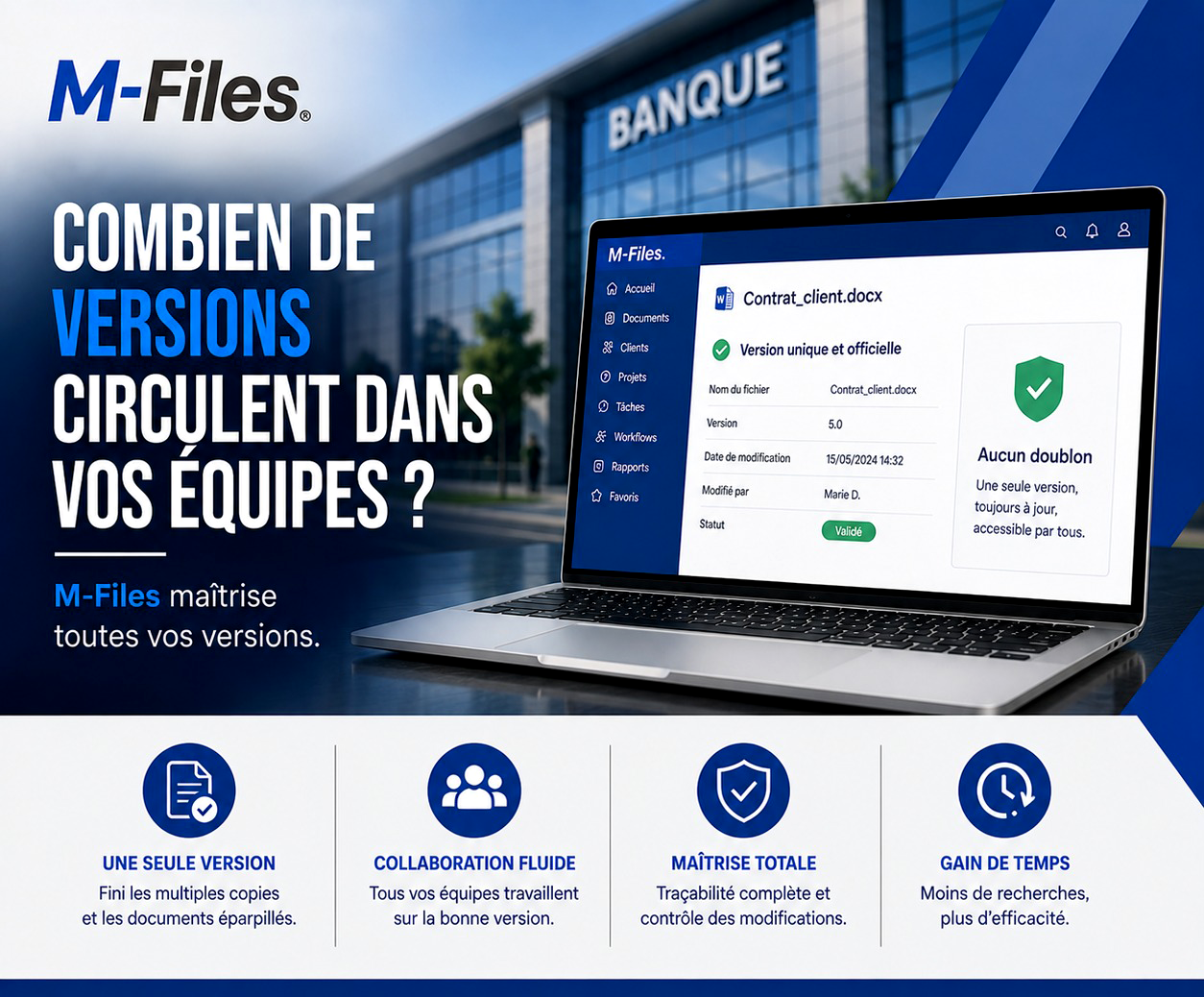
✓ Versions managed automatically. When the analyst adjusts the rate, M-Files creates a new version — say, version 5.0, edited by Marie D. on 05/15 at 2:32 PM. Earlier versions stay accessible in the history, but they can no longer be mistaken for the current one.
✓ A clear status. The offer moves to "Approved" status once the committee signs off. Everyone knows immediately which version is authoritative.
✓ An informed client. Aïcha receives the approved version, with the correct rate. At the notary's office, the document handed to her is exactly the one she read the night before.
Aïcha signs. She goes home with the keys to her house, and the certainty that her bank is in control of its documents.
A single version. No more multiple copies or scattered documents. Each document exists only once, always up to date.
Smooth collaboration. All teams, from the branch to management, work from the right version, even when several people touch the same file.
Full control. Every change is tracked : who changed what, and when. Earlier versions stay accessible, and only the approved version is authoritative.
Time saved. Less searching, fewer file comparisons, fewer mistakes to fix. Teams become more efficient.
With a typical shared folder, every save creates a new file, and it's up to the user to guess which one is right. With M-Files, it's the opposite : the document stays unique, and it's the versions that stack up in its history.
M-Files also integrates with the tools teams already use, like Word and Outlook. You edit the document where you're used to working, and M-Files handles the rest : version number, author, date, status.
What applies to a loan offer applies to every sensitive document at a bank : contracts, fee schedules, internal procedures, committee reports.
Open one of your teams' shared folders and look for a recent contract. How many files have almost the same name?
"If you had to say, without hesitation, which one is the approved version, could you?"
If the answer isn't obvious, your clients may find out before you do.
At Galaxy Conseils, we help banks and financial institutions guarantee a single, approved version of every document with M-Files, starting from their real drafting and validation workflows. Want to see exactly what this would look like at your bank?
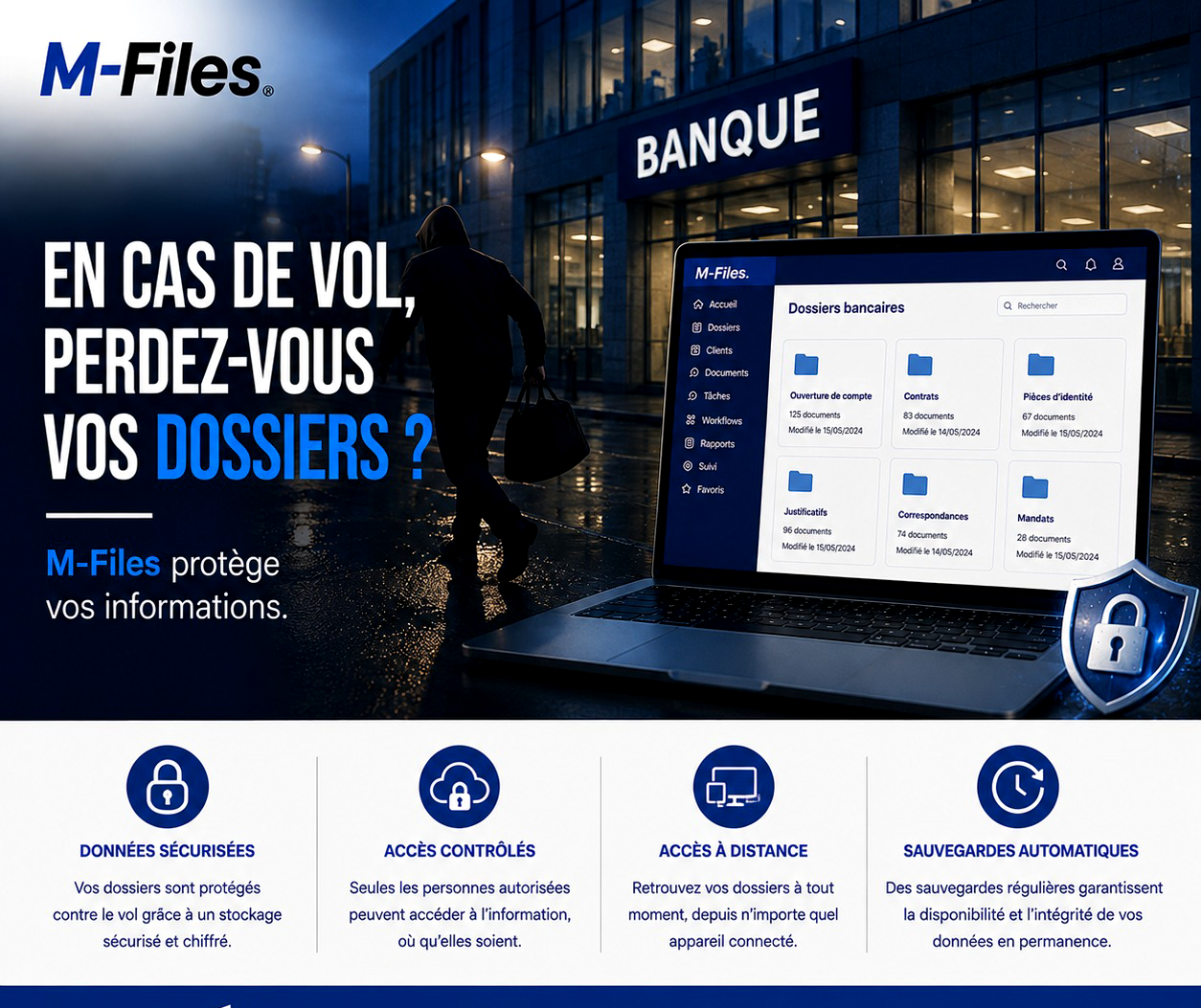
Break-in, stolen laptop, forced cabinet: what happens to your clients' files? Discover how M-Files protects your information through secure storage, controlled access, and automatic backups.
Read more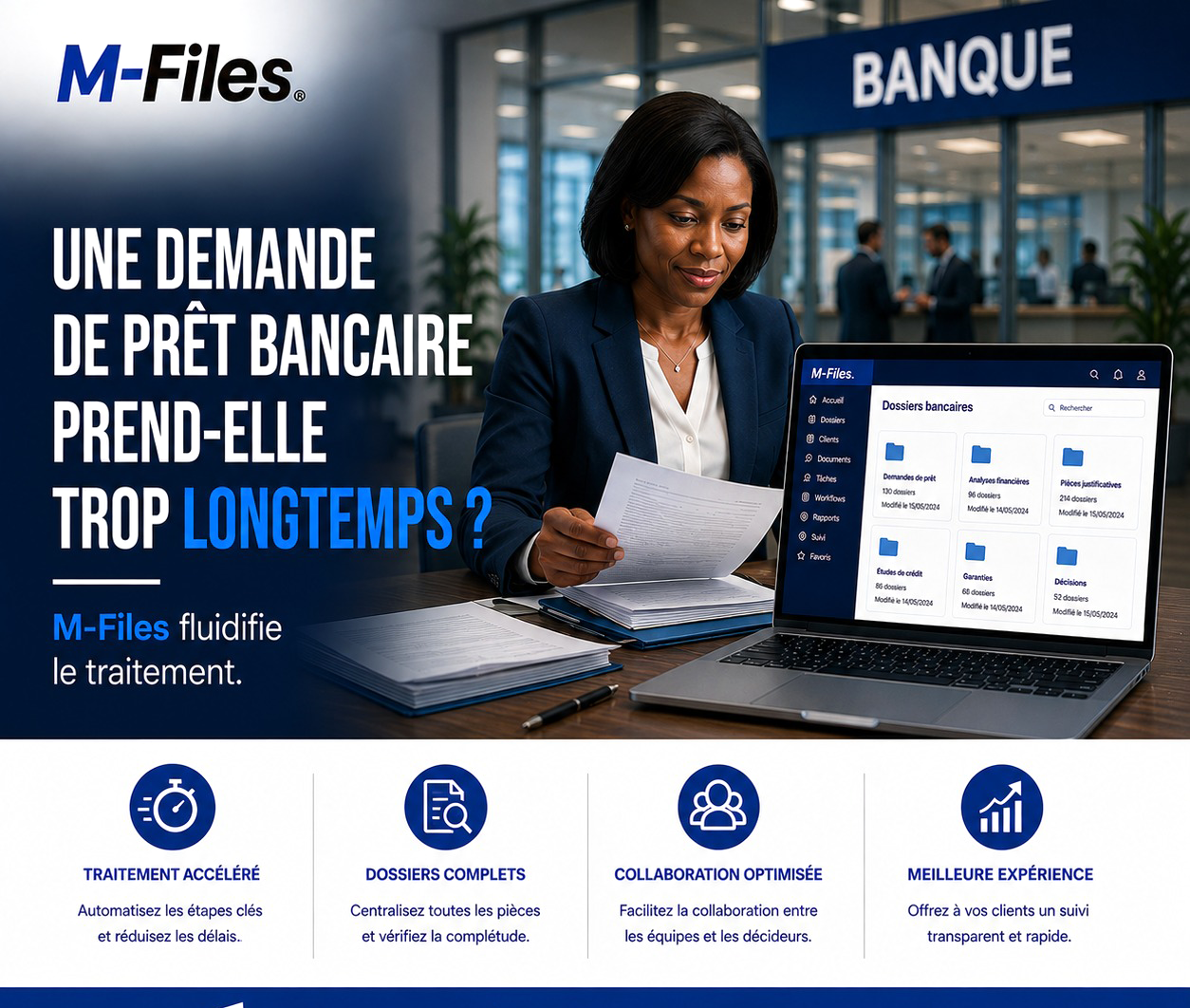
Documents requested again, files shuttled from desk to desk, clients waiting for weeks... Discover how M-Files speeds up loan application processing.
Read more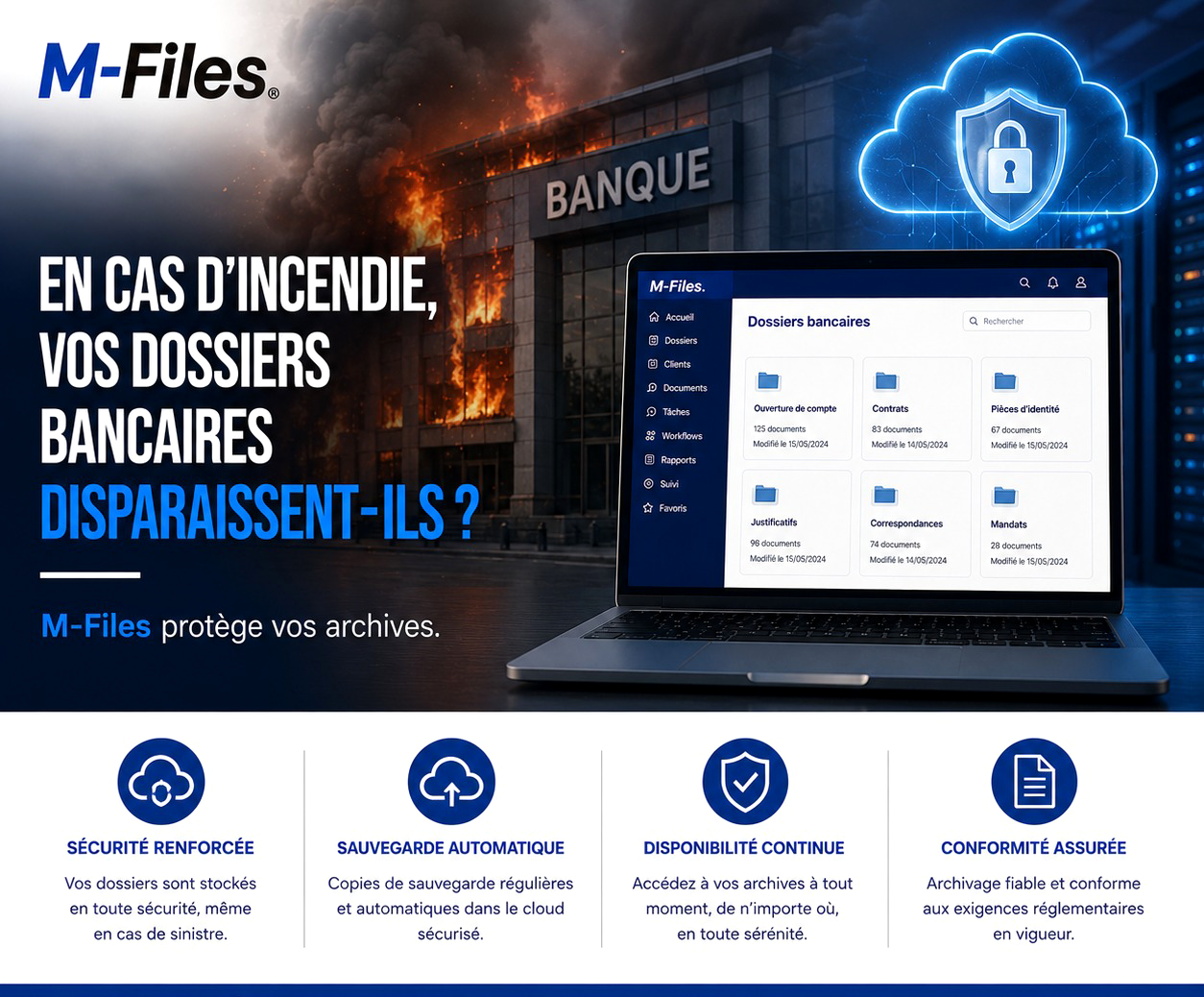
If your paper archives burned down tonight, what would be left of your clients' files? Discover how M-Files protects, backs up, and keeps your documents available, even in the event of a disaster.
Read moreContact us to learn more about our news and upcoming events.
Comments
No comments yet. Be the first to react!