
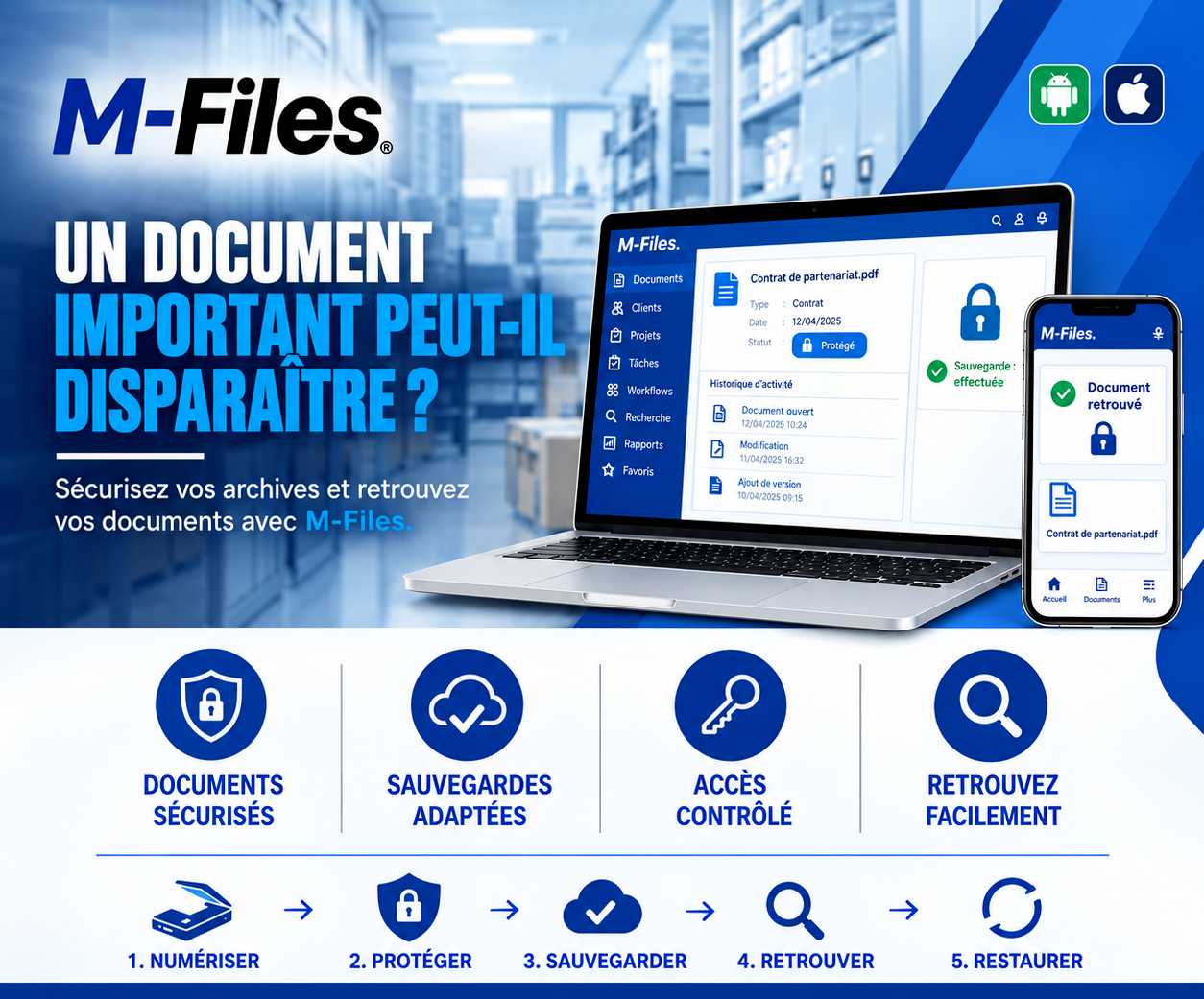
Can an important document disappear?
One click on a Friday evening, and the only digital copy of a three-year contract is erased. Are your most valuable documents truly protected?
Galaxy Conseils • Banking & financial institutions sector
For three years, Société Alpha has been the bank's partner for maintaining equipment at its branches. The partnership contract sets everything: scope, response times, rates, and renewal terms. It was signed, scanned, and saved on the procurement department's shared server.
One Friday evening, a staff member is tidying up that server. He sees a folder he believes is a duplicate, "Old_Partnerships." He deletes it to free up space. It wasn't a duplicate: it was the only digital copy of Société Alpha's contract and its amendments.
"Three weeks later, Aïcha asks to prepare the renewal. The procurement department looks for the contract. It's no longer on the server. The last usable backup is too old and doesn't include the amendments. The paper original was sent to external archives, and it will take several days to retrieve it."
No one meant any harm. But a single click was enough to make an important document disappear. And for days, the bank and Aïcha negotiate without having the contract that binds them in front of them.
An accidental deletion
A folder erased while tidying up, a file overwritten by another one.
A broken or lost computer
The only copy of the document was on a single workstation.
A virus or malicious software
Files on a shared server become unreadable.
Insufficient backups
Too old, incomplete, or never tested.
For a bank, losing a contract, a client file, or a supporting document means losing a piece of evidence. And sometimes, a partner's trust.
Protecting an important document rests on a few simple principles: digitize it, limit who can modify or delete it, back it up regularly, keep a record of everything that happens to it, and be able to restore it quickly if something goes wrong.
↩️ A deleted document stays restorable: nothing is ever truly lost
1. Digitize — Société Alpha's partnership contract is scanned and saved in M-Files: type "Contract," date, partner, with its amendments attached.
2. Protect — it carries a "Protected" status. Only a few authorized people can modify it, and very few can delete it.
3. Back up — M-Files data is backed up according to a policy tailored to the bank. On screen, the indicator confirms: "Backup completed."
4. Retrieve — a search for "partnership contract" or "Société Alpha" displays the document in seconds, on computer as well as on phone.
5. Restore — and if a mistake happens anyway? A document deleted in M-Files isn't erased immediately: an administrator can restore it.
On that Friday evening, the staff member tidying up the server doesn't actually have the rights to delete this contract. And the activity history shows precisely who opened, modified or completed it, and when.
When Aïcha asks to prepare the renewal, the contract and its amendments appear in seconds: "Document found." Negotiations begin that very day, on clear footing.
Secured documents — important documents are protected against unauthorized changes and deletions.
Suitable backups — your data is backed up according to a policy defined with you, not left to chance.
Controlled access — everyone can only do what their role allows: view, edit, or delete.
Documents easy to retrieve — in seconds, with a simple search, even after a mistake.
On a typical file server, deleting a folder can make all its content disappear, and only a recent backup can recover it. In M-Files, deletion is controlled by permissions, logged in the history, and reversible by an administrator.
Every document also keeps a history of its versions and its activity: a version added, an edit, a view. If there's any doubt, you know what happened, and you can go back.
Finally, M-Files fits into the bank's backup policy, whether it's installed on its own servers or hosted in the cloud. Backups, tested regularly, complete the protection provided day to day by permissions and versions.
"If someone accidentally deleted the folder of your most important contracts tonight, would you be able to recover it tomorrow morning, complete?"
If you're not sure, your important documents deserve better protection.
We help banks and financial institutions protect their important documents with M-Files: access rights, version management, backup policy, and restoration procedures.
Galaxy Conseils: innovation in the service of your performance.
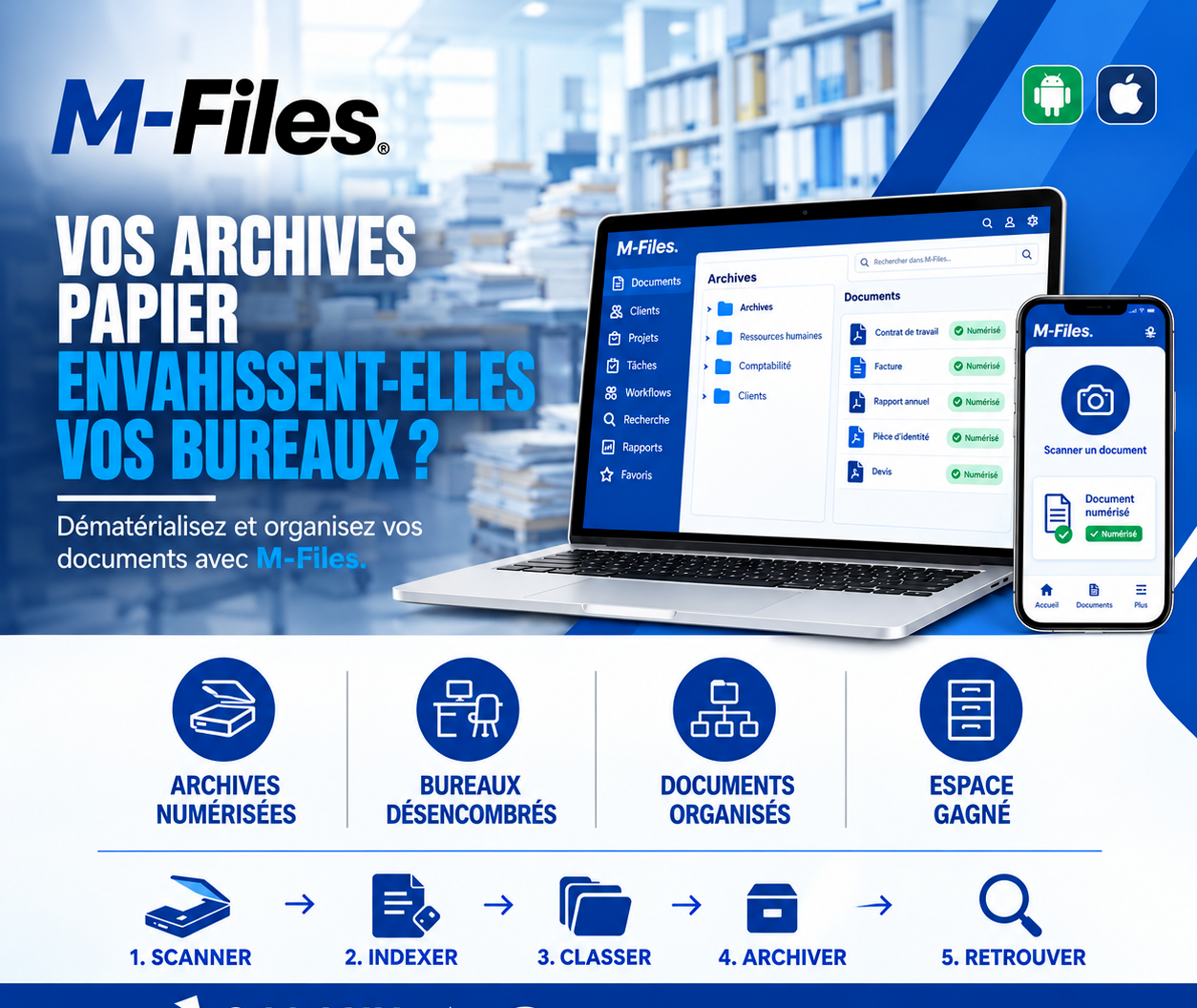
Is paper taking over your offices? Scan, index, classify, archive, retrieve: discover how M-Files digitizes your documents and frees up space.
Read more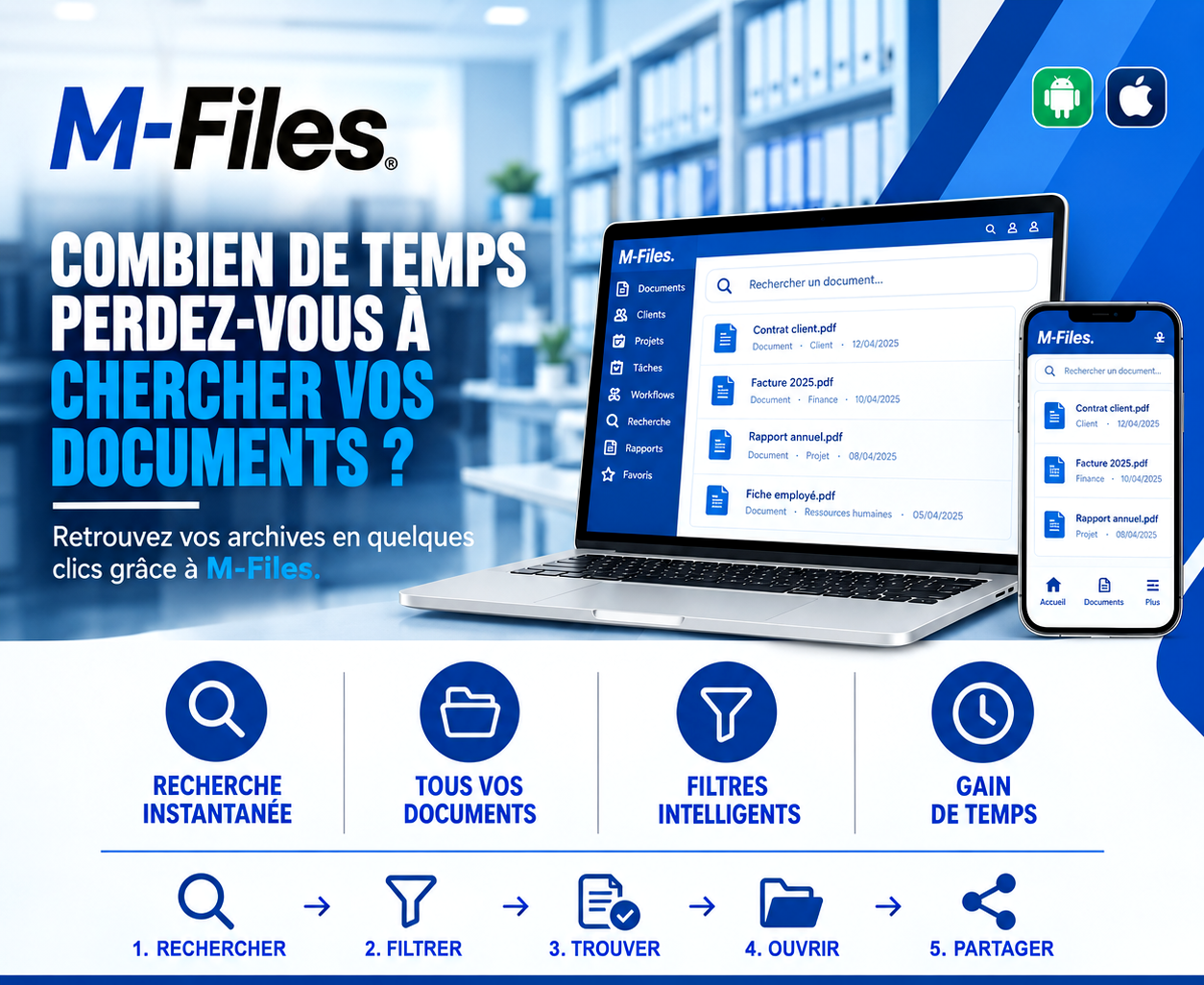
How much time do you waste searching for documents? Instant search, all your documents in one place, smart filters: discover how M-Files saves you time every day.
Read more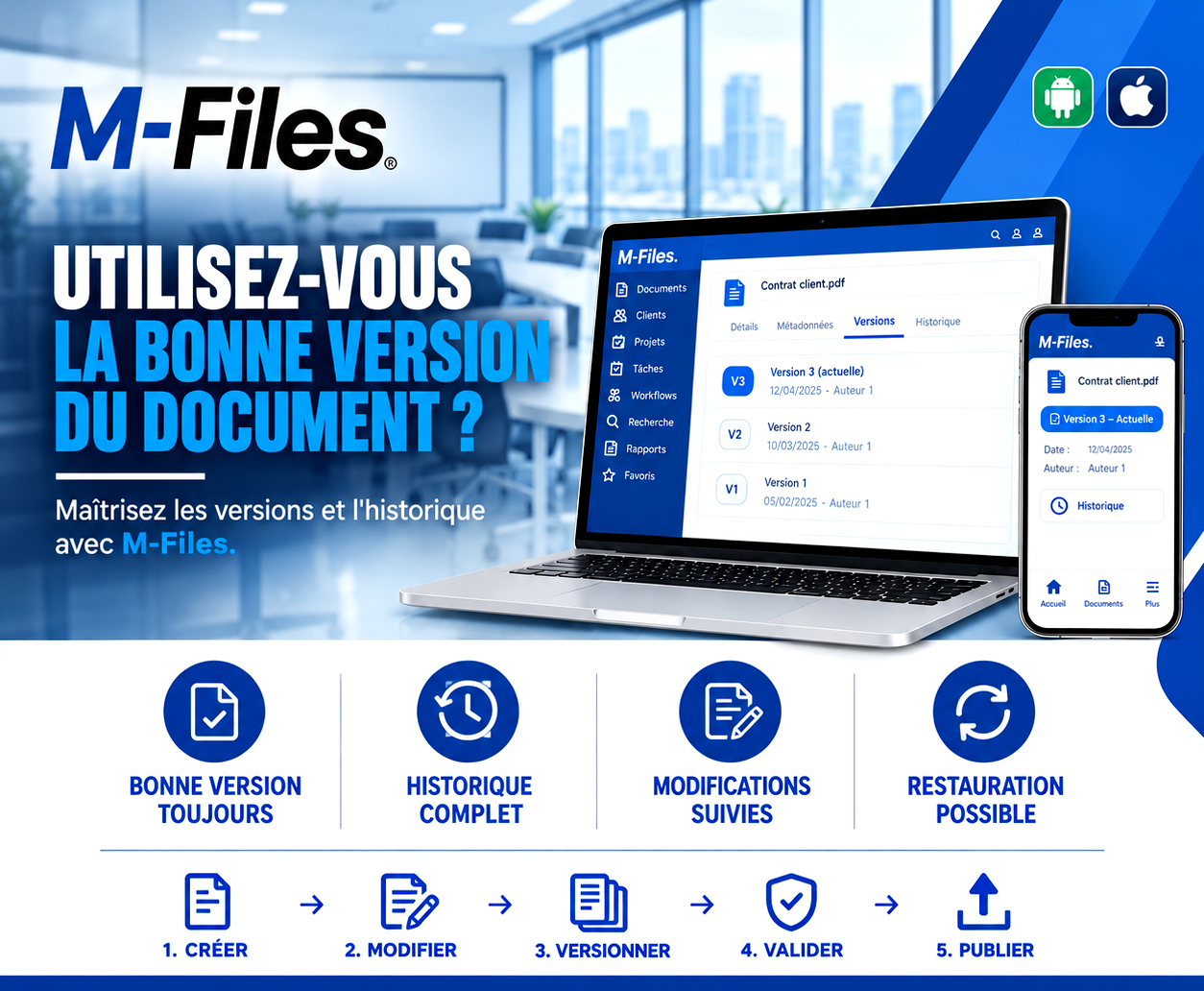
Are you working on the right version of the document? Always the right version, full history, tracked changes, one-click restore: discover how M-Files masters your document versions.
Read moreContact us to learn more about our news and upcoming events.
Our offers, news and document management tips, straight to your inbox. One e-mail a month at most.
Unsubscribe in one click at any time. Privacy policy
Check your inbox
We've sent you a confirmation link. Click it to complete your sign-up.
Comments
No comments yet. Be the first to react!