
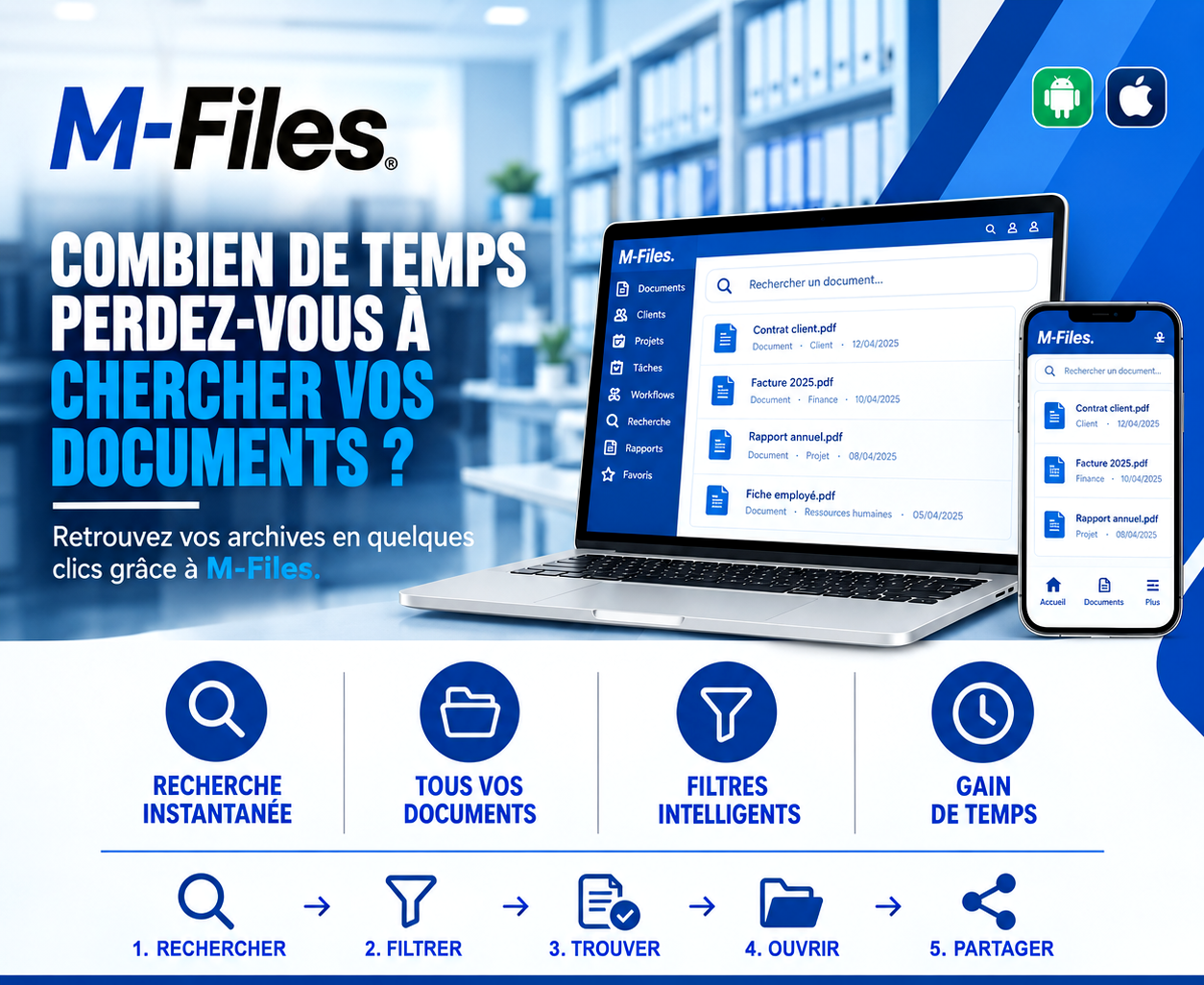
How much time do you waste searching for documents?
A contract in a shared folder, an invoice in an email, a report filed "somewhere." Twenty-five minutes later, a client is still waiting.
Galaxy Conseils • Banking & financial institutions sector
Tuesday, 10 a.m. Aïcha arrives at the branch for an important meeting: she wants to review her relationship with the bank before launching a new investment. She has set aside an hour in her busy schedule.
Her advisor greets her with a smile, then opens his computer. He needs the Société Alpha contract, the latest fee invoice, and the annual report Aïcha submitted in the spring. "I had it right here…" The contract is in a shared folder, but which one? The invoice is in an email. The annual report was printed and filed, somewhere.
"He calls a colleague, opens three folders, scrolls through his inbox. Aïcha checks the time. After twenty-five minutes, two documents out of three have been found. The third will be 'emailed this afternoon.'"
The meeting ends without the real questions ever being addressed. Aïcha leaves feeling she's lost her morning. And her advisor loses that same time several times a day, without even noticing it.
Scattered documents
Shared folders, personal computers, inboxes, paper binders.
Filing that depends on each person
Every staff member has their own logic for folders and file names.
No way to filter
There's no way to ask for "all documents for this client, this type, this year."
Colleagues get interrupted
When you can't find something, you ask, and you interrupt someone else.
For a bank, that lost time is time not spent on clients. And in front of a client, it shows.
The goal isn't to file things better, but to never have to remember where something was filed. When each document is described by a few pieces of information (client, type, date, department), you simply ask for it to find it, wherever it was saved.
⚡ A single search point for all your documents, wherever they're stored
1. Search — before Aïcha even sits down, the advisor types "Société Alpha" into the search bar.
2. Filter — with one click, he filters by document type: contracts, invoices, reports.
3. Find — the client contract, the latest invoice and the annual report appear in the list, with their date and category.
4. Open — he opens each document directly on screen, in its latest version.
5. Share — Aïcha asks for a copy of the contract: the advisor shares it with her in seconds, before the meeting ends.
Less than a minute after she arrives, Aïcha and her advisor are already discussing her investment project. And when the advisor is on the move, he finds the same documents on the M-Files mobile app.
Aïcha leaves with clear answers and a financing plan. For her, the bank was efficient. For the advisor, it's an hour of useful work instead of an hour of searching.
Instant search — find a document by a word, a client name, a number or a date, in seconds.
All your documents — contracts, invoices, reports, personnel files: everything is accessible from one place, with the right permissions.
Smart filters — client, type, department, date: narrow results in one click.
Time saved — the time saved on searching is time given back to your clients and your teams.
In traditional filing, you need to know where a document was stored to find it again. In M-Files, you search for what it is: a contract, for a given client, dated a given day. The same document appears in the client's file, in the list of contracts, and in search results, without ever being copied.
Search also covers the content of documents: a single word found in a contract or a report is enough to find it, even if you've forgotten its title.
And because access rights apply to every document, each person only sees what they're entitled to see. Personnel files, for example, stay reserved for HR.
"How long would it take one of your staff members to gather, right now, the contract, the latest invoice and the annual report for one of your clients?"
If the answer is more than a minute, your teams are losing time every day that could serve your clients.
We help banks and financial institutions organize their documents with M-Files, so everyone finds what they need in a few clicks.
Galaxy Conseils: innovation in the service of your performance.
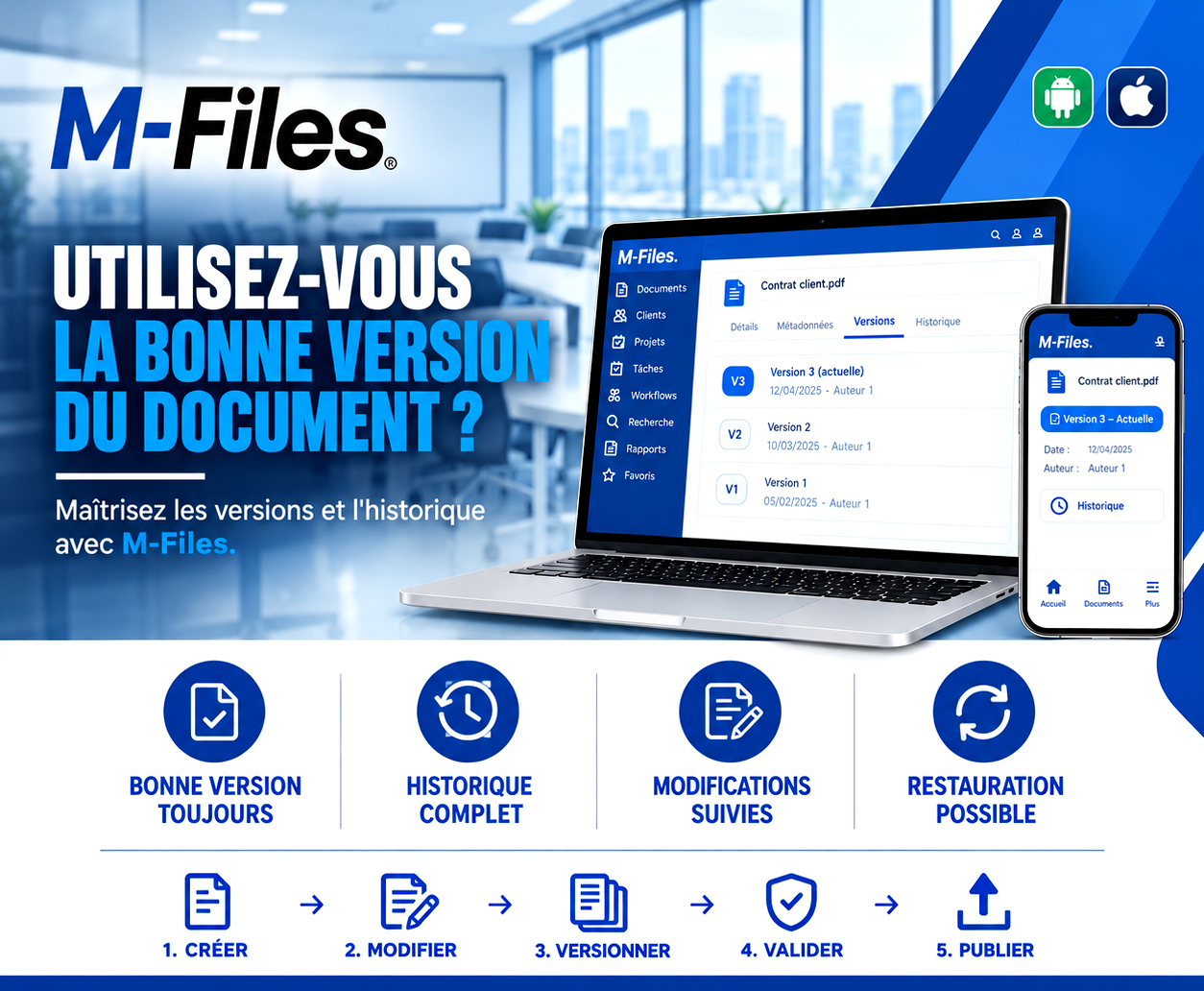
Are you working on the right version of the document? Always the right version, full history, tracked changes, one-click restore: discover how M-Files masters your document versions.
Read more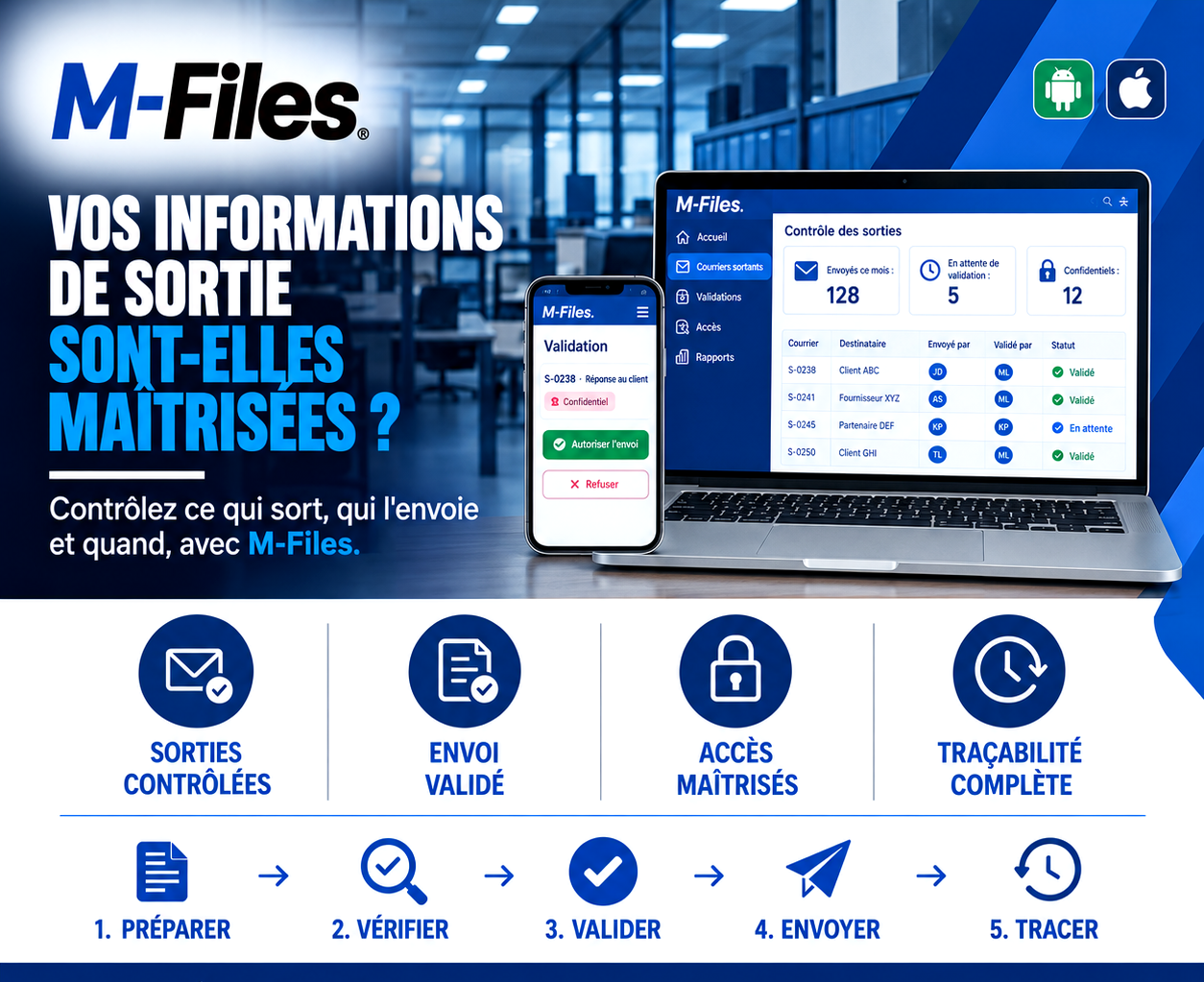
Is what leaves your bank actually under control? Controlled outgoing mail, approved sending, controlled access, complete traceability: discover how M-Files controls what goes out, who sends it, and when.
Read more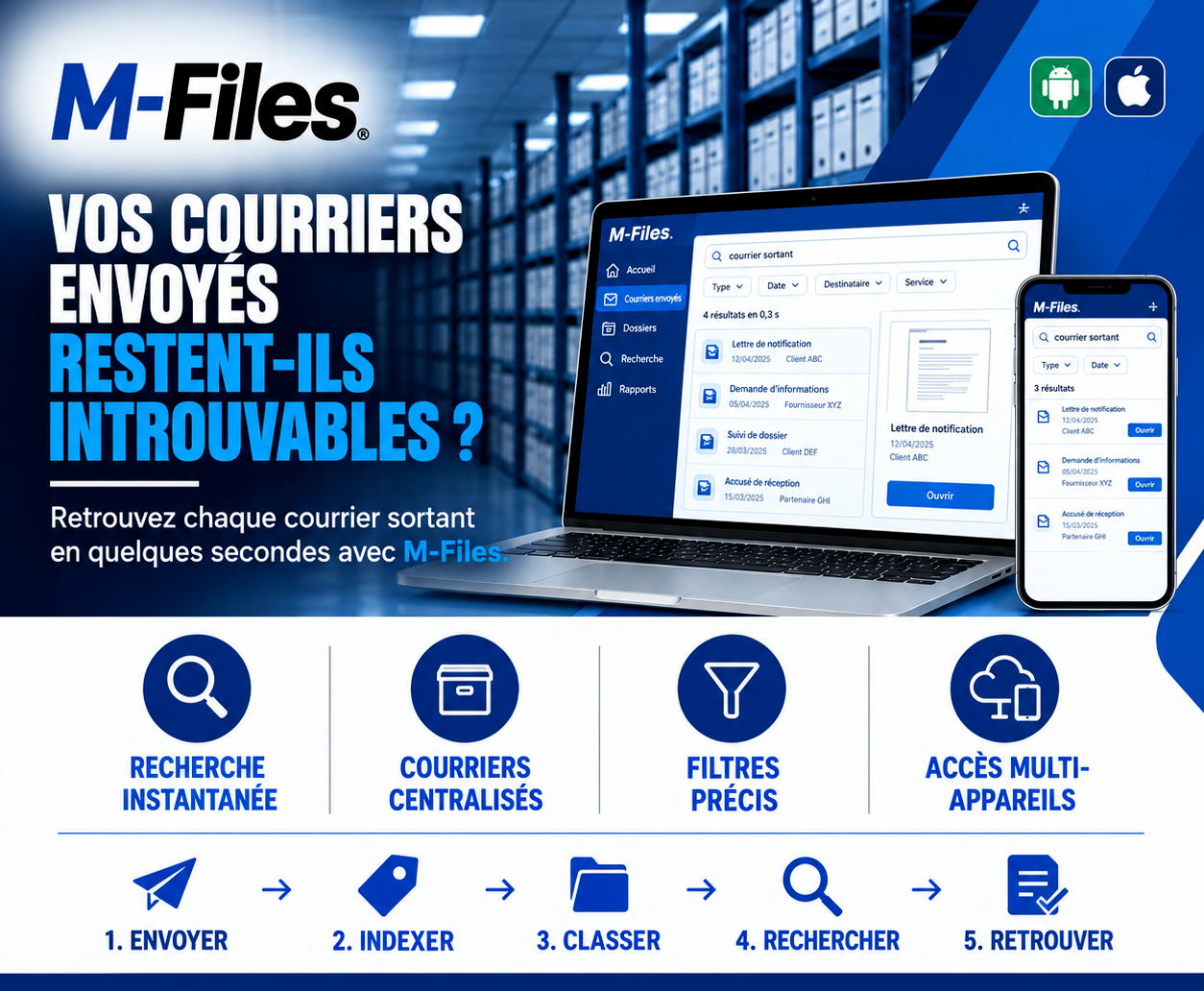
Do your sent letters stay impossible to find? Instant search, centralized letters, precise filters, access on computer and mobile: discover how M-Files retrieves every outgoing letter in seconds.
Read moreContact us to learn more about our news and upcoming events.
Our offers, news and document management tips, straight to your inbox. One e-mail a month at most.
Unsubscribe in one click at any time. Privacy policy
Check your inbox
We've sent you a confirmation link. Click it to complete your sign-up.
Comments
No comments yet. Be the first to react!