
Project management & documents
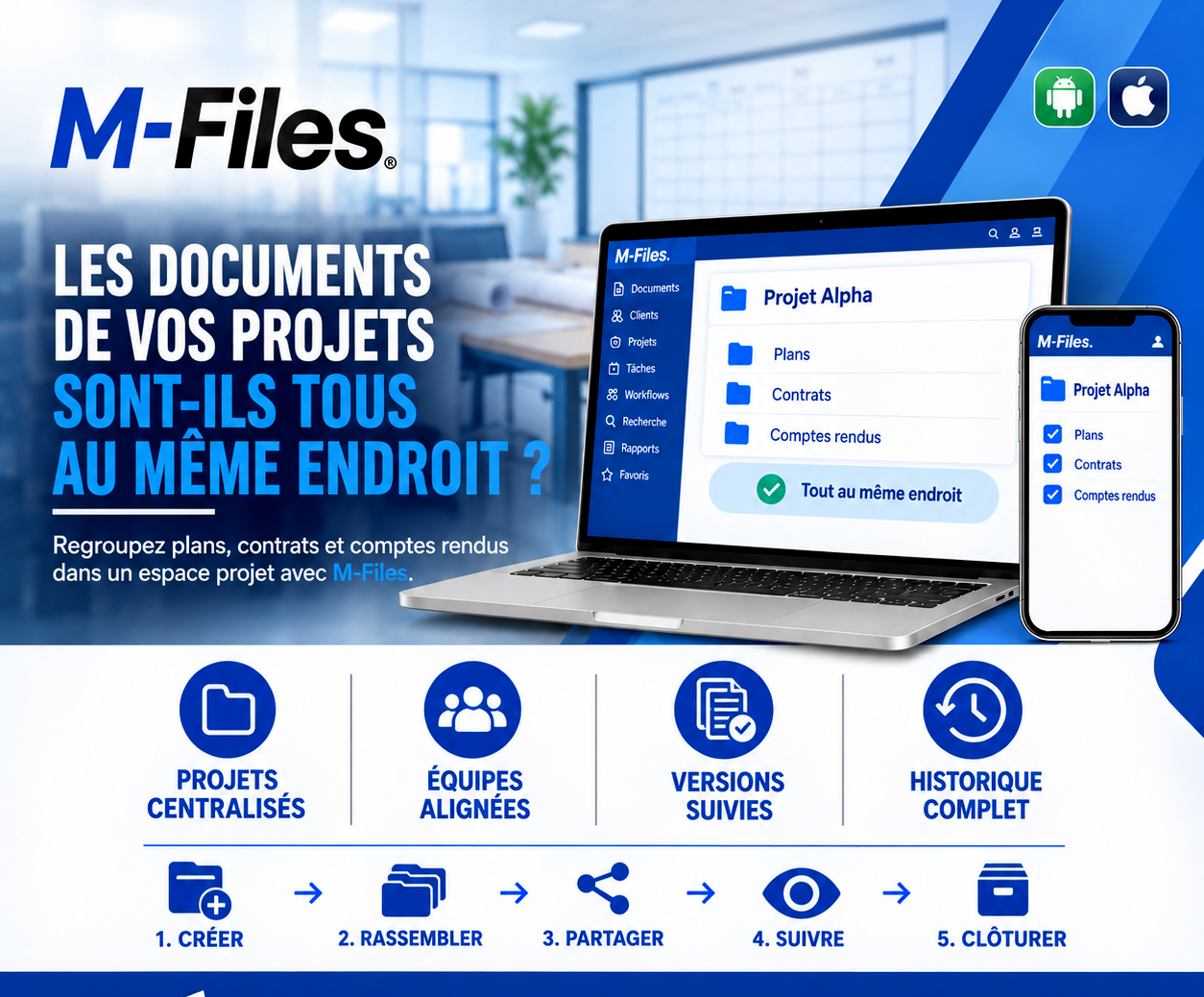
ARE YOUR PROJECT DOCUMENTS ALL IN THE SAME PLACE?Discover how M-Files gathers each project's documents in a single space, with tracked versions and a complete history.
Galaxy Conseils • Banks & companies
The renovation of the Bonanjo branch is under way. Aïcha, head of Société Alpha, has to install equipment there. She arrives on Monday morning, ready to start.
On site, Patrick, the project manager, shows her the plan received by email. But Rodrigue, the branch manager, holds a more recent version, modified after a meeting. The contract and its amendment on the schedule are with the legal department, and nobody on site has seen them. As for the meeting minutes that moved the connection point, they stayed in Estelle's notebook.
Everyone has part of the project. Nobody has the whole project. Aïcha installs her equipment according to the plan she was shown.
A few days later, everything has to be redone at the other location. A week of delay, unhappy teams, and nobody is really at fault.
Plans: several versions circulate by email, with no way to know which one is authoritative.
Contracts: the contract and its amendments stay in one department, far from the people doing the work.
Meeting minutes: decisions made in meetings do not reach everyone.
Project memory: in the end, it is impossible to reconstruct what was decided, by whom and when.
Instead of letting each document live in its own mailbox or folder, a dedicated space is created for the project. Plans, contracts and meeting minutes are gathered there, up to date, and accessible to those who need to see them, from a computer or from mobile.
Let's revisit the branch renovation story, with M-Files.
1. Create. From the launch, a “Bonanjo branch renovation” space is created, with its Plans, Contracts and Meeting minutes folders.
2. Gather. The plan, the contract with its amendment and the meeting minutes are placed in the project space, instead of staying in emails and notebooks.
3. Share. Patrick, Rodrigue, Estelle and the legal department see the same documents. Aïcha accesses what concerns her work, according to the configured permissions.
4. Track. Every change creates a new version, with its history. The plan modified after the meeting is clearly the current version, and the minutes that move the connection point are visible to everyone.
5. Close. When the work is finished, the project is closed and its complete file is archived, ready to be retrieved if questions arise.
On Monday morning, Aïcha opens the project, sees the right plan, installs in the right place, and the site moves forward with no rework.
Centralized projects. Plans, contracts and meeting minutes are found in the same place.
Aligned teams. Everyone works from the same documents.
Tracked versions. You know which version is the latest and what has changed.
Complete history. At closure, the file tells the whole story of the project.
M-Files does not ask you to decide first in which folder to file a document. It describes the document (project, document type, status) and displays it in the relevant project space, wherever it originally came from.
This does not replace team discipline: documents still have to be placed in the project space. But it removes the need to search several mailboxes and several folders to reconstruct the project.
Opening access to external partners such as a supplier depends on the configuration agreed with the IT department. It is prepared and controlled, document by document if needed.
Ask yourself this question:
If a project manager leaves tomorrow, will their colleagues find all the plans, contracts and meeting minutes of their projects?
If the answer is not a clear yes, it is time to bring your projects together in one place.
At Galaxy Conseils, we help banks and companies organize their projects and documents with M-Files: project spaces, access rights, versions, closure and archiving.
Want to see concretely what this would look like in your bank?
✉️ Request a demo 💬 Write to us on WhatsAppGalaxy Conseils: innovation in service of your performance.
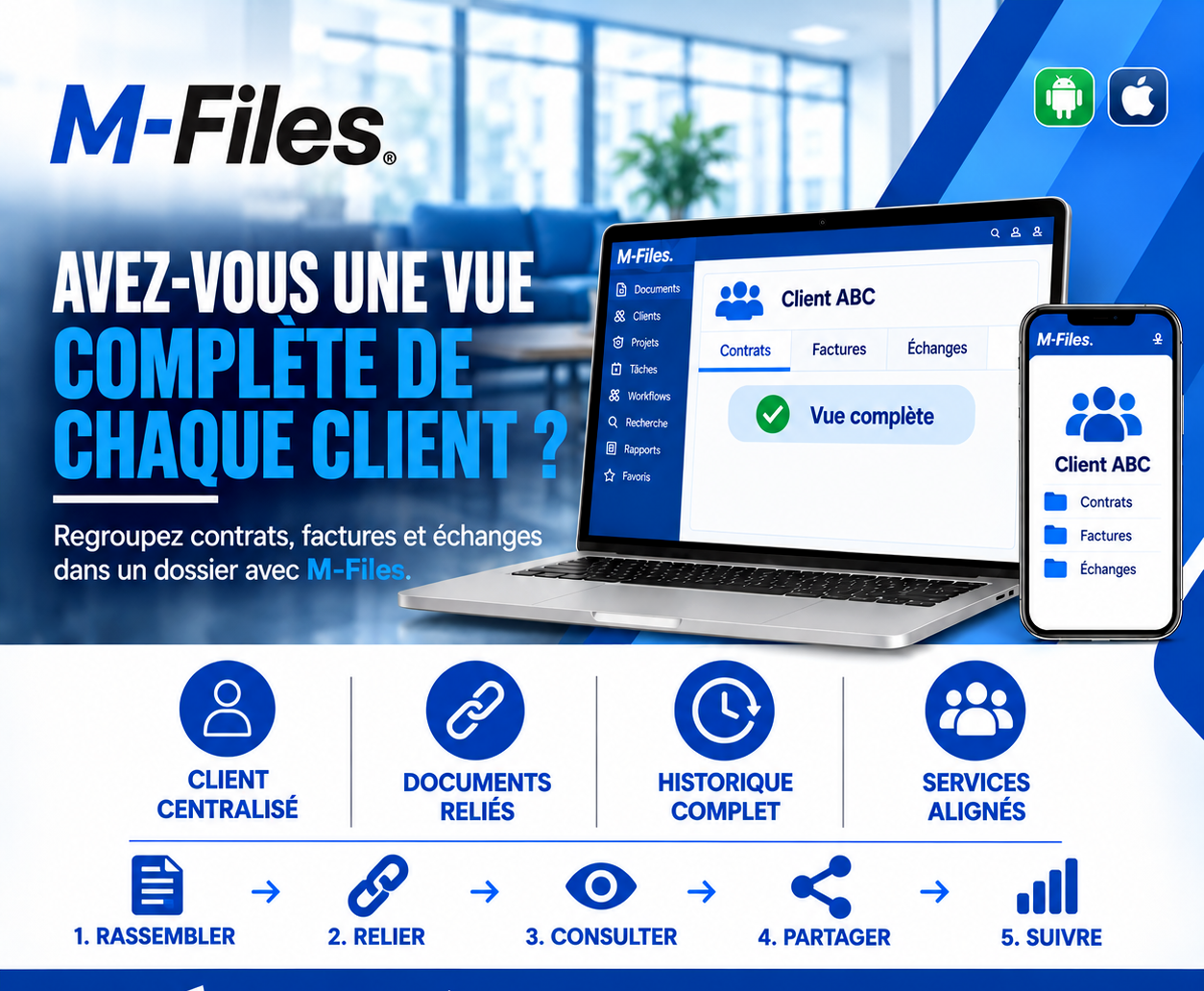
Contracts here, invoices there, exchanges elsewhere? Discover how M-Files gathers everything about a customer in a single file, with a complete history and aligned departments.
Read more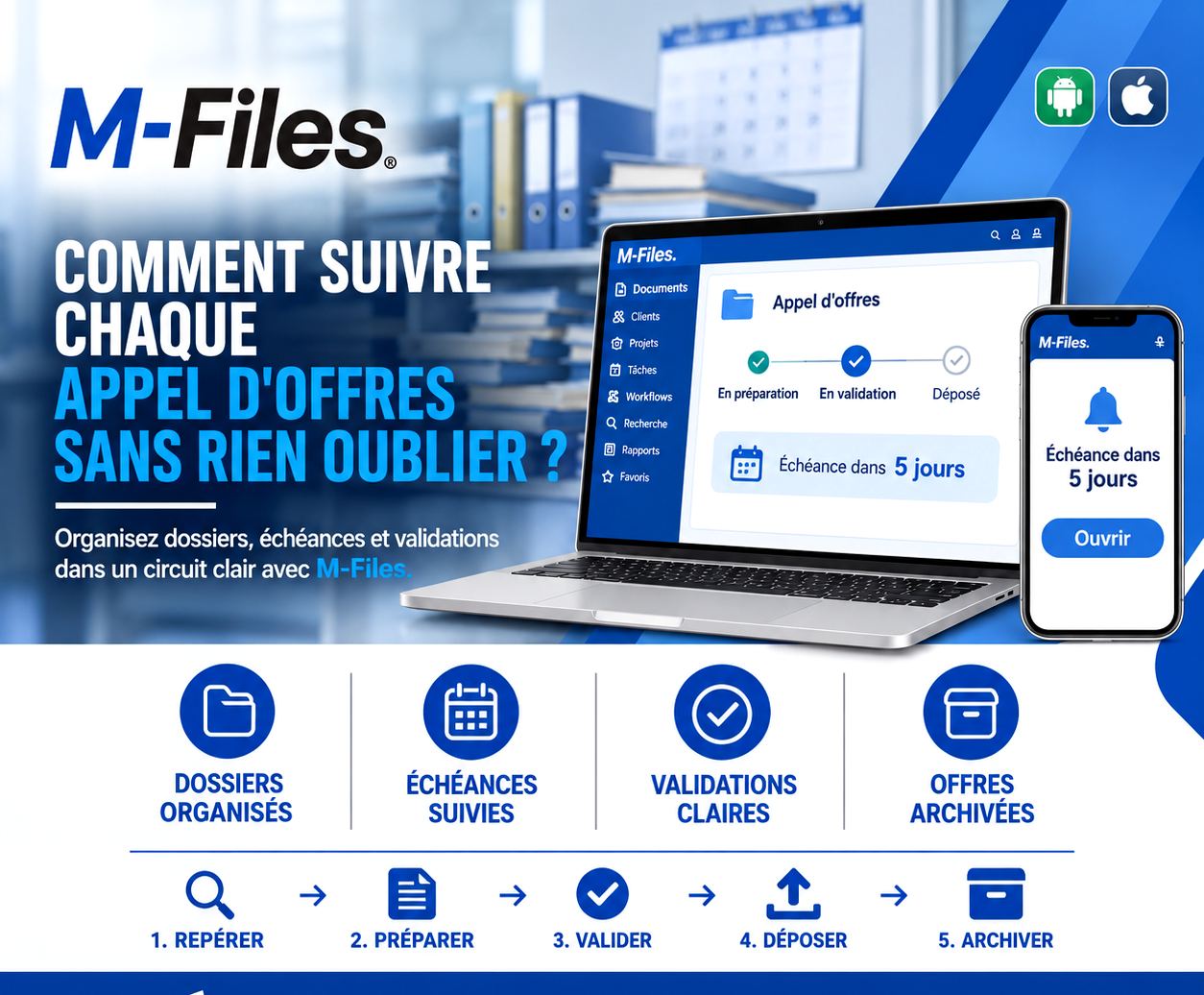
Missed deadline, missing document, lost version? Discover how M-Files organizes every tender: file, deadlines, approvals, submission and archiving.
Read more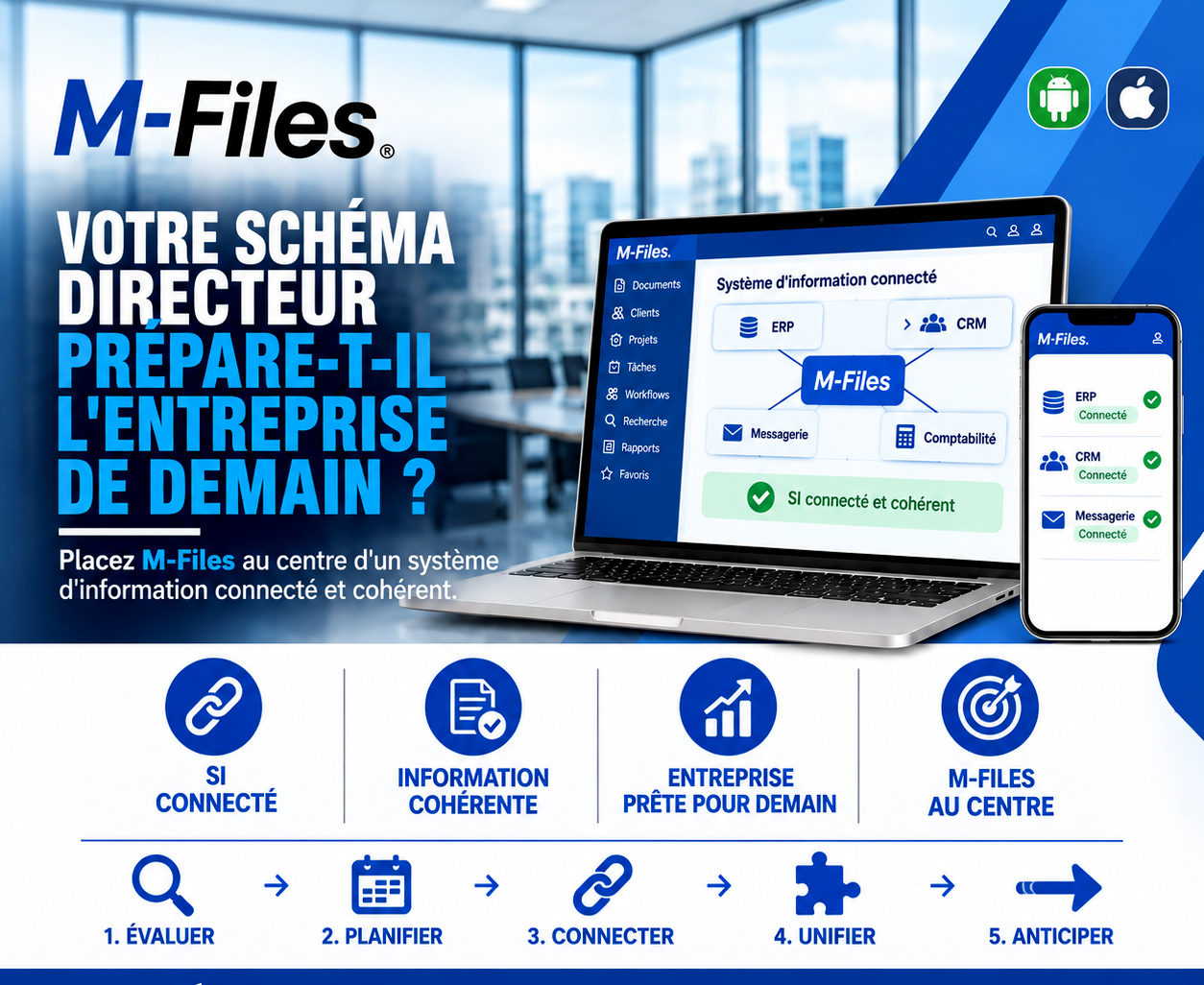
Does your IT master plan prepare the company of tomorrow? Connected IS, consistent information, a company ready for tomorrow, M-Files at the center: anticipate your next tools without recreating silos.
Read moreContact us to learn more about our news and upcoming events.
Our offers, news and document management tips, straight to your inbox. One e-mail a month at most.
Unsubscribe in one click at any time. Privacy policy
Check your inbox
We've sent you a confirmation link. Click it to complete your sign-up.
Comments
No comments yet. Be the first to react!