
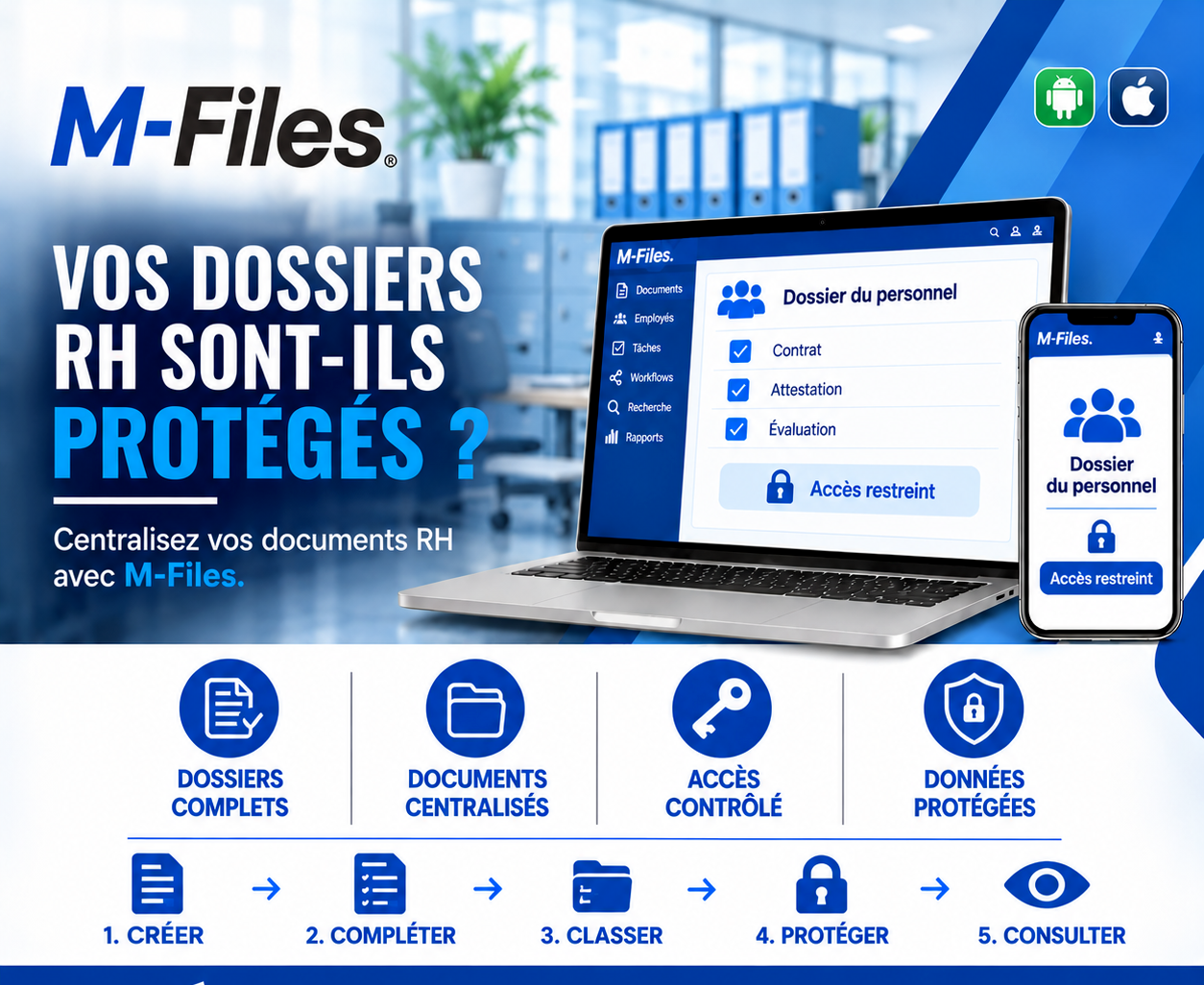
ARE YOUR HR FILES PROTECTED?
Complete files, centralized documents, controlled access, protected data: discover how M-Files secures personnel records.
Galaxy Conseils • Companies & financial institutions
Société Alpha now has eighty employees. To save time, the HR assistant created a shared "Personnel" folder on the company's server. Contracts, certificates, annual reviews: everything is stored there, one subfolder per employee.
One Monday morning, a team leader is looking for the leave-request template. Browsing the server, he opens the "Personnel" folder out of curiosity, then his colleagues' performance reviews. He finds his own manager's comments about him, and a recently hired colleague's contract, with their salary.
Within days, the information is circulating through the workshops. Tension builds. An employee complains to Aïcha that their review was read by others. Morale sinks, and Aïcha has to spend several weeks rebuilding trust.
No one meant any harm. The HR assistant simply wanted to save time. But a poorly protected personnel folder means every employee's privacy is exposed.
A personnel file contains personal and sometimes highly confidential information: contracts, compensation, performance reviews, certificates, identity documents, correspondence with management. Protecting it is a matter of respecting people, workplace climate and compliance. Yet these files are often poorly managed.
Incomplete files. A signed contract is missing, a certificate can't be found, a review was never filed.
Scattered documents. Spread across binders, the HR inbox and shared folders.
Overly broad access. A shared folder open to almost everyone.
No trace. No one knows who viewed an employee's file.
Good practice is to bring together all of an employee's documents in a single file, check that it's complete, and then restrict access to only the people who need it: HR, management, and sometimes the direct manager for certain documents. Every access should leave a trace.
Let's revisit the story, this time with a Société Alpha that manages its HR files in M-Files.
1. Create. With every hire, a "Personnel File" is created in M-Files for the new employee.
2. Complete. The expected documents are listed: contract, certificates, reviews. A green checkmark appears next to each document received, and HR immediately sees what's missing.
3. Classify. Each document is linked to the employee and filed according to its type, with no improvised shared folder.
4. Protect. The file carries a "Restricted access" label: only HR and management can access it. A manager can view their team's performance reviews, but not contracts or compensation.
5. Consult. HR finds any document within seconds, on desktop or mobile. Every access is logged.
The team leader looking for the leave-request template finds it among the company's general documents. The "Personnel" file doesn't even show up in his search results. Reviews stay confidential, and so do salaries.
Complete files. Every file lists the expected documents, so you can see at a glance what's missing.
Centralized documents. All of an employee's documents are brought together in one place — no more binders and emails.
Controlled access. Only authorized people can access the files, based on their role.
Protected data. Personal information is shielded from prying eyes, and every access is logged.
In M-Files, access rights don't depend on where a file is stored, but on what it is: a document of the "Personnel file" type is automatically protected, no matter where it's accessed from. It can't be exposed by mistake just by copying it into the wrong folder.
Rights can be fine-tuned by document type: a manager can view their team's review without accessing contracts or compensation. And the activity log shows who viewed what, and when.
The same principle applies at a bank, where personnel files sit alongside other documents subject to strict confidentiality requirements.
Ask yourself the question:
"Today, how many people in your company could open a colleague's review or contract if they wanted to?"
If the answer isn't "only HR and management," your personnel files deserve better protection.
At Galaxy Conseils, we help companies and financial institutions centralize and protect their personnel files with M-Files, defining the right access rules together with them. Want to see exactly what this would look like in your company?
Galaxy Conseils: innovation serving your performance.
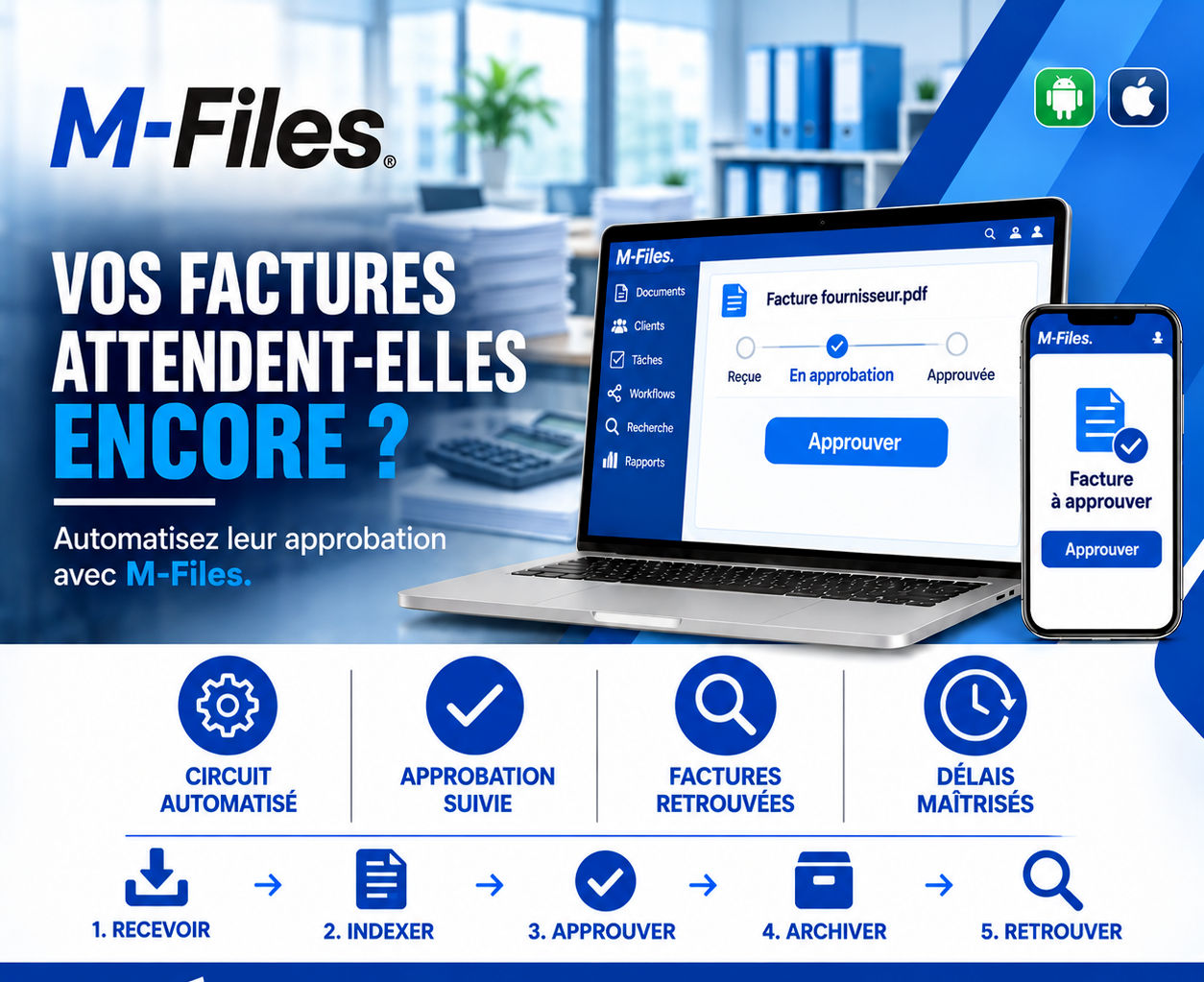
Are your invoices still waiting? Automated workflow, tracked approvals, invoices easy to find, controlled deadlines: discover how M-Files speeds up supplier invoice approval.
Read more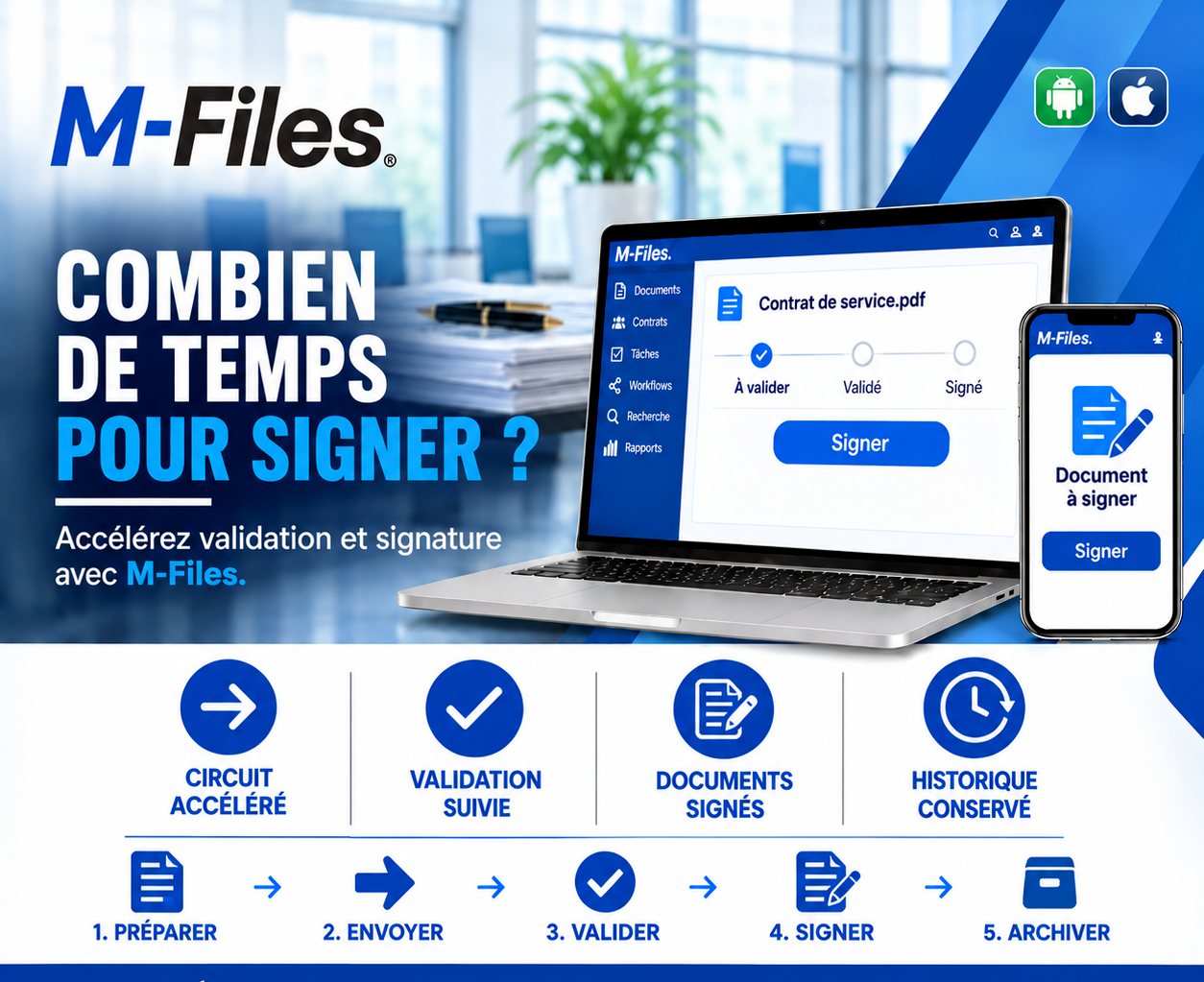
How long does it take to sign? A faster workflow, tracked approvals, signed documents, a kept history: discover how M-Files cuts the time between preparing a contract and signing it.
Read more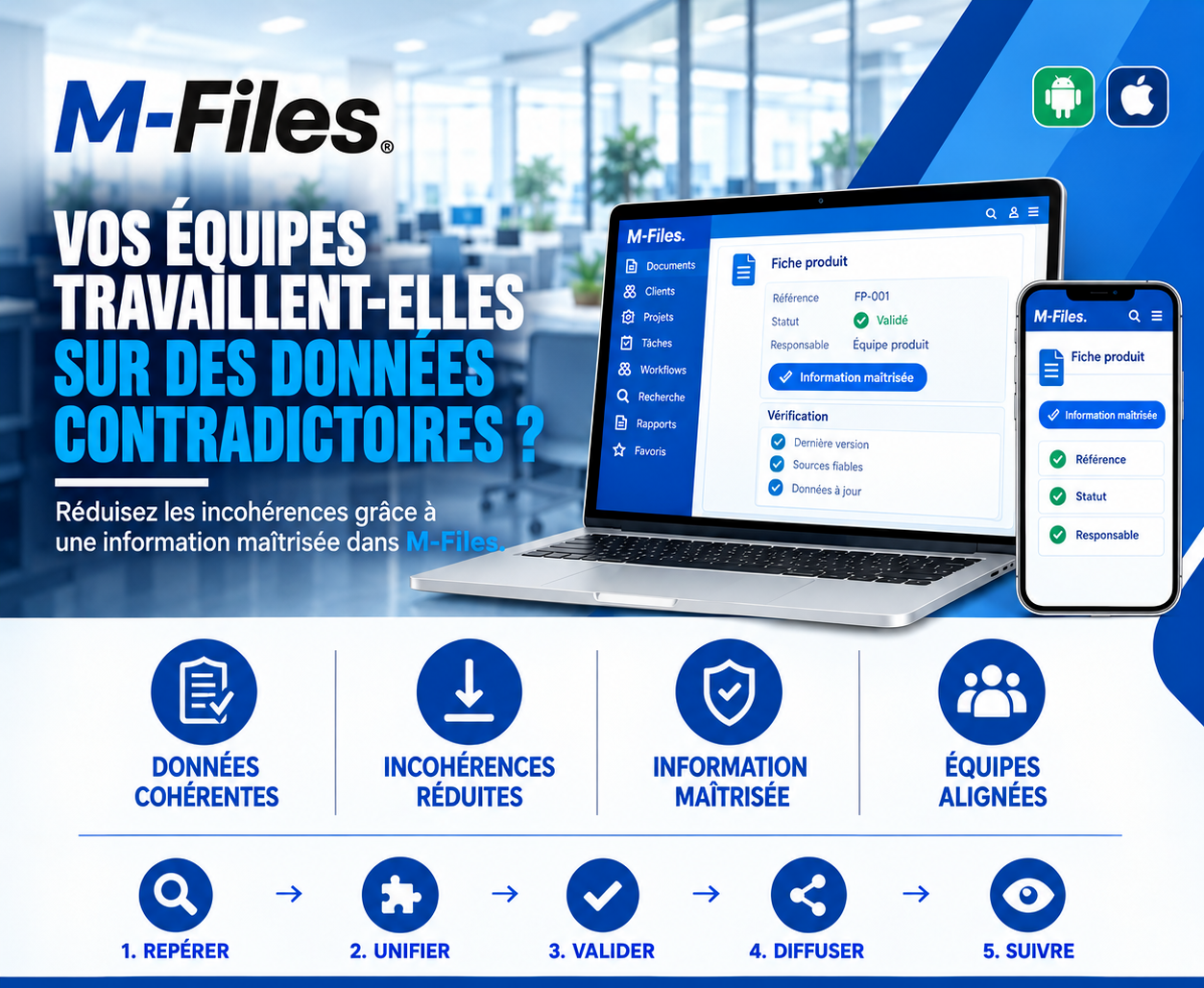
Does your team work with contradictory data? Consistent data, fewer inconsistencies, controlled information, aligned teams: discover how M-Files guarantees validated, up-to-date information.
Read moreContact us to learn more about our news and upcoming events.
Our offers, news and document management tips, straight to your inbox. One e-mail a month at most.
Unsubscribe in one click at any time. Privacy policy
Check your inbox
We've sent you a confirmation link. Click it to complete your sign-up.
Comments
No comments yet. Be the first to react!