
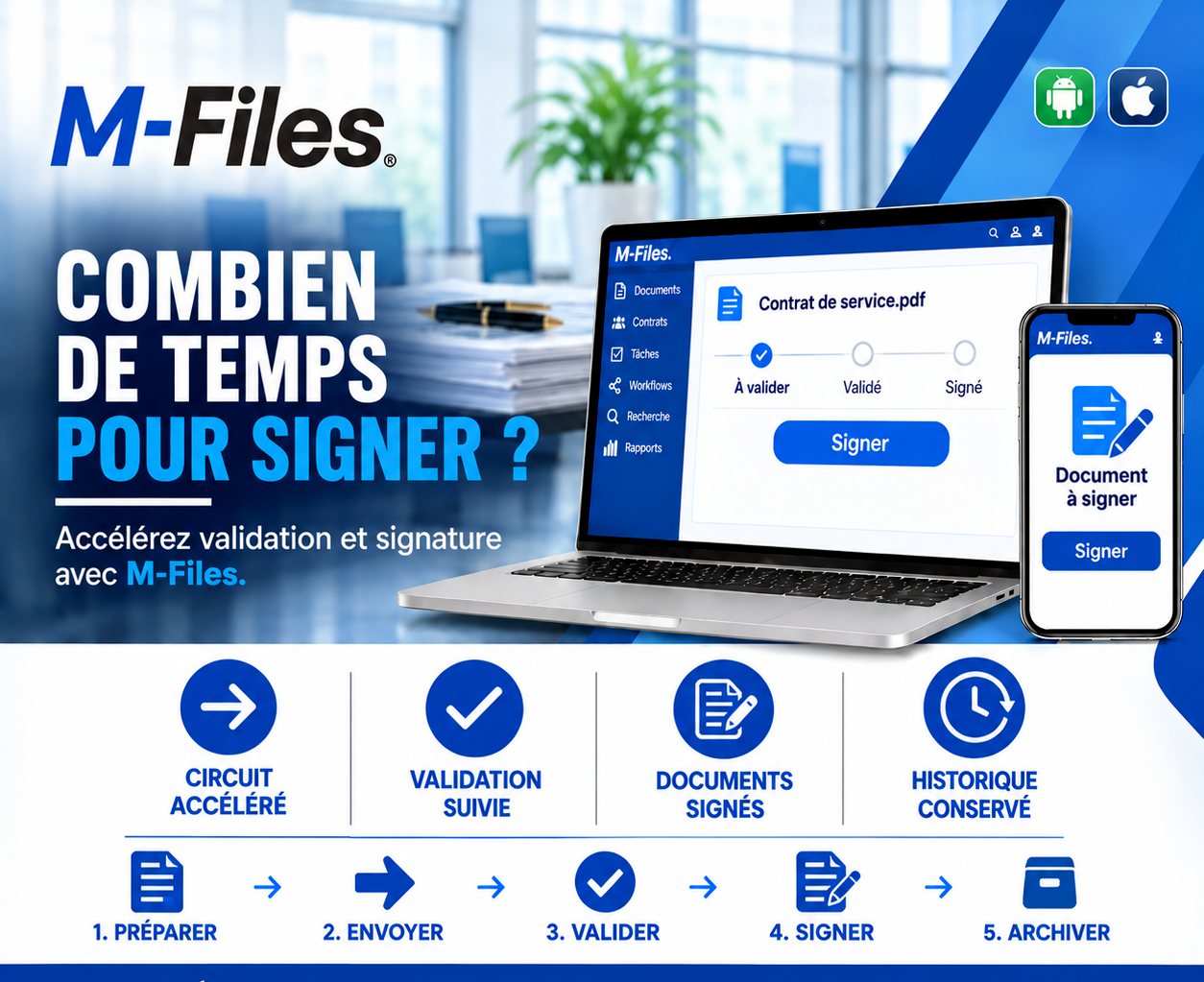
HOW LONG DOES IT TAKE TO SIGN?
A faster workflow, tracked approvals, signed documents, a kept history: discover how M-Files cuts the time between preparing a contract and signing it.
Galaxy Conseils • Banking sector & financial institutions
The bank and Société Alpha have agreed on a new service contract: maintaining equipment across all branches for three years. The negotiations are over. All that's left is to sign.
The contract is printed in three copies. It goes to legal for a final check, then to the purchasing director, who initials it. Next comes the general manager's signature... but he's on a business trip to Yaoundé for the week. The copies wait in a signature tray on his desk.
When he returns, the general manager signs. The copies are sent by courier to Société Alpha. Aïcha, meanwhile, is away on a job site in Kribi. She signs when she gets back and sends two copies back by courier. One of them arrives with a missing page.
Between the end of the negotiation and the contract signed by everyone, almost a month went by. During that time, Société Alpha couldn't start the work, and the bank was still paying its previous provider.
Preparing a contract takes time, and that's normal. But once it's ready, every day of waiting before signature is a day lost. In a paper-based process, that time stretches out for very concrete reasons.
Signatories who aren't there. On a trip, in a meeting, on leave — and the signature tray waits.
Physical back-and-forth. Printing, couriers, original copies that have to circulate.
No visibility. No one knows who currently has the contract, or how long it's been sitting there.
Handling errors. A missing page, an uninitialed copy, a version that differs from the one approved.
The solution is to move the task rather than the paper: the approved contract stays in one place, each signatory is prompted in turn, wherever they are, and everyone can see at any moment where the signature process stands.
Let's revisit Aïcha's story, this time at a bank that uses M-Files.
1. Prepare. Société Alpha's "Service Contract" is finalized in M-Files, in its negotiated version.
2. Send. The contract enters the approval and signature workflow. It moves to the "Pending approval" stage.
3. Approve. Legal, then the purchasing director, approve the contract from their own workstation. It moves to the "Approved" stage.
4. Sign. The general manager receives the "Document to sign" task on his phone, in Yaoundé. He taps "Sign." Aïcha then receives the request in turn and signs from her job site in Kribi.
5. Archive. The signed contract moves to the "Signed" stage. It is archived with a complete history: who approved it, who signed it, and when.
The contract is signed by everyone in two days instead of a month. Société Alpha starts the work the following week. And no one needed a courier.
A faster workflow. Each signatory is prompted at the right moment, wherever they are, on desktop or mobile.
Tracked approvals. Pending, approved, signed: you can see at any moment where the contract stands.
Signed documents. The signed contract is the approved version, complete, with no missing page or misplaced copy.
A kept history. Every approval and every signature is recorded, with its date and its author.
M-Files manages the whole document lifecycle: preparation, approval, signature and archiving. Workflows define the stages and the signatories, and each one automatically receives their task, with reminders when needed.
The signature itself can rely on an electronic approval within M-Files or on an integrated e-signature solution, depending on the level of proof required for each type of document.
And because everything stays within the same environment, the signed contract is immediately filed, easy to find and linked to the supplier's record.
Ask yourself the question:
"Between the moment a contract is ready and the moment it is signed by every party, how many days does it take on average at your organization?"
If the answer is measured in weeks, your signature workflow is worth speeding up.
At Galaxy Conseils, we help banks and financial institutions set up their approval and signature workflows with M-Files, starting from their own signature delegation rules. Want to see exactly what this would look like in your bank?
Galaxy Conseils: innovation serving your performance.
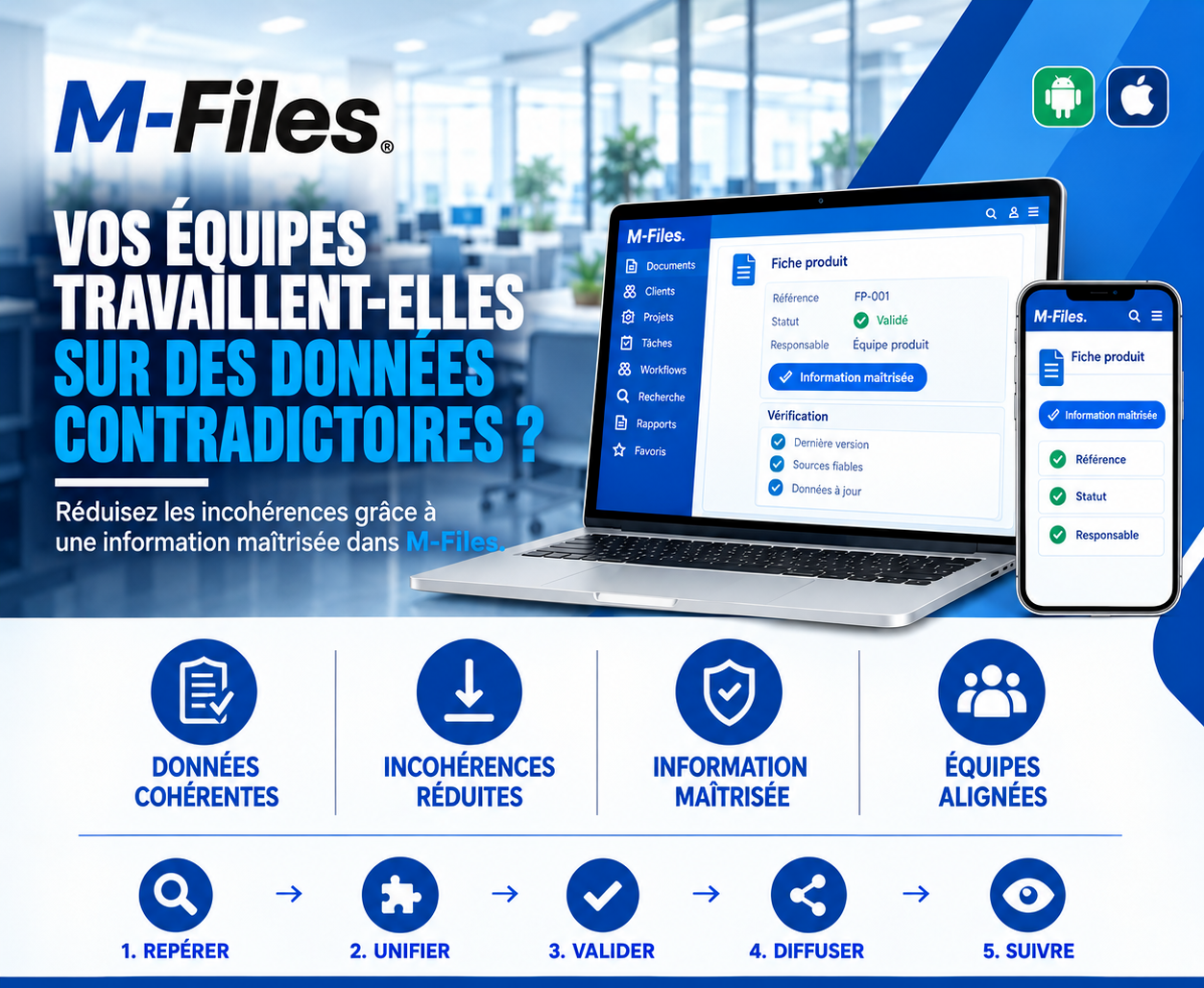
Does your team work with contradictory data? Consistent data, fewer inconsistencies, controlled information, aligned teams: discover how M-Files guarantees validated, up-to-date information.
Read more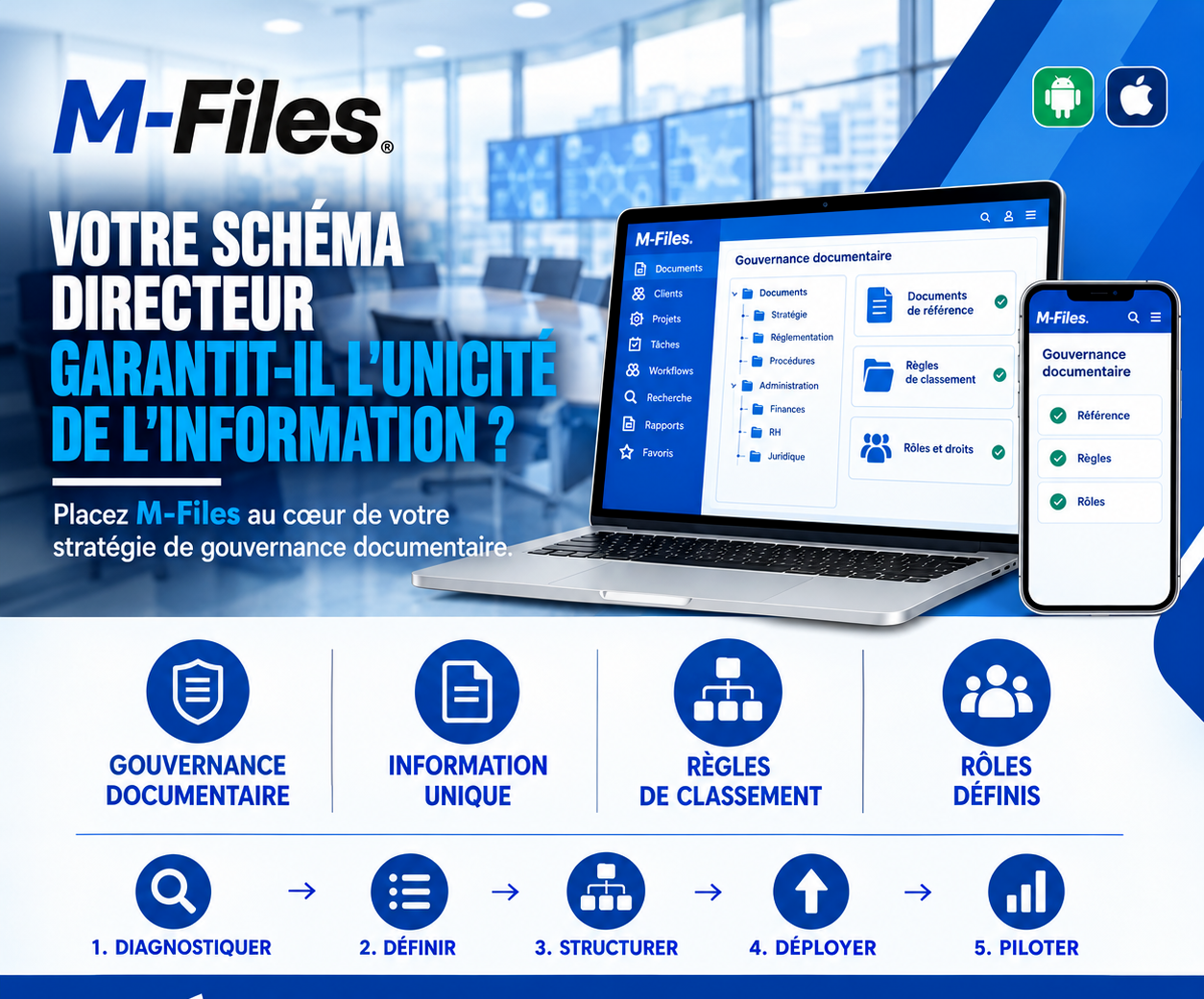
Does your IT master plan guarantee a single source of information? Document governance, a single source of information, classification rules, defined roles: put M-Files at the heart of your strategy.
Read more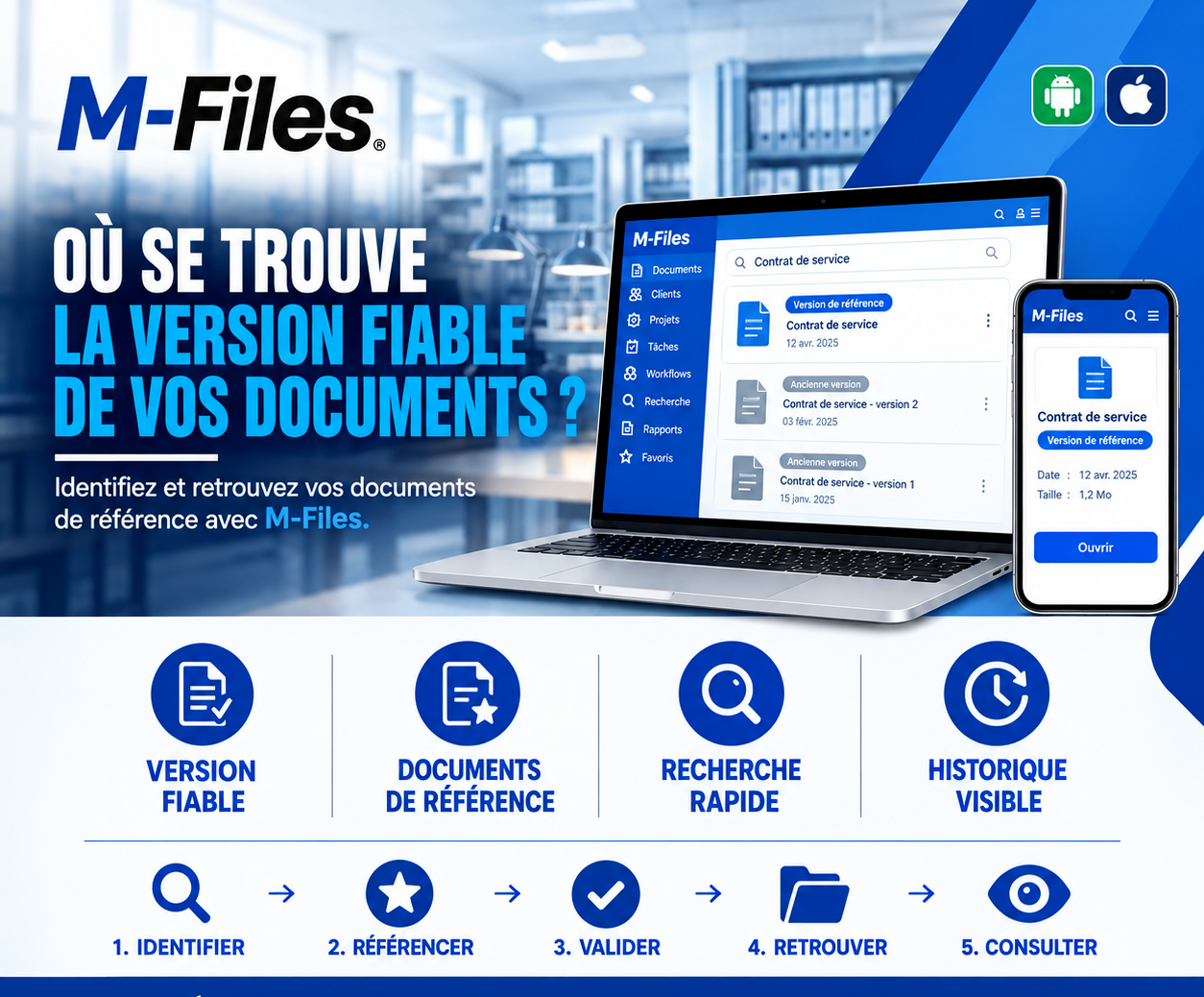
Where is the reliable version of your documents? Reliable version, reference documents, fast search, visible history: discover how M-Files tells the right version apart from the old ones.
Read moreContact us to learn more about our news and upcoming events.
Our offers, news and document management tips, straight to your inbox. One e-mail a month at most.
Unsubscribe in one click at any time. Privacy policy
Check your inbox
We've sent you a confirmation link. Click it to complete your sign-up.
Comments
No comments yet. Be the first to react!