
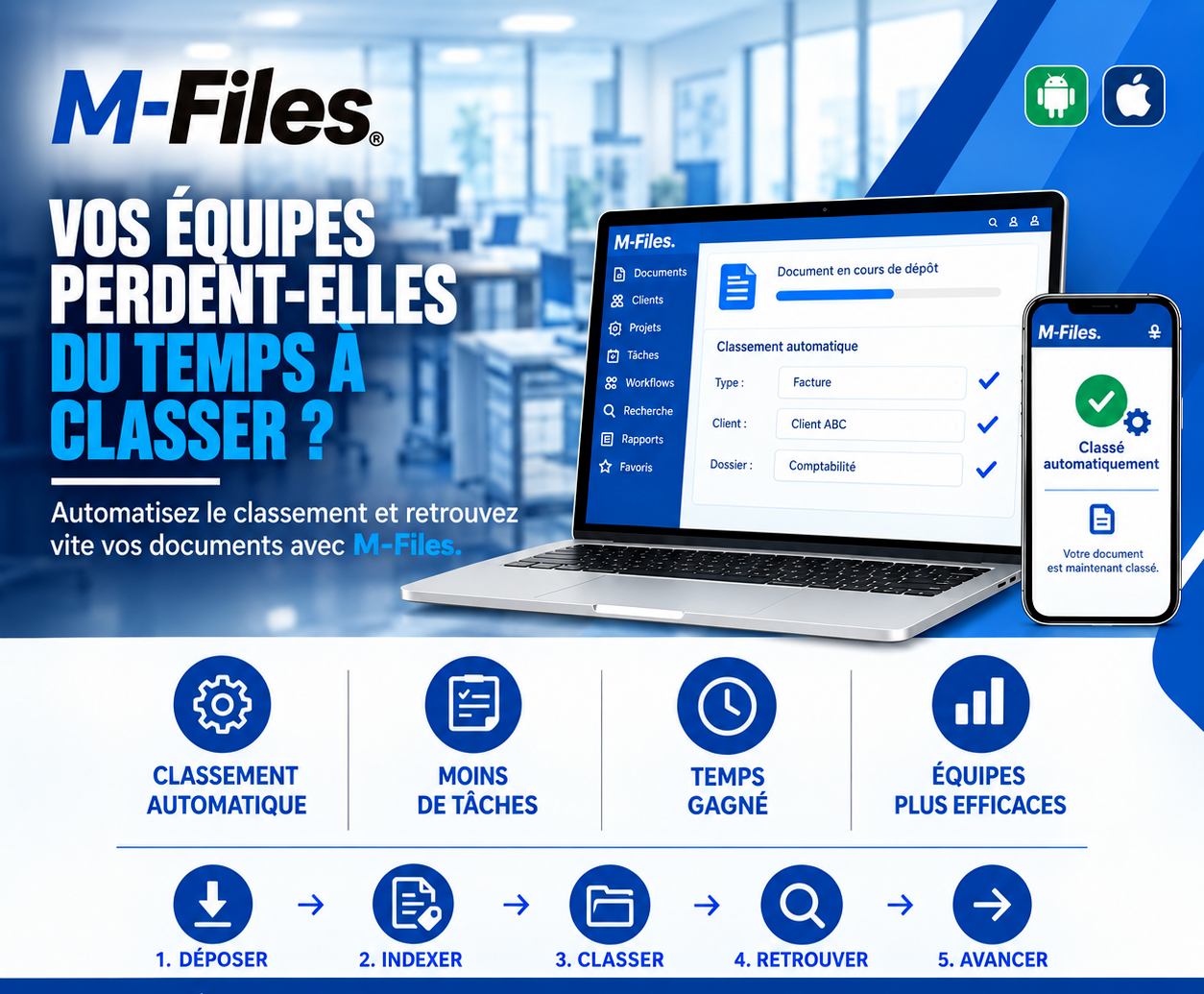
Is your team wasting time filing documents?
Open, read, rename, move, again and again: what if your teams never had to file a single document by hand again?
Galaxy Conseils • Banking & financial institutions sector
Every Friday afternoon, in the bank's accounting department, it's the same ritual. Grâce, the accounting assistant, tackles the week's pile: supplier invoices, statements, supporting documents. For each one, she opens the file, reads the supplier's name, picks the right folder, renames the file according to the house rule, and moves on to the next one.
Among these invoices are those from Société Alpha, Aïcha's company, which maintains the branches. On a busy Friday, one of them is filed by mistake in another supplier's folder. No one notices.
"Two months later, Aïcha follows up: this invoice was never paid. Accounting searches everywhere, without finding it where it belongs. They have to ask Aïcha to send it again, then check it hasn't since been paid to someone else."
Grâce hadn't made a serious mistake. She had simply spent hours doing repetitive work, where an error always ends up happening. And meanwhile, she wasn't doing the analytical work she had been hired for.
Repetitive tasks
Open, read, rename, move, again and again.
Filing mistakes
A document filed in the wrong place is often a document lost.
Rules applied differently
Every staff member has their own way of naming and filing.
Backlog
Documents pile up waiting to be filed, and stay unfindable in the meantime.
The idea is simple: instead of asking every staff member to decide where each document goes, you define the rules once, and the system applies them to every submission. The staff member drops it in, checks it, and moves on to something else.
⚙️ The document files itself, in the right place, every time it's submitted
1. Submit — Grâce drops Société Alpha's invoice into M-Files with a simple drag-and-drop, or it arrives directly from accounting's inbox.
2. Index — M-Files suggests the document's information: type "Invoice," client or supplier, amount, date. Grâce checks it at a glance and confirms.
3. File — based on that information, the invoice is automatically filed in the right folder, here Accounting, and linked to the supplier's record.
4. Retrieve — when Aïcha calls, the accountant types "Société Alpha" and finds all her invoices, with their status.
5. Move forward — the invoice automatically enters the approval workflow. Grâce, meanwhile, spends her Fridays analyzing accounts.
Aïcha's invoice is paid on time. None ever gets lost in the wrong folder again. And Friday afternoon is no longer spent filing.
Automatic filing — every document is filed in the right place according to rules defined once and for all.
Fewer repetitive tasks — no more renaming, moving, and filing each file by hand.
Time saved — the hours spent filing are given back to the tasks that add value.
More efficient teams — fewer errors, rules applied the same way by everyone, and documents available right away.
In a shared folder, the staff member decides where the document goes. In M-Files, they describe it with a few pieces of information, often suggested automatically, and M-Files takes care of the rest: the document appears in the right views, the right folders, and the right approval workflows.
Depending on the configuration, M-Files can rely on document templates, filing rules, and artificial intelligence features to suggest the document type, the client, or other information based on its content. The staff member always keeps control to check and correct it.
And because filing is the same for everyone, documents are found the same way by everyone, on computer as well as on mobile.
"How many hours a week do your teams spend renaming, moving, and filing files?"
If you've never done the math, do it: you'll be surprised.
We help banks and financial institutions automate the filing of their documents with M-Files, defining together the rules suited to each department.
Galaxy Conseils: innovation in the service of your performance.
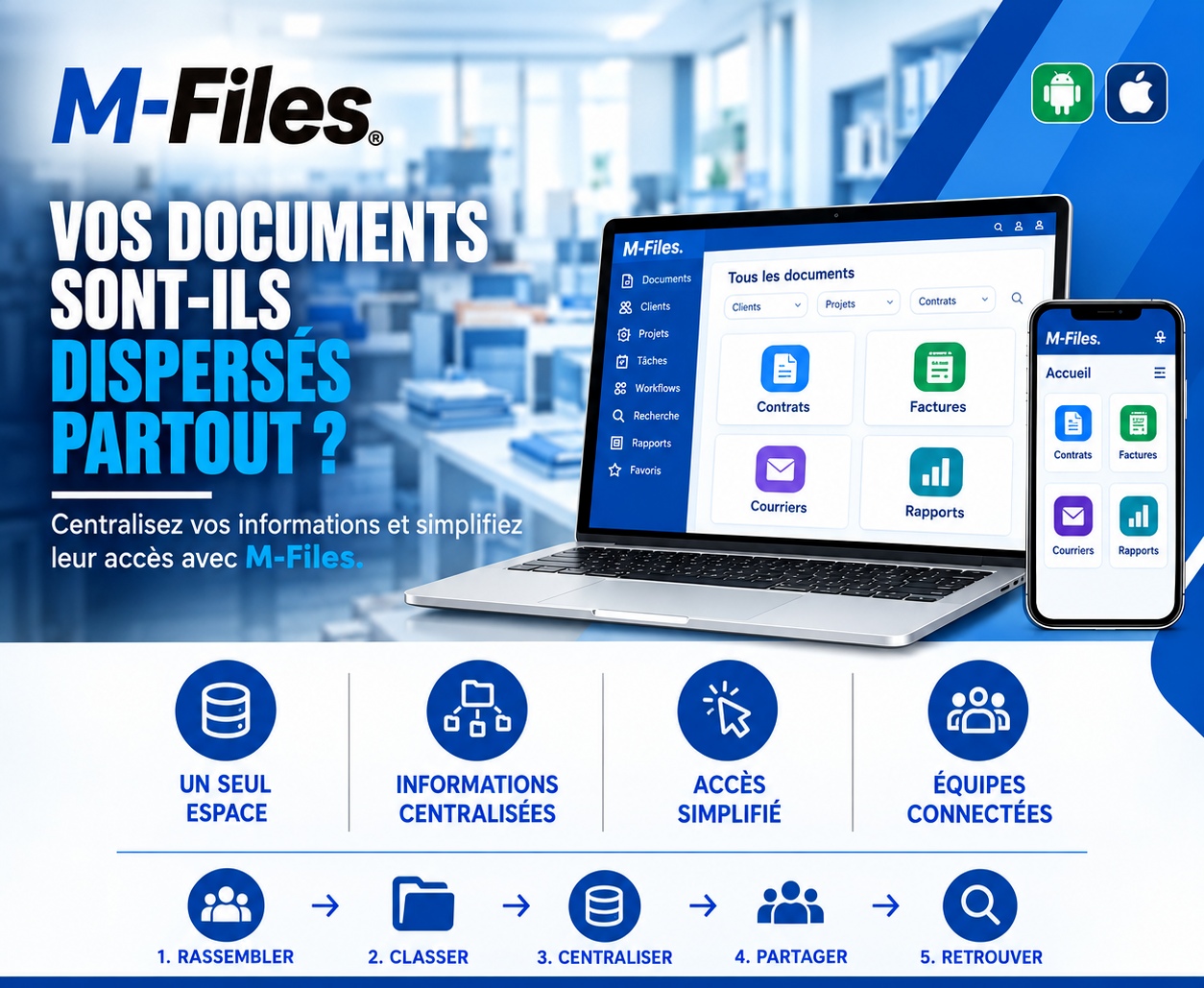
Are your documents scattered everywhere? A single space, centralized information, simplified access, connected teams: discover how M-Files brings your documents together.
Read more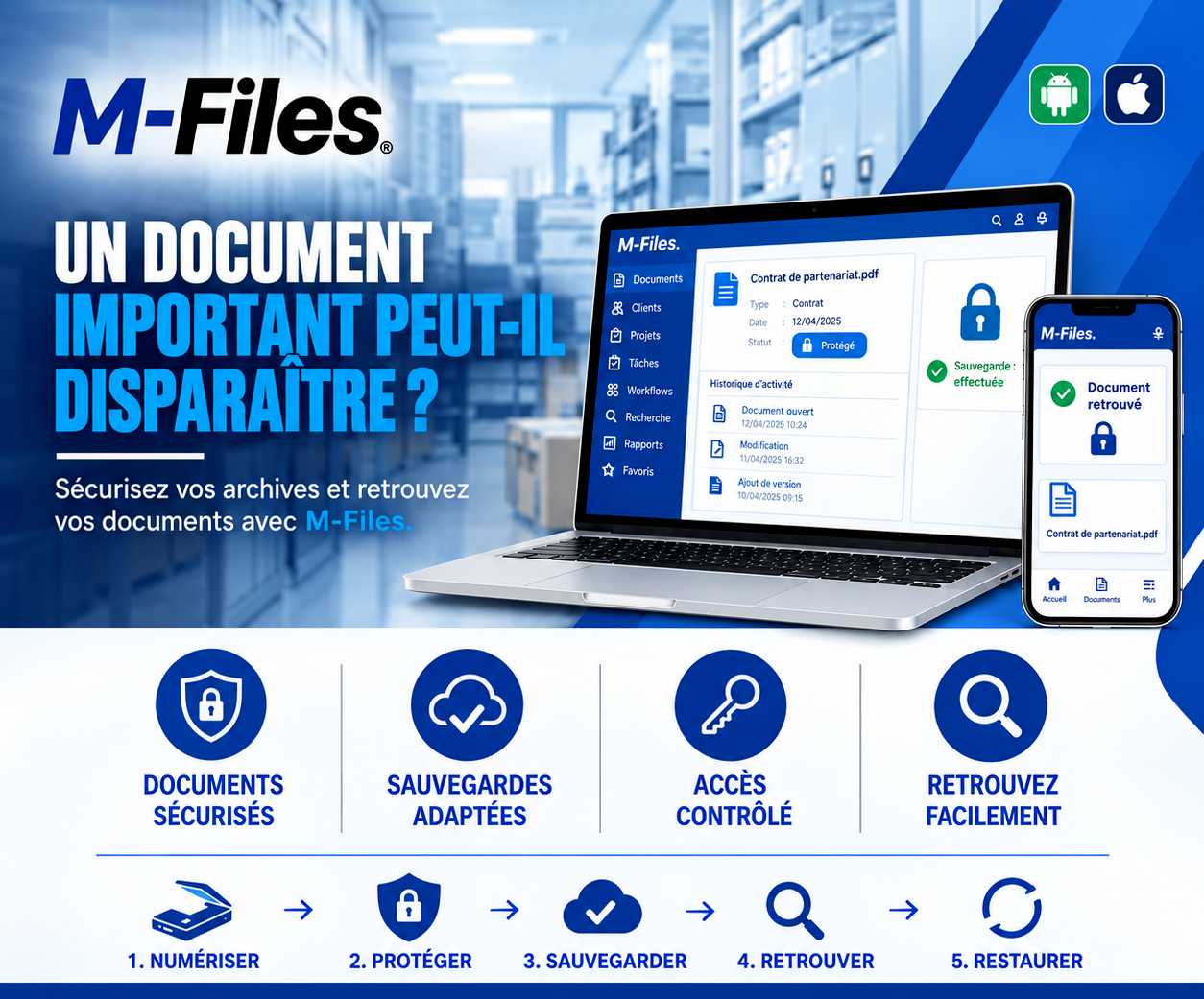
Can an important document disappear? Secured documents, suitable backups, controlled access, possible restoration: discover how M-Files protects your most valuable documents.
Read more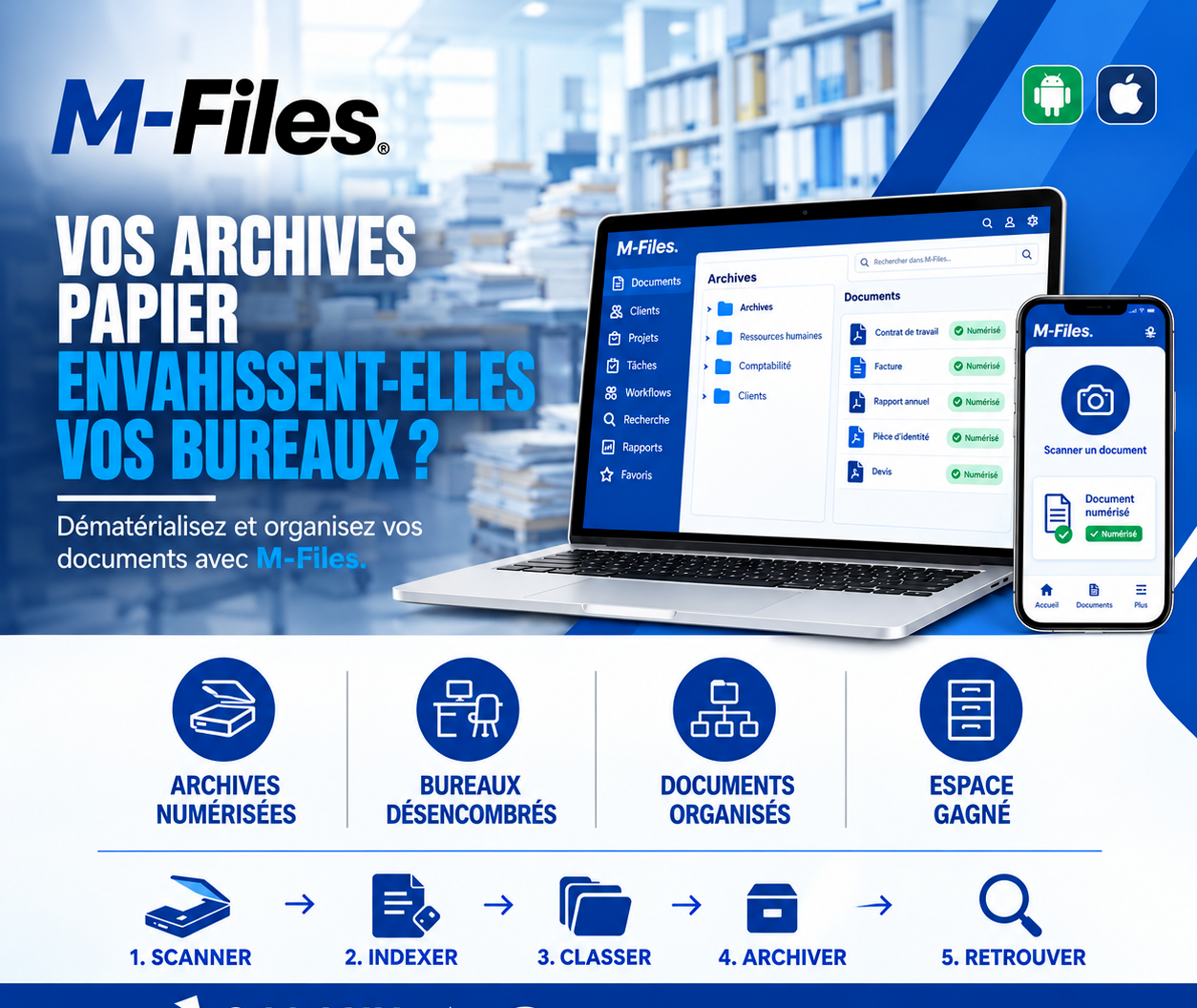
Is paper taking over your offices? Scan, index, classify, archive, retrieve: discover how M-Files digitizes your documents and frees up space.
Read moreContact us to learn more about our news and upcoming events.
Our offers, news and document management tips, straight to your inbox. One e-mail a month at most.
Unsubscribe in one click at any time. Privacy policy
Check your inbox
We've sent you a confirmation link. Click it to complete your sign-up.
Comments
No comments yet. Be the first to react!