
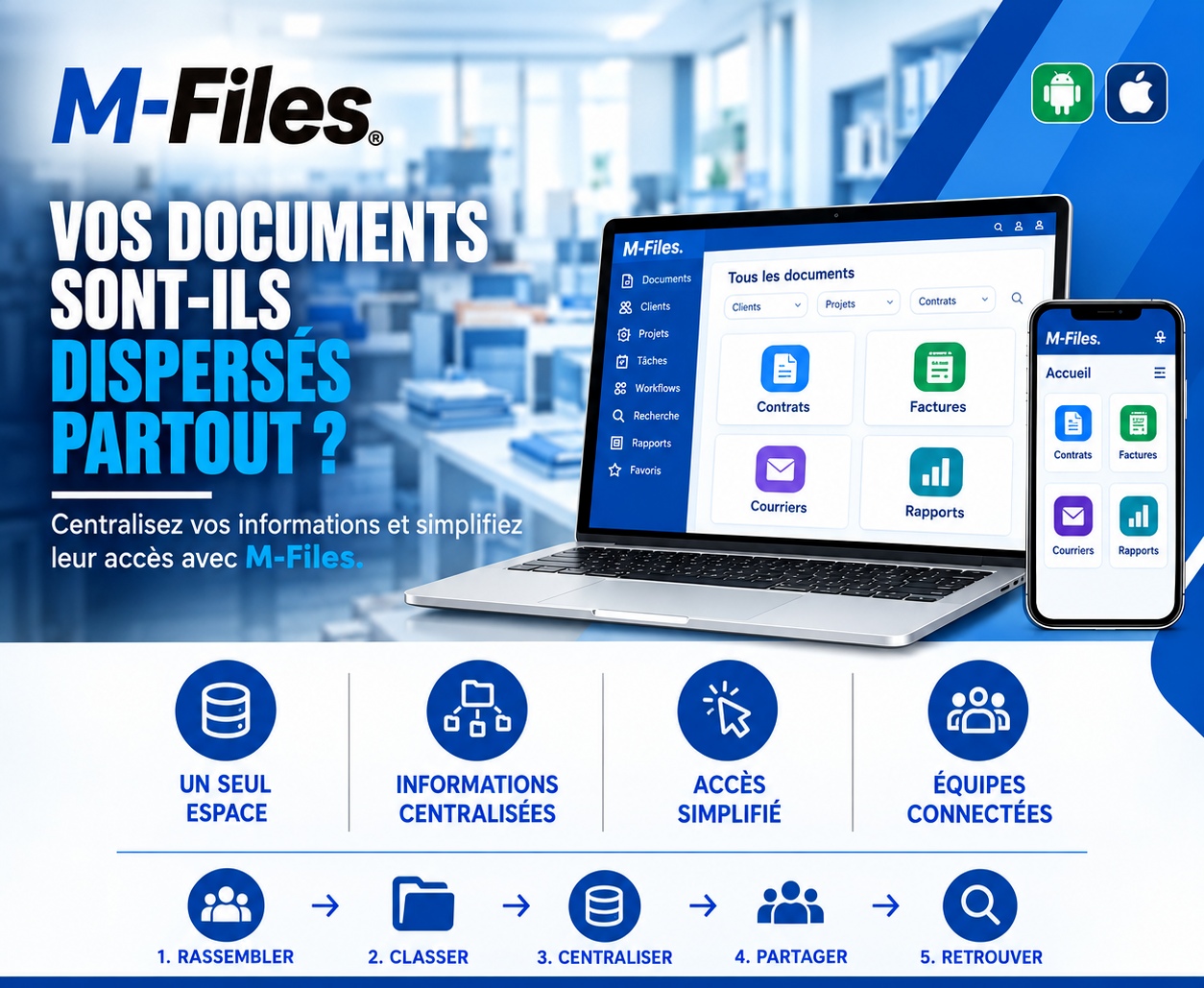
Are your documents scattered everywhere?
Four departments, four tools, four ways of filing: what if the complete picture of a client fit into a single space?
Galaxy Conseils • Banking & financial institutions sector
Société Alpha wants to increase its credit line to finance a major project. To review the request, the bank's credit committee needs a complete view of the relationship with Aïcha's company: current contracts, invoices, correspondence, activity reports.
Aïcha's advisor starts pulling the file together. The contracts are with the legal department, in a shared folder. The invoices are in accounting, in a different piece of software. The correspondence is in his inbox and in his predecessor's. The annual reports are at headquarters, in binders. Four departments, four tools, four ways of filing.
"He spends two days sending emails, chasing colleagues, and copying files into a new folder. On the day of the committee, an amendment to the main contract is still missing. The review is pushed to the next session."
Aïcha waits three more weeks. It wasn't that the bank lacked information about her: it was that her information was scattered.
Scattered information
A single client's documents are split across several departments and tools.
Duplicates and contradictions
The same document exists in several places, sometimes in different versions.
Complicated access
You need to know where to look, and often have to ask someone else.
Siloed teams
Everyone works with only a part of the information.
Centralizing doesn't mean moving everything to the same place, or forcing every department to drop its habits overnight. It means offering a single point of access, where every document is linked to its client, its project and its type, and where everyone can find it according to their permissions.
🔗 Four departments, one single point of access — each according to their rights
1. Gather — documents from every department are brought together in M-Files: contracts, invoices, correspondence, reports. Those that stay in other tools can be linked without being duplicated.
2. Classify — each document is described by its type and linked to the relevant client, here Société Alpha, and to the project if there is one.
3. Centralize — everything is accessible from a single space: "All documents," organized by major family — Contracts, Invoices, Correspondence, Reports.
4. Share — the advisor, the lawyer, the accountant and the credit committee see the same documents, each according to their rights, with no copying or emailing.
5. Retrieve — by filtering on the client "Société Alpha," the advisor gets the entire file in seconds, amendments included.
The file for the credit committee is ready in one morning, on computer, and can be reviewed by committee members on their phones before the meeting.
Aïcha's request is reviewed at the first session. Her credit line is increased on schedule, and her project starts on the planned date.
A single space — all your documents are accessible from a single entry point, on computer as well as on mobile.
Centralized information — contracts, invoices, correspondence and reports are linked to their client and their project.
Simplified access — no more need to know which department or tool a document was filed in: you search, you find it.
Connected teams — every department works on the same information, at the same time, with no copies emailed around.
Most solutions require moving every document into a new system. M-Files can also connect to existing locations, such as shared folders or certain software, so their documents appear in the same interface. Access can then be centralized gradually, without a major migration.
Every document is described by its own information (client, type, project, date). This is what allows it to be displayed at once in the client's file, in the list of contracts, and in search results, without ever being copied.
Access rights stay under control: centralizing doesn't mean showing everything to everyone. Each person sees only what their role allows.
"How many departments, tools and inboxes would you need to check to assemble the complete file for one of your clients?"
If the answer is "several," your documents deserve to be centralized.
We help banks and financial institutions centralize access to their documents with M-Files, starting from their existing tools and the way their departments are organized.
Galaxy Conseils: innovation in the service of your performance.
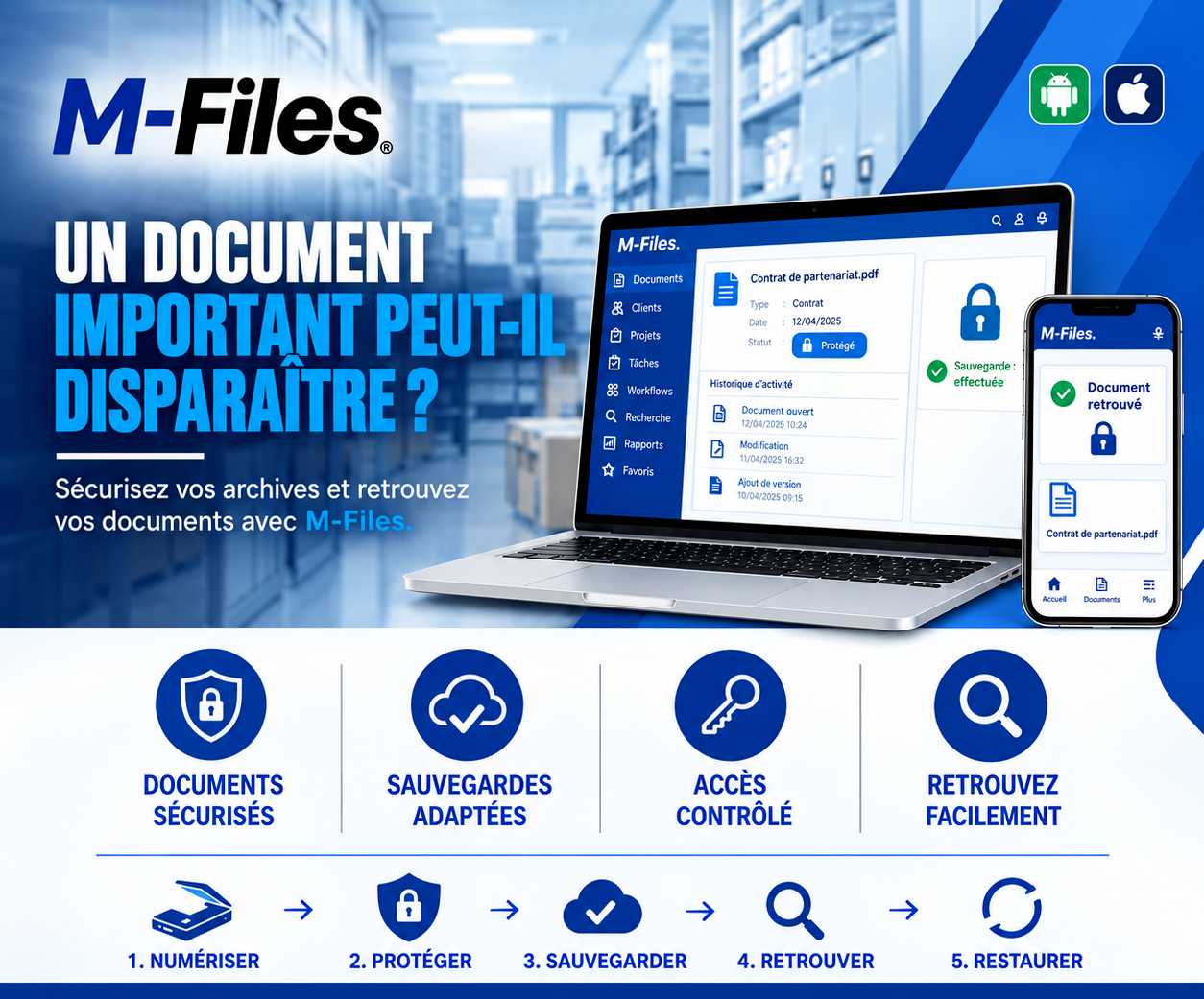
Can an important document disappear? Secured documents, suitable backups, controlled access, possible restoration: discover how M-Files protects your most valuable documents.
Read more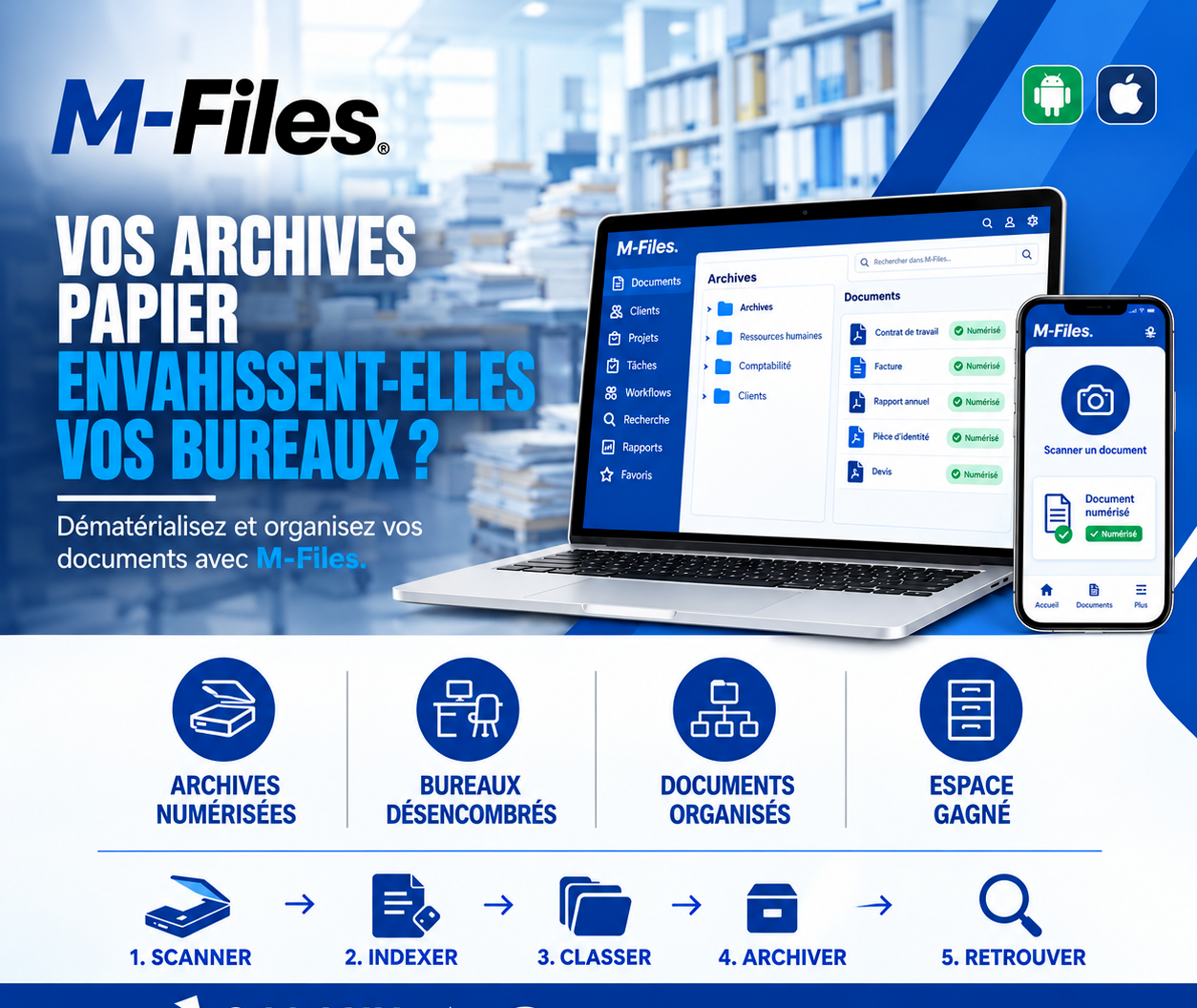
Is paper taking over your offices? Scan, index, classify, archive, retrieve: discover how M-Files digitizes your documents and frees up space.
Read more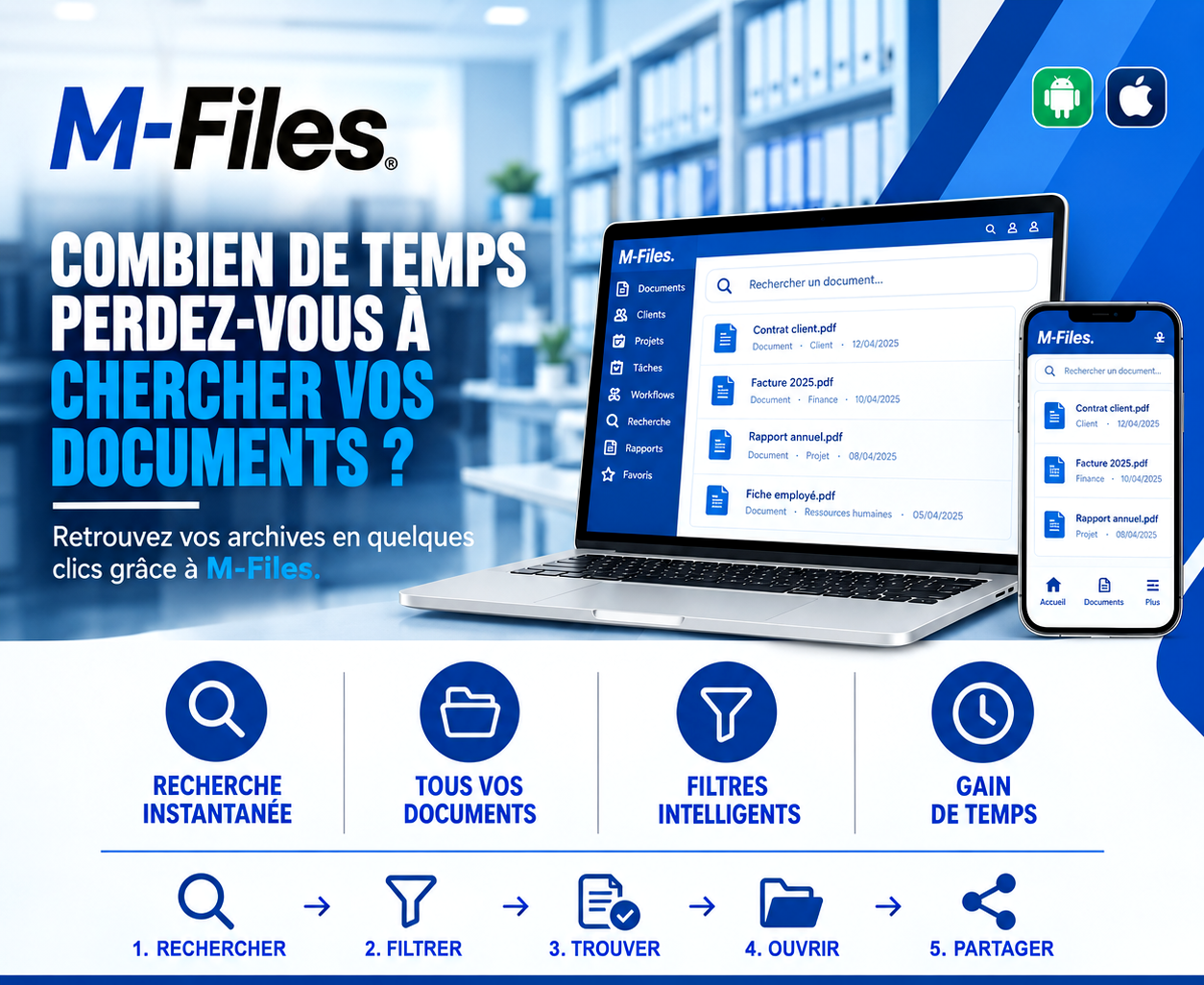
How much time do you waste searching for documents? Instant search, all your documents in one place, smart filters: discover how M-Files saves you time every day.
Read moreContact us to learn more about our news and upcoming events.
Our offers, news and document management tips, straight to your inbox. One e-mail a month at most.
Unsubscribe in one click at any time. Privacy policy
Check your inbox
We've sent you a confirmation link. Click it to complete your sign-up.
Comments
No comments yet. Be the first to react!