
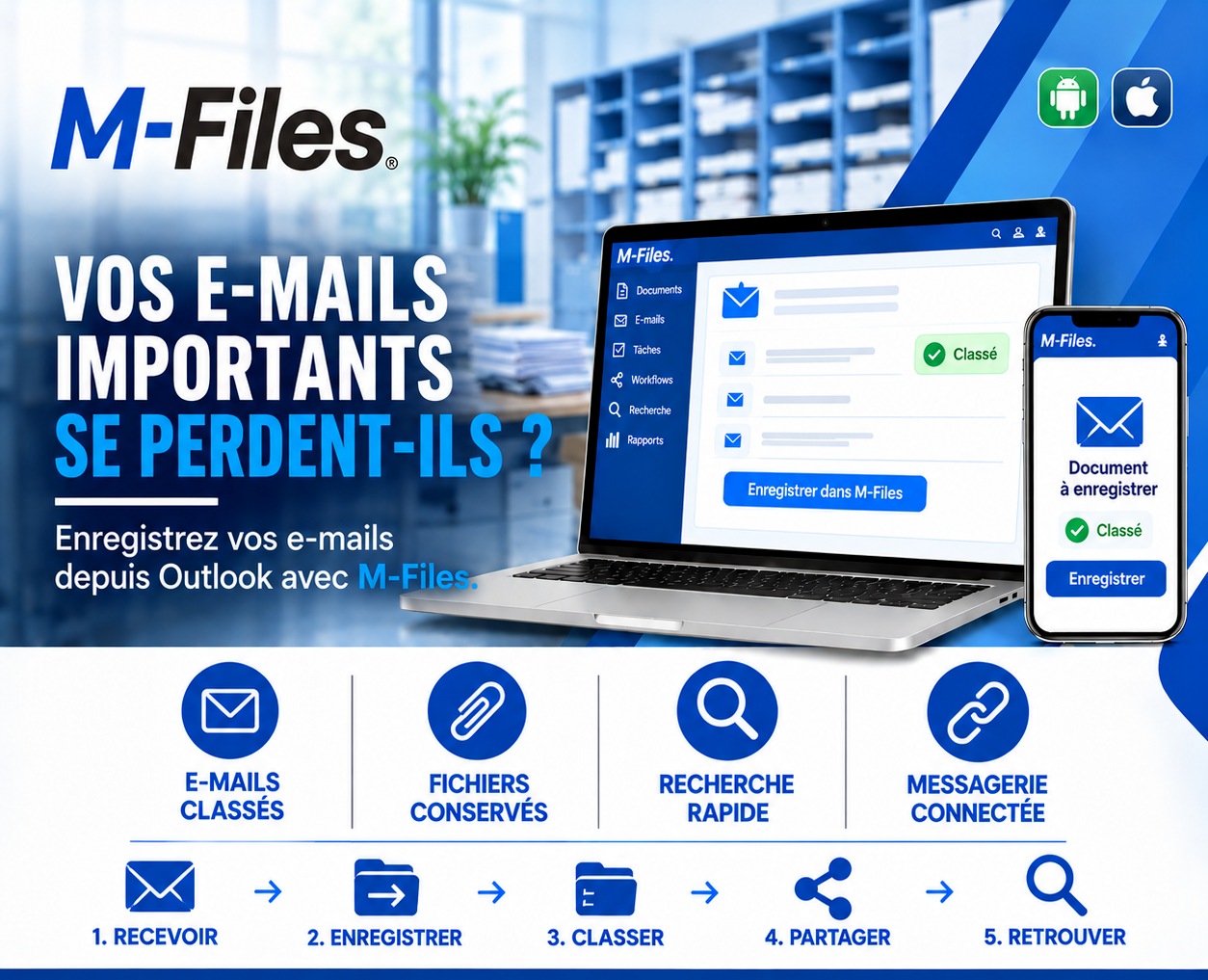
ARE YOUR IMPORTANT EMAILS GETTING LOST?
Classified emails, preserved files, fast search, connected mailbox: discover how to save your emails from Outlook into M-Files in one click.
Galaxy Conseils • Banking sector & financial institutions
A year ago, Aïcha negotiated an important accommodation by email with her bank advisor: deferring two loan payments while her new workshop was under renovation. The advisor confirmed the agreement in writing, with the signed amendment attached. Aïcha kept it in her inbox. The bank did too... in principle.
A year later, the bank's collections department follows up with Société Alpha over two "unpaid" installments. Aïcha is surprised and calls. Her advisor has since moved to another branch. His inbox, grown too large, was cleaned up: messages older than six months were archived somewhere, or deleted. No one can find either the email or the amendment.
In the end, it's Aïcha who forwards the confirmation email she had kept to the bank. The matter is resolved, but it took three weeks, several phone calls, and a collection letter Société Alpha should never have received.
The agreement existed, in writing. But it was sitting in a personal inbox, like thousands of other important emails the bank wouldn't be able to find.
Much of today's decision-making happens by email: agreements with clients, exchanges with suppliers, instructions, contractual attachments. Yet these emails most often stay in personal inboxes, with all the risks that implies.
Emails that can't be found. Buried among thousands of messages, in personal folders.
Lost attachments. Amendments, contracts, supporting documents stay attached to a message no one else ever sees.
Cleaned-up or closed inboxes. Quota exceeded, an employee leaves, and the messages disappear.
Information colleagues can't access. Only the inbox owner knows an agreement even exists.
Good practice is simple: any email that commits the organization, or contains an important attachment, should be saved in the file it relates to, together with its attachments. For this habit to take hold, it has to be as fast as a single click, directly from the mailbox.
Let's revisit Aïcha's story, this time at a bank that uses M-Files with Outlook.
1. Receive. The advisor receives Aïcha's request in Outlook, then sends his confirmation with the signed amendment attached.
2. Save. From Outlook, he clicks "Save to M-Files." The email and its attachment are saved within seconds.
3. Classify. They are linked to Société Alpha's file and to the relevant loan contract. On screen, a single word: "Filed."
4. Share. Collections, back-office and the advisor's future replacement all have access, according to their rights, with no email forwarding needed.
5. Find. A year later, when a question comes up about those two installments, collections types "Société Alpha deferral" and finds the agreement and amendment within seconds.
No collection letter is sent by mistake. The advisor's branch change changed nothing. And Aïcha never had to prove what her own bank had written.
Classified emails. Important emails are linked to the right client, the right contract, the right file.
Preserved files. Attachments are saved together with the email, protected from mailbox clean-ups.
Fast search. An email from a year ago is found within seconds, by a word, a name or a date.
A connected mailbox. Outlook and M-Files work together: you save without leaving your inbox.
M-Files integrates with Outlook: saving an email happens right from the mailbox, together with its attachments, by choosing or confirming the filing details. Depending on configuration, some rules can even suggest the right client or file automatically.
Once in M-Files, the email no longer belongs to a personal inbox: it becomes part of the file, with the same access rights, the same history and the same retention period as every other document.
And saving is also possible from the mobile app, for emails received while on the move.
Ask yourself the question:
"If one of your employees left the company tomorrow, how many agreements and important attachments would disappear along with their inbox?"
If you can't answer, your important emails deserve to be saved in the right place.
At Galaxy Conseils, we connect M-Files to your Outlook mailbox and define, together with you, the filing rules for your important emails. Want to see exactly what this would look like in your bank?
Galaxy Conseils: innovation serving your performance.
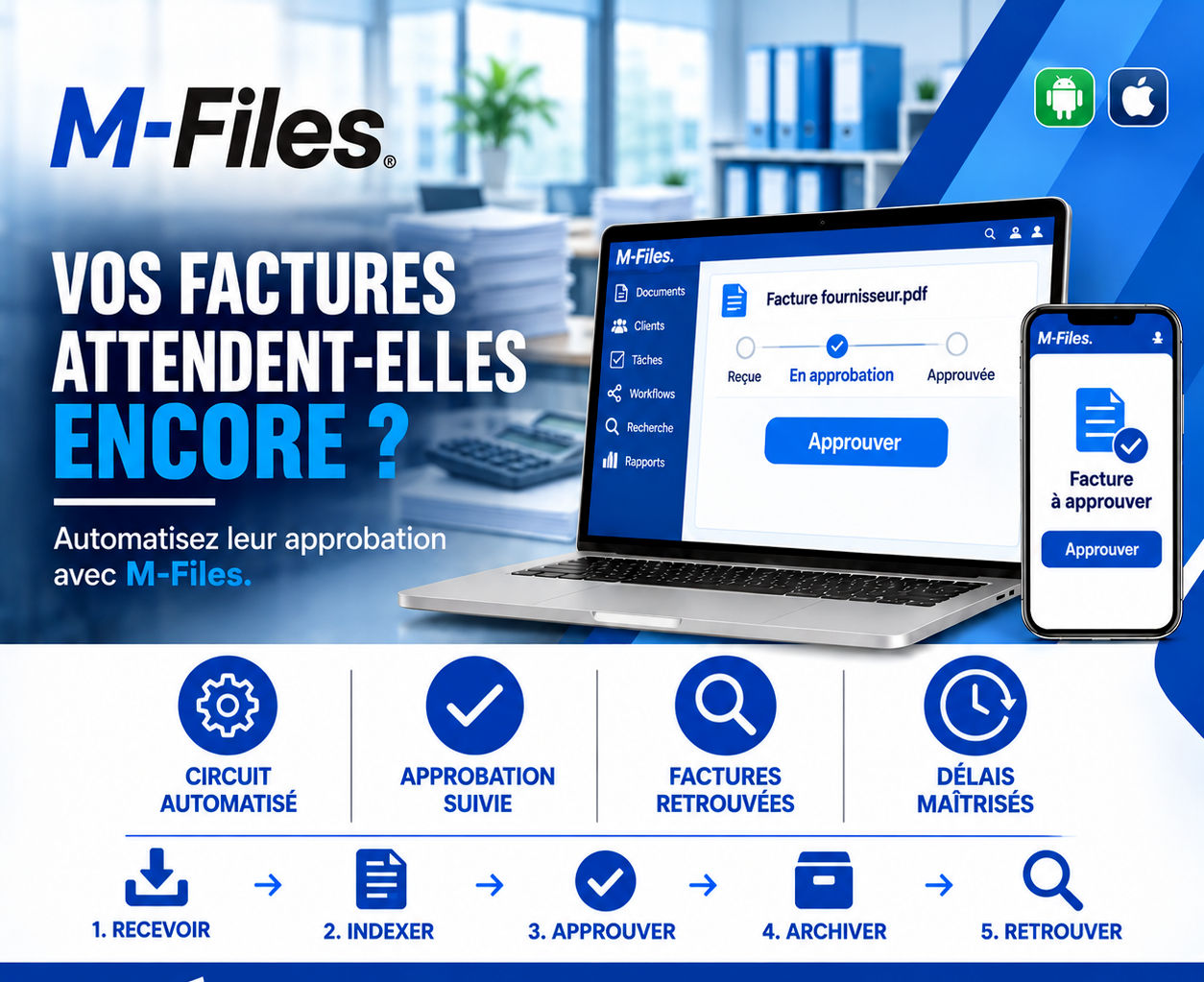
Are your invoices still waiting? Automated workflow, tracked approvals, invoices easy to find, controlled deadlines: discover how M-Files speeds up supplier invoice approval.
Read more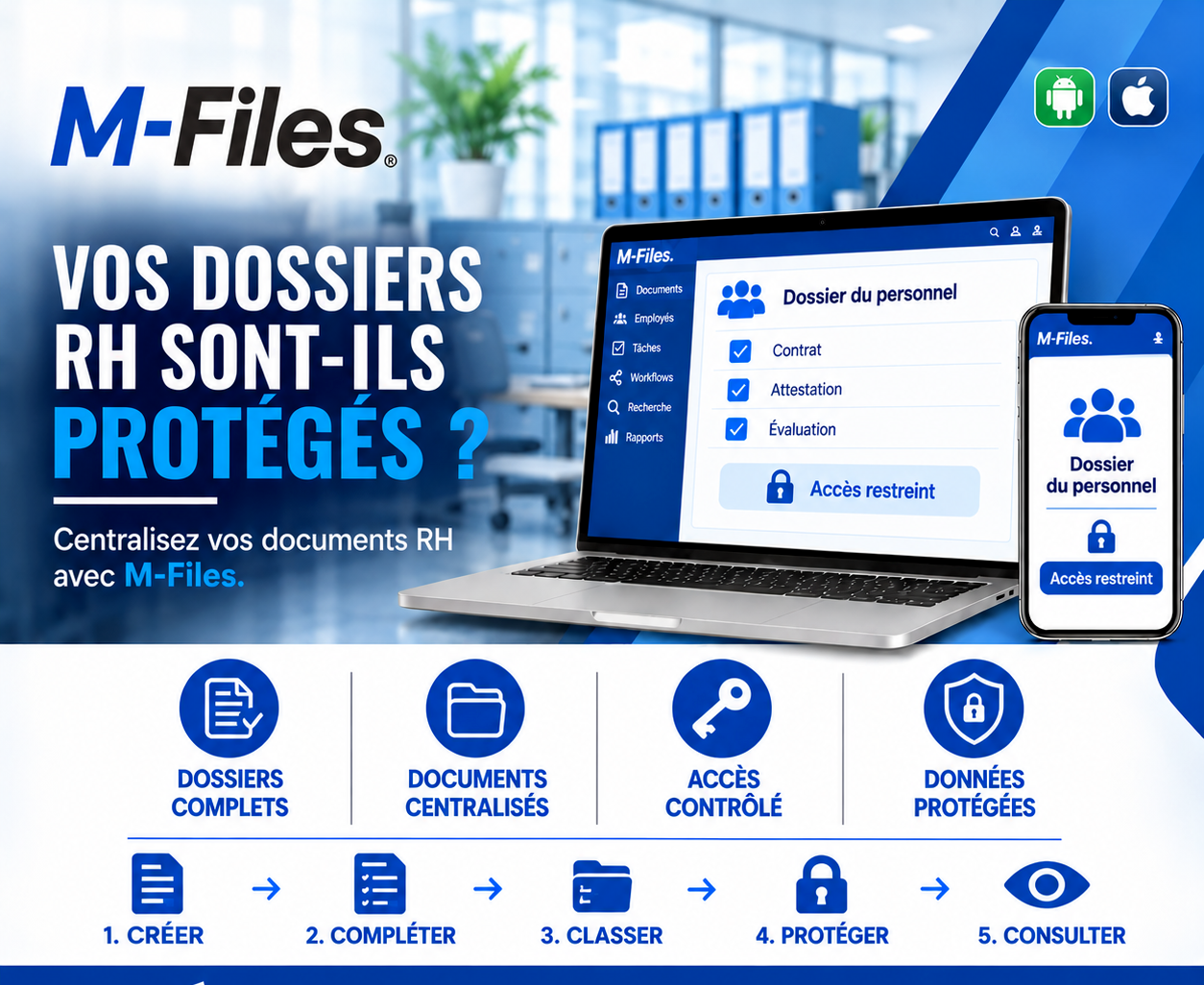
Are your HR files protected? Complete files, centralized documents, controlled access, protected data: discover how M-Files secures personnel records.
Read more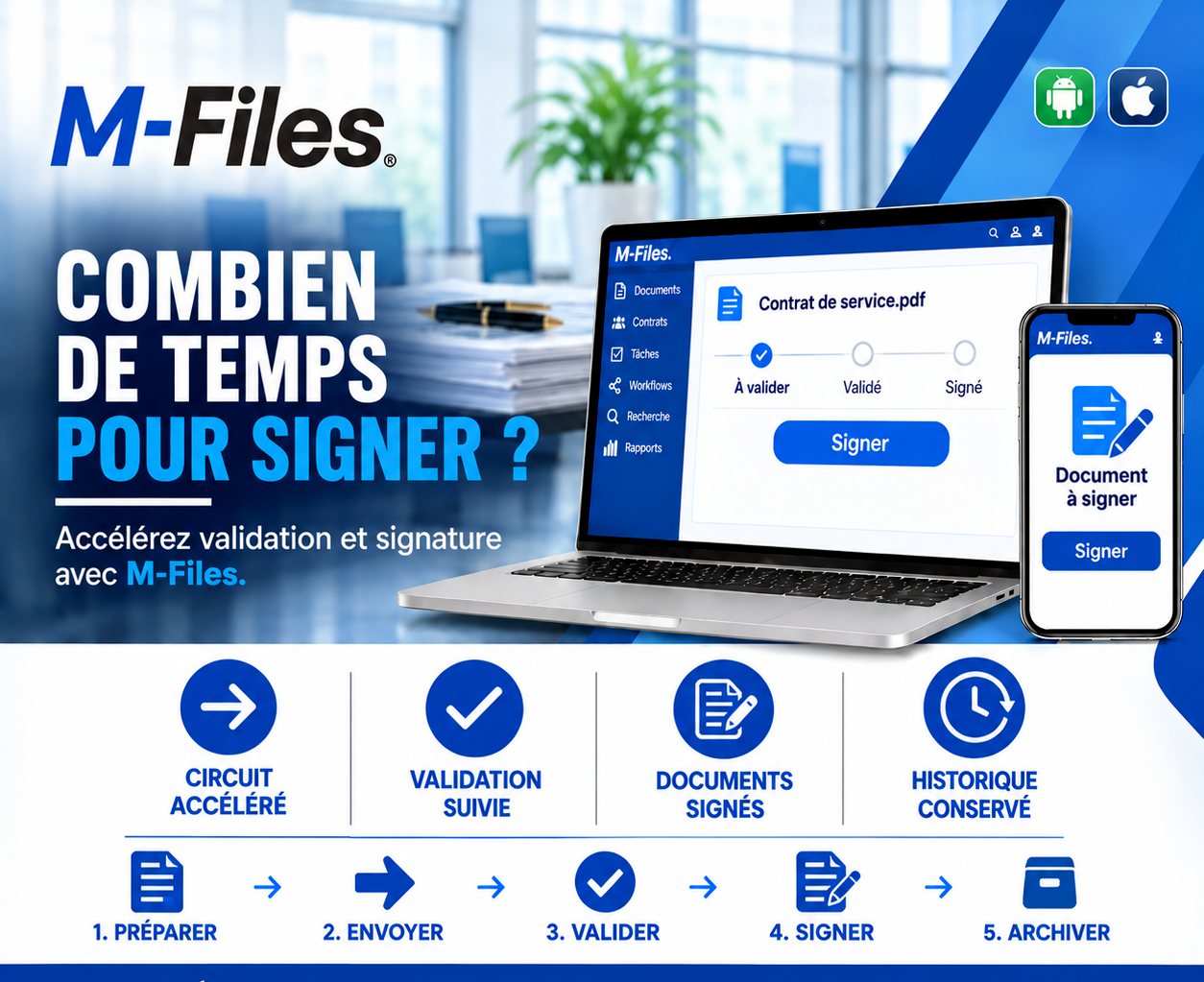
How long does it take to sign? A faster workflow, tracked approvals, signed documents, a kept history: discover how M-Files cuts the time between preparing a contract and signing it.
Read moreContact us to learn more about our news and upcoming events.
Our offers, news and document management tips, straight to your inbox. One e-mail a month at most.
Unsubscribe in one click at any time. Privacy policy
Check your inbox
We've sent you a confirmation link. Click it to complete your sign-up.
Comments
No comments yet. Be the first to react!