
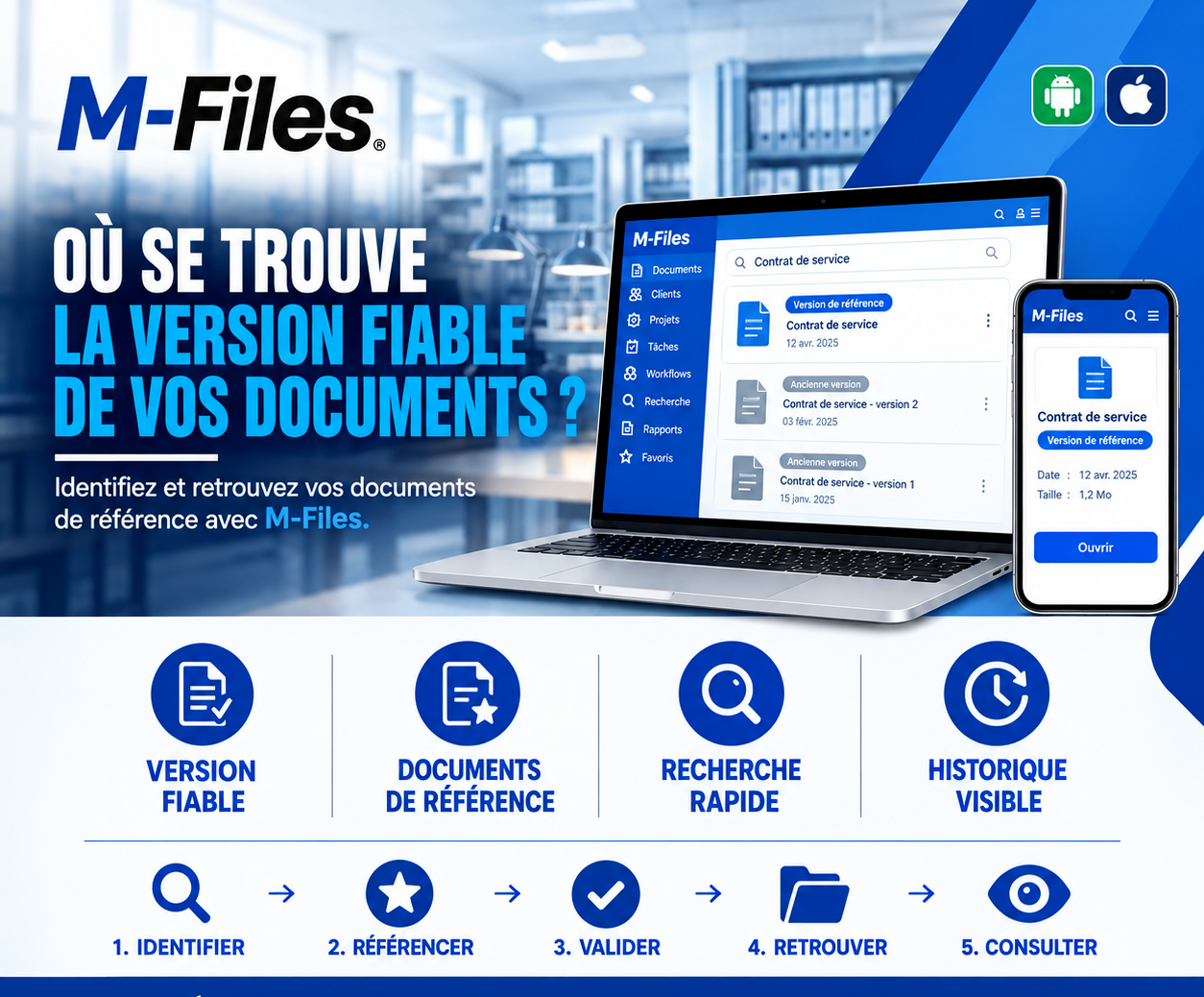
WHERE IS THE RELIABLE VERSION OF YOUR DOCUMENTS?
Reliable version, reference documents, fast search, visible history: discover how M-Files tells the right version apart from the old ones.
Galaxy Conseils • Banking & financial institutions sector
Société Alpha has handled the bank's equipment maintenance for several years. In April, the service contract was renegotiated: new response times, new rates. Aïcha cared a great deal about this one.
In June, a provincial branch reports a breakdown. The branch manager, who doesn't know Aïcha, wants to check the contract terms before calling her. He types "service contract" into the shared folder. Three files come up, with almost identical names. He opens the first one: it's the January version, with the old response times.
On that basis, he accuses Société Alpha of responding too slowly and threatens to apply penalties. Aïcha, surprised, reminds him of the response times negotiated in April. Tempers flare. It takes the procurement department stepping in to find the right version and defuse the situation.
The right version existed. The problem was that nothing set it apart from the old ones. And a trusted relationship was put to the test over a simple file mix-up.
An important document lives a long life: it's negotiated, corrected, updated. Its successive versions pile up, often in the same folder or in email inboxes. And when you search, you find all of them.
Names that all look alike. "contract_v2," "contract_final," "contract_final_ok"... which one is correct?
No distinguishing sign. Nothing clearly shows which version is currently in force.
Staff outside the loop. Those who weren't part of the negotiation are most at risk of getting it wrong.
Decisions on outdated grounds. Deadlines, rates, clauses: people apply what's no longer valid.
The solution is for every important document to have a reference version, validated and flagged as such, while older versions remain available but clearly marked as outdated. When you search, the right version comes up first.
Let's replay the story, this time at a bank using M-Files.
1. Identify. Société Alpha's service contract is recorded as a single document, tied to the supplier. Its January, February, and April versions are kept in its history.
2. Reference. The April version, the one setting the new response times and rates, is marked "Reference version."
3. Validate. It's approved by the procurement department before being declared in force. The earlier versions carry the label "Outdated version."
4. Find. The provincial branch manager types "Service contract" into M-Files. The reference version appears at the top, clearly flagged. The older versions are visible, but impossible to mistake for it.
5. Review. He opens the contract on his phone, checks the April response times, then calls Aïcha to organize the repair, on the right footing.
The breakdown is fixed within the agreed timeframe. No penalty, no misunderstanding. And Aïcha sees that, across the whole bank, what she negotiated is actually being applied.
A reliable version. Everyone knows which version is in force, without hesitation.
Reference documents. Validated versions are clearly flagged, and so are outdated ones.
Fast search. The right version comes up in seconds, on computer as well as on mobile.
Visible history. Earlier versions stay available to view, with their dates, to understand what changed.
In a shared folder, every version is a separate file, and it's the file name that has to say which one is correct. In M-Files, a document stays a single object, with a version history. The version in force is the one shown by default, and its status can be clearly indicated through a validation workflow.
Employees who view the document, even far from head office, therefore see the right version first. Those who need the history can always consult it and compare versions.
And because validation is tracked, you know who declared a version in force, and when.
Try the test:
"If an employee at another branch searched today for one of your supplier contracts, would they land on the version in force for certain?"
If you're not sure, your documents deserve a reference version.
At Galaxy Conseils, we help banks and financial institutions identify and validate their reference documents with M-Files, so that everyone always works from the right version. Want to see concretely what this would look like at your bank?
Galaxy Conseils: innovation serving your performance.
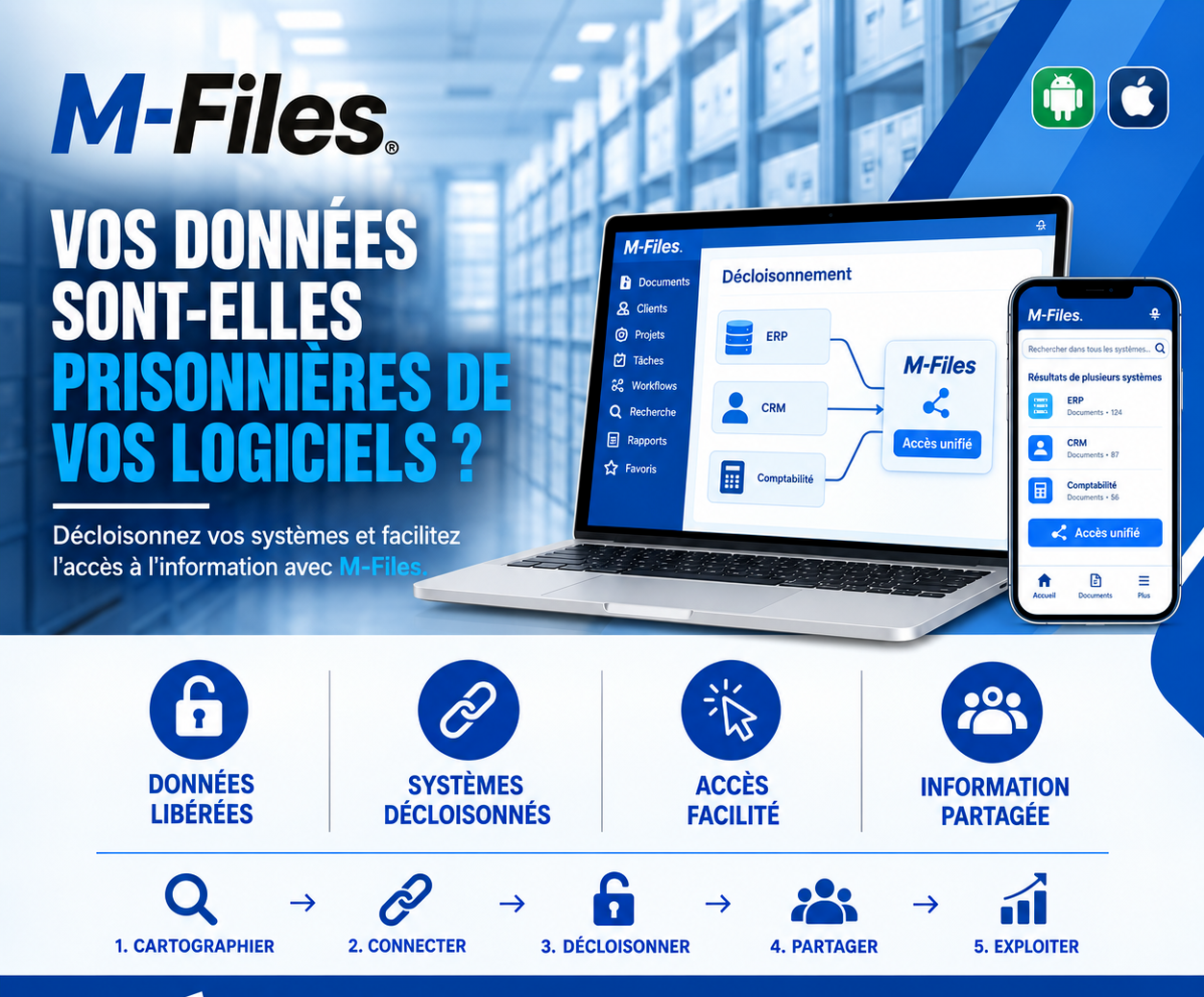
Is your data trapped inside your software? Freed data, unsiloed systems, easier access, shared information: discover how M-Files opens up access to information without changing your tools.
Read more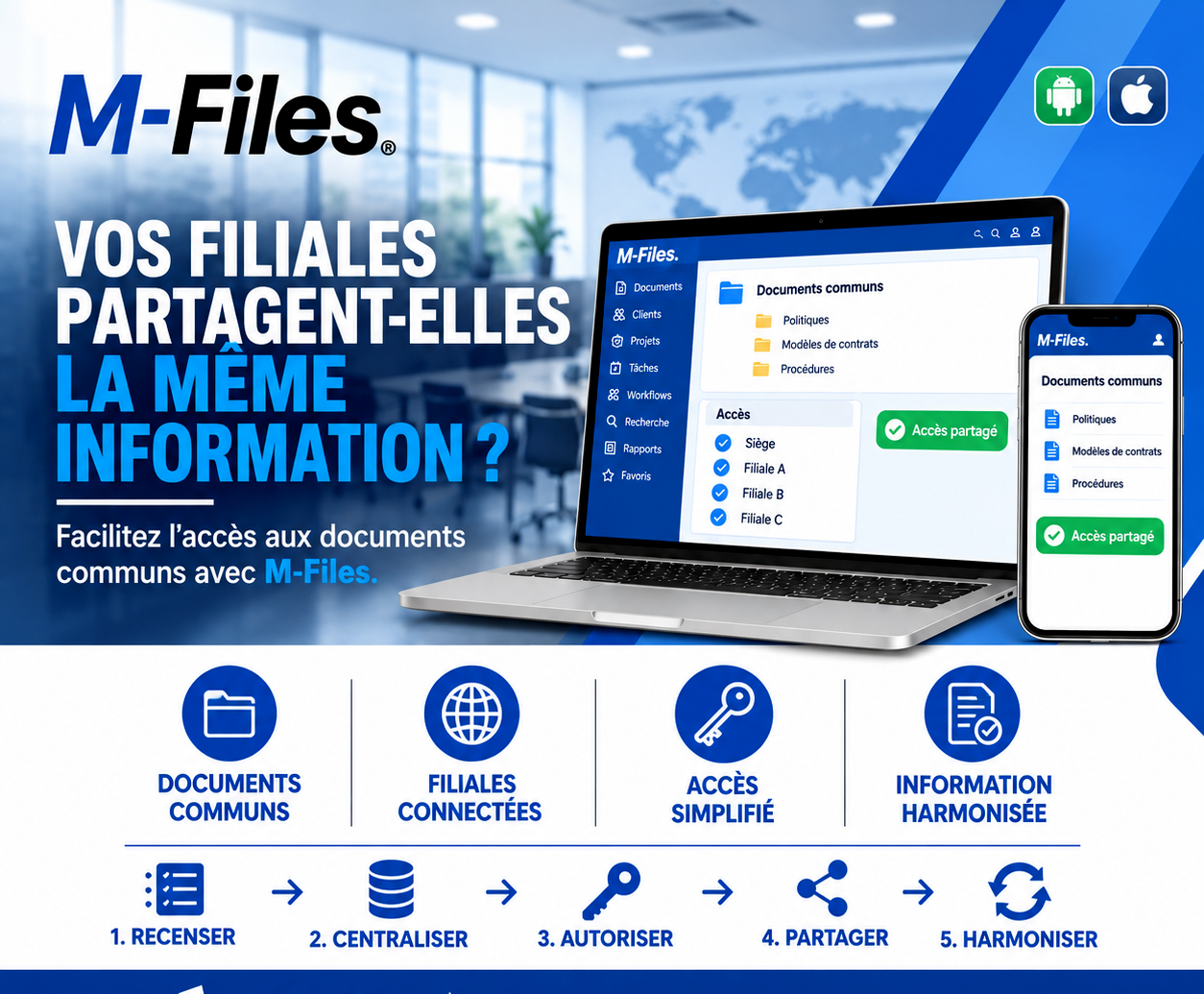
Do your subsidiaries share the same information? Shared documents, connected subsidiaries, simplified access, harmonized information: discover how M-Files aligns head office and subsidiaries.
Read more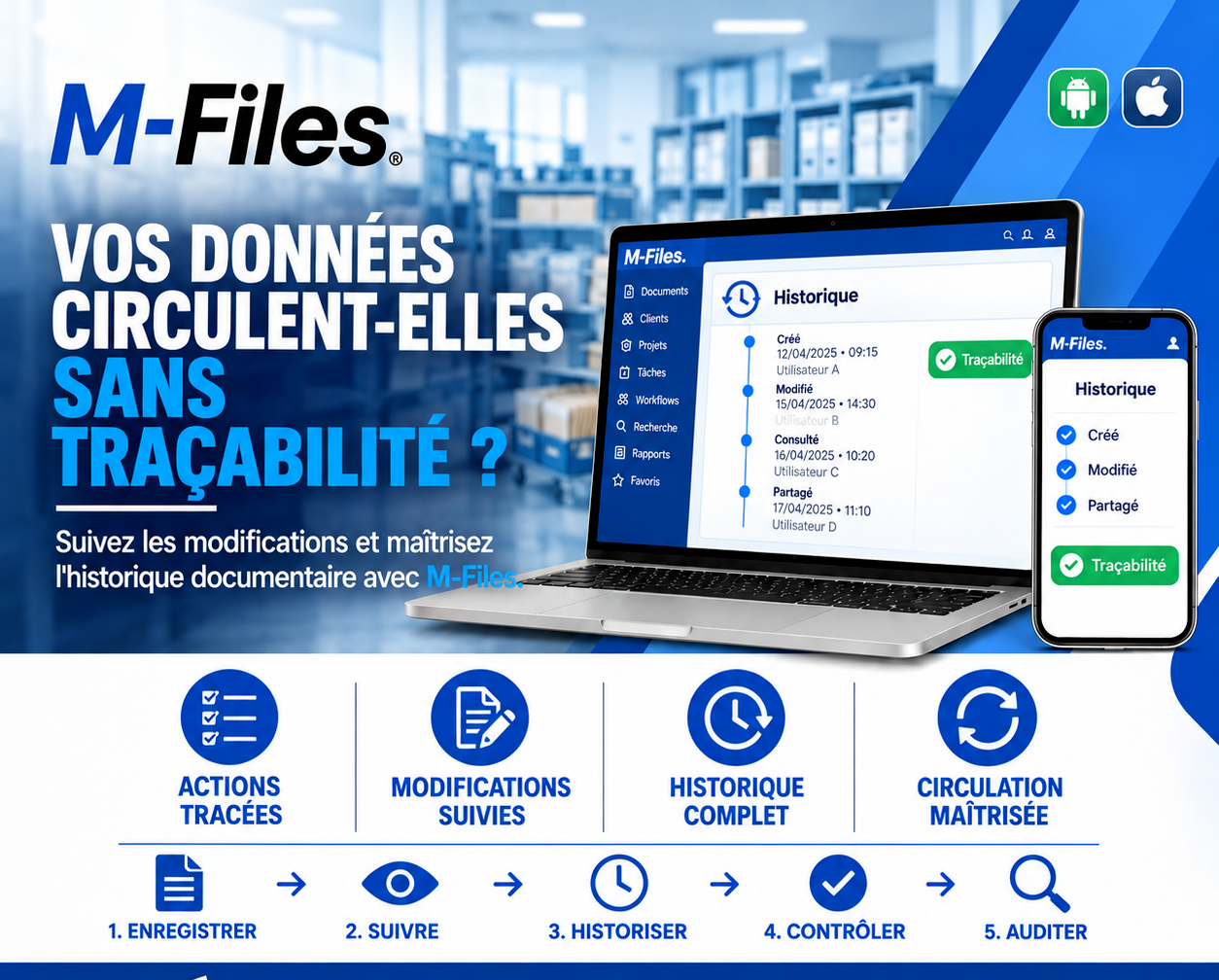
Is your data circulating without traceability? Tracked actions, monitored changes, complete history, controlled circulation: discover how M-Files follows every document, from creation to sharing.
Read moreContact us to learn more about our news and upcoming events.
Our offers, news and document management tips, straight to your inbox. One e-mail a month at most.
Unsubscribe in one click at any time. Privacy policy
Check your inbox
We've sent you a confirmation link. Click it to complete your sign-up.
Comments
No comments yet. Be the first to react!