
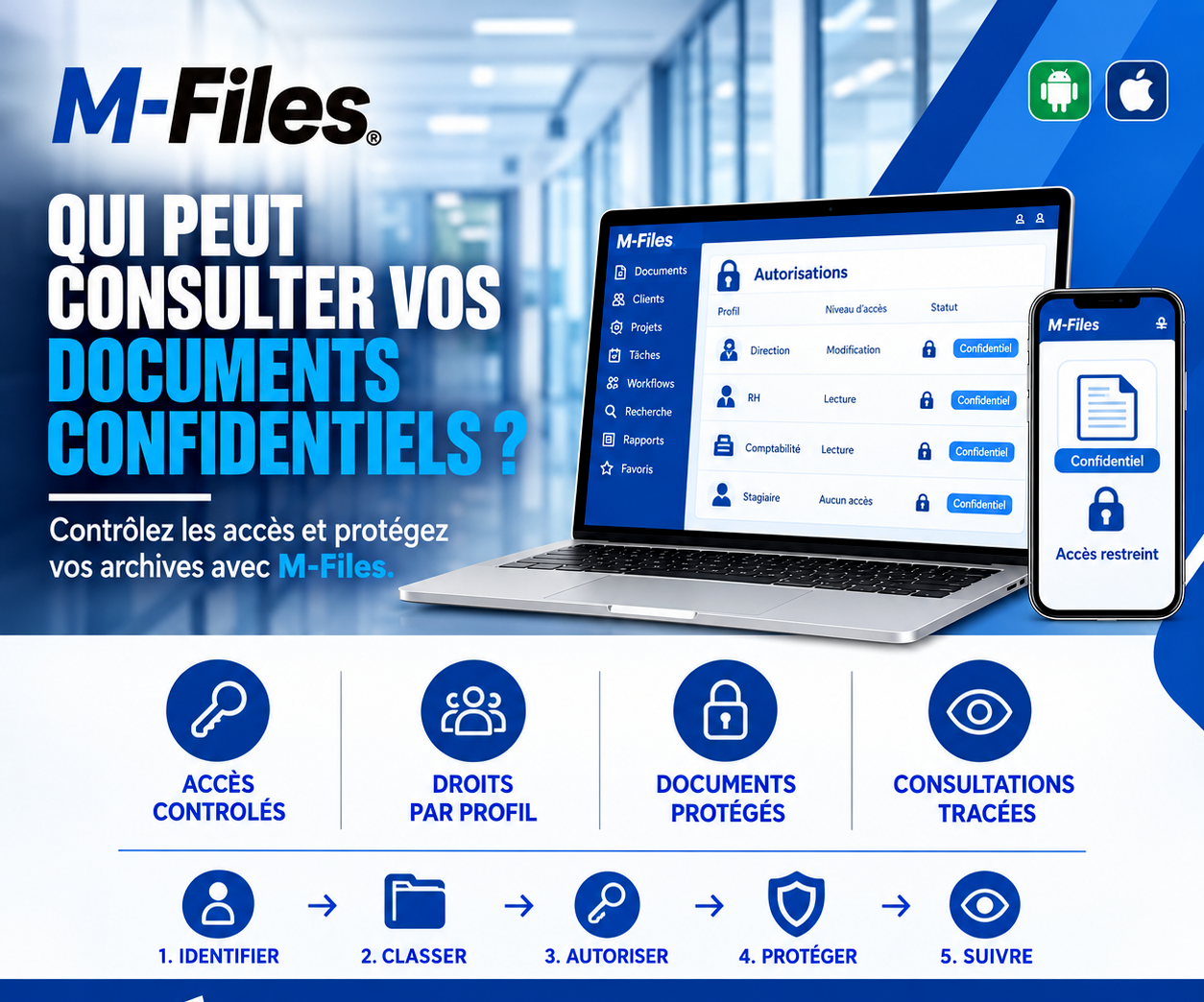
Who can view your confidential documents?
Access "like everyone else" is sometimes enough to expose your biggest clients' financial data to a single intern.
Galaxy Conseils • Banking & financial institutions sector
A young intern has just joined the bank's client services department. To help her get started, she's given access to the shared server, "like everyone else." She explores the folders, curious to learn.
Within a few clicks, she comes across a "Corporate Clients" folder. Inside: statements, collateral, and financial statements for dozens of companies, including Société Alpha's. A little further on, an "HR" folder holds staff payslips. Nothing stops her: the server's permissions are the same for the whole department.
"She doesn't do anything wrong. But a few weeks later, chatting with friends, she mentions without thinking that a company in town 'just landed a big loan.' The information spreads. It reaches Aïcha's ears."
No one meant to betray Aïcha's trust. But confidential information was accessible to someone who had no reason to see it. And for a bank, professional confidentiality doesn't tolerate that kind of looseness.
The same rights for an entire department
The intern sees exactly what the director sees.
Rights never reviewed
A staff member changes roles and keeps their old access.
Sensitive documents poorly identified
Nothing distinguishes a confidential document from an ordinary one.
No record of who viewed what
If there's a leak, there's no way to know who opened what.
For a bank, bound by professional confidentiality and the protection of its clients' and employees' data, every unjustified access is a risk.
The principle is simple: each profile (management, HR, accounting, intern...) receives exactly the rights their work requires. Confidential documents are identified as such, and every view leaves a trace.
Management
Edit
HR / Accounting
View
Intern
No access
🔐 Every profile sees exactly what it needs, nothing more
1. Identify — sensitive documents are identified: client financial files, collateral, payslips, personnel files. They receive the "Confidential" status.
2. Classify — each document is linked to its category and department, which automatically determines the access rules that apply.
3. Authorize — rights are defined by profile: Management can edit, HR and Accounting can view documents in their domain, Interns have no access to confidential documents.
4. Protect — confidential documents stay protected wherever they're viewed from. An unauthorized user sees "Restricted access," or doesn't see the document at all.
5. Track — every view is logged. Managers know who opened which document, and when.
The intern has everything she needs to learn her job: procedures, templates, training documents. But Société Alpha's financial data and staff payslips simply aren't part of what she can see.
No information leaks. Aïcha keeps entrusting her projects to her bank with full confidence. And the intern learns her job without being exposed to information that isn't hers to see.
Controlled access — every document is only accessible to the people who actually need it.
Role-based rights — management, HR, accounting, intern: each profile has the rights suited to its role, to view or to edit.
Protected documents — confidential documents are identified and automatically protected, on every device.
Tracked views — you know who viewed what, and when.
On a file server, permissions are attached to folders: a document only has to be filed in the wrong place to become visible to everyone. In M-Files, permissions can depend on the document's own information, such as its type, its department, or its confidentiality level. A document marked "Confidential" stays protected, wherever it's viewed from.
Rights are managed by group and by profile, not person by person. When a staff member changes roles or leaves the bank, simply updating their profile adjusts their access everywhere.
Finally, the activity log lets managers and auditors verify that the rules are properly applied.
"If an intern joined your department tomorrow, which confidential documents could they access on their first day?"
If you're not sure of the answer, it's time to review your access rights.
We help banks and financial institutions define and apply role-based access rights with M-Files, to protect their confidential documents without slowing teams down.
Galaxy Conseils: innovation in the service of your performance.
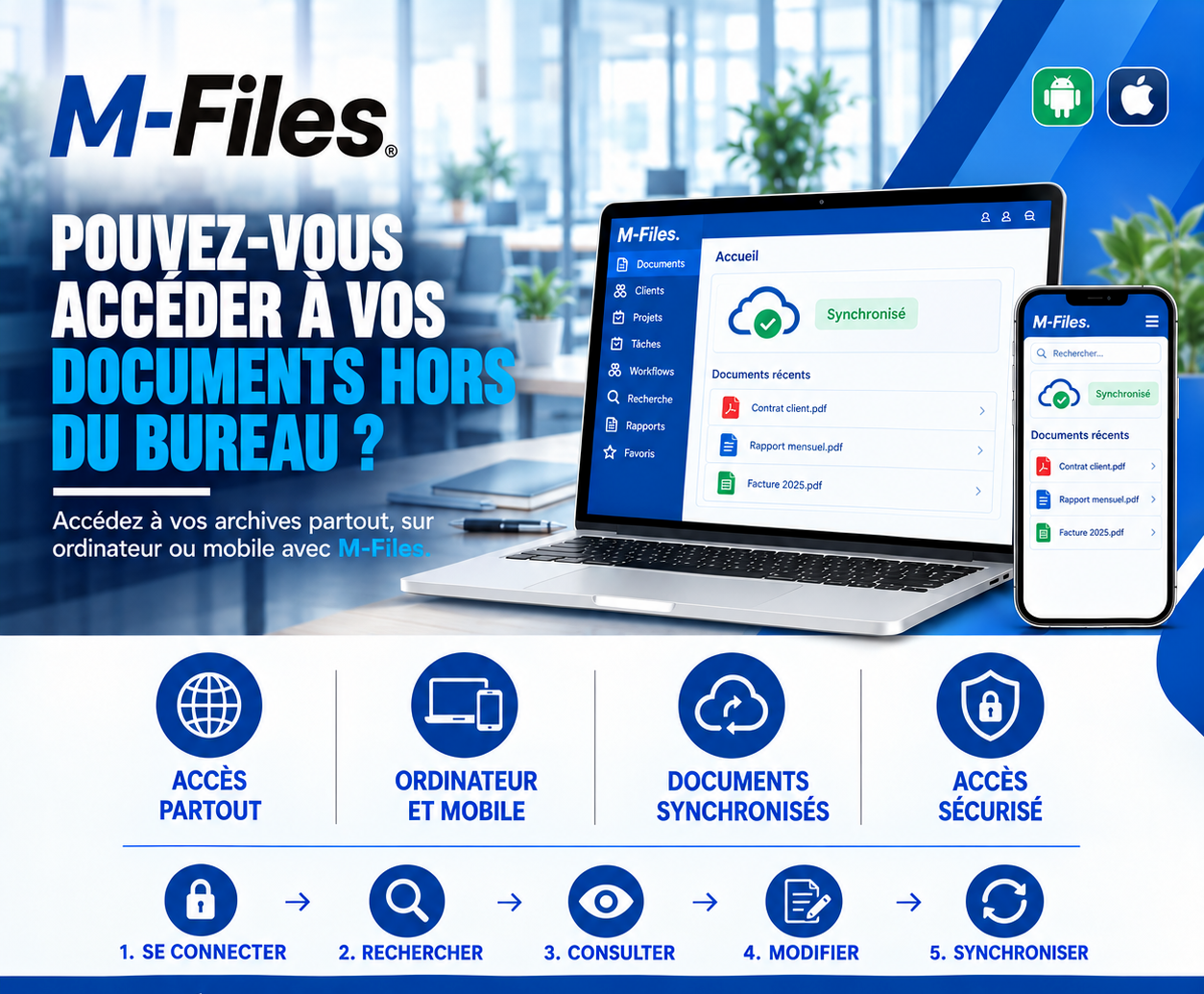
Can you access your documents outside the office? Access everywhere, on computer and mobile, synchronized documents, secure access: see how M-Files supports your teams in the field.
Read more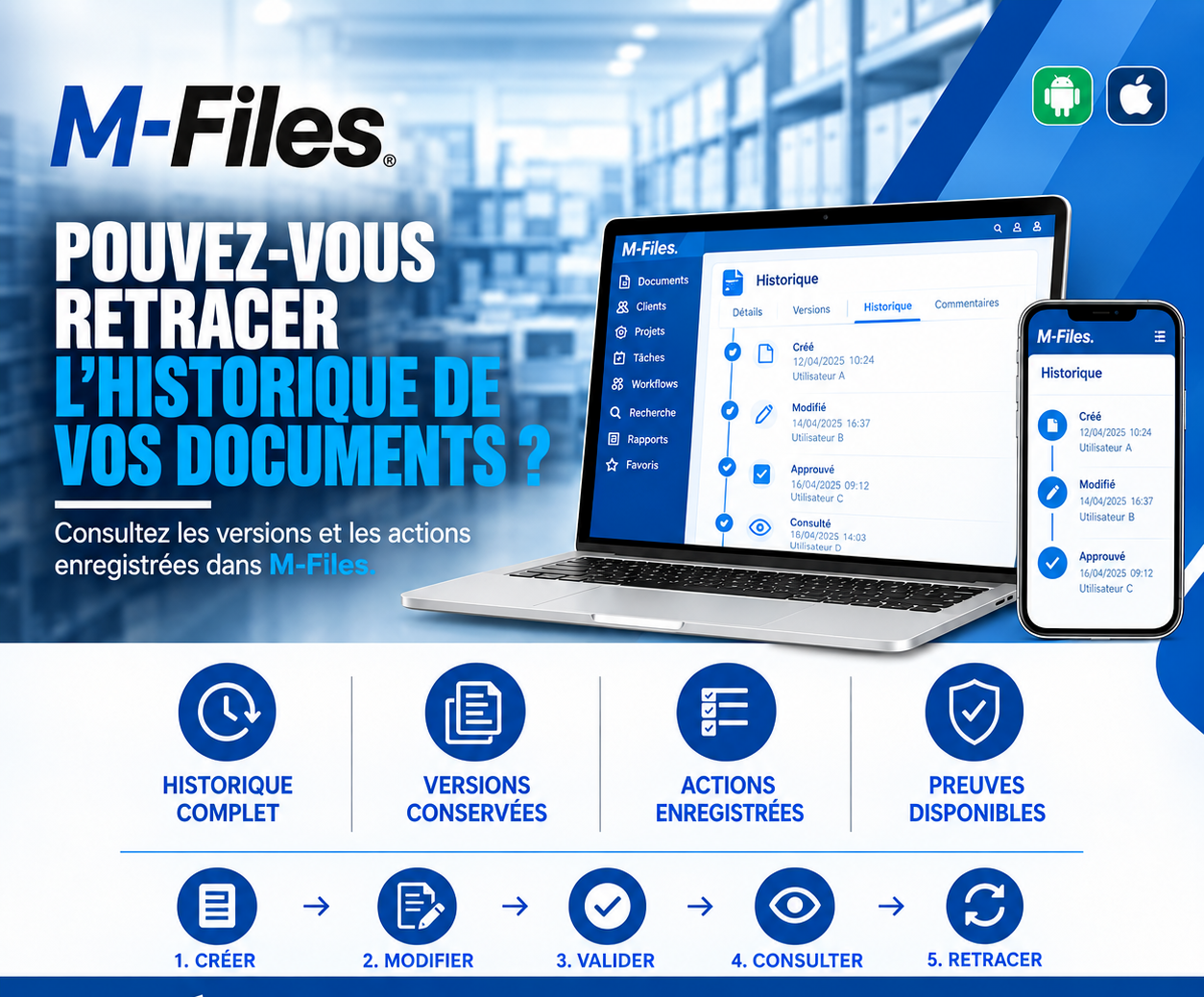
Can you trace the history of your documents? Complete history, versions kept, actions logged, evidence available: discover how M-Files answers auditors in seconds.
Read more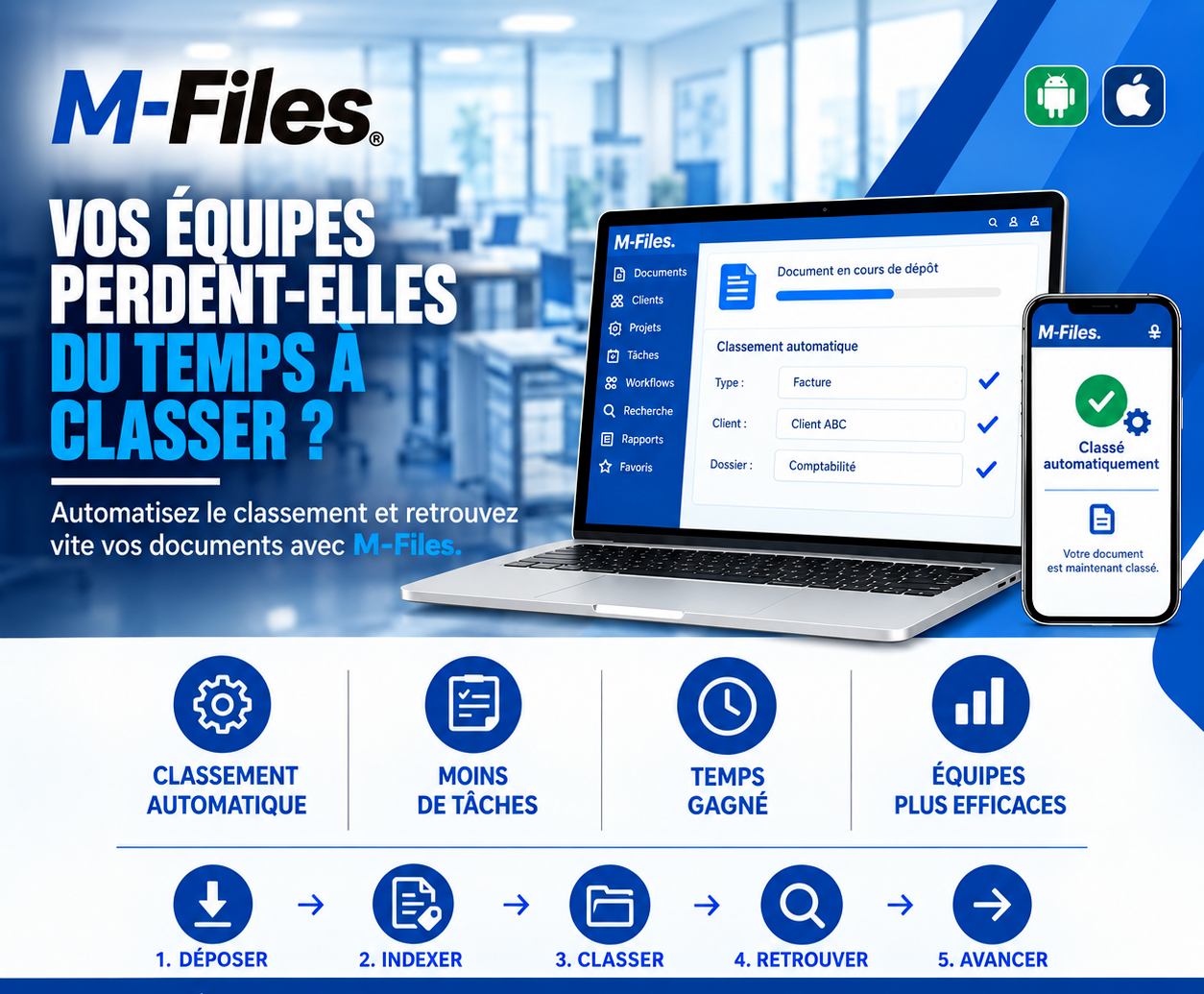
Is your team wasting time filing documents? Automatic filing, fewer repetitive tasks, time saved, more efficient teams: discover how M-Files files your documents for you.
Read moreContact us to learn more about our news and upcoming events.
Our offers, news and document management tips, straight to your inbox. One e-mail a month at most.
Unsubscribe in one click at any time. Privacy policy
Check your inbox
We've sent you a confirmation link. Click it to complete your sign-up.
Comments
No comments yet. Be the first to react!