
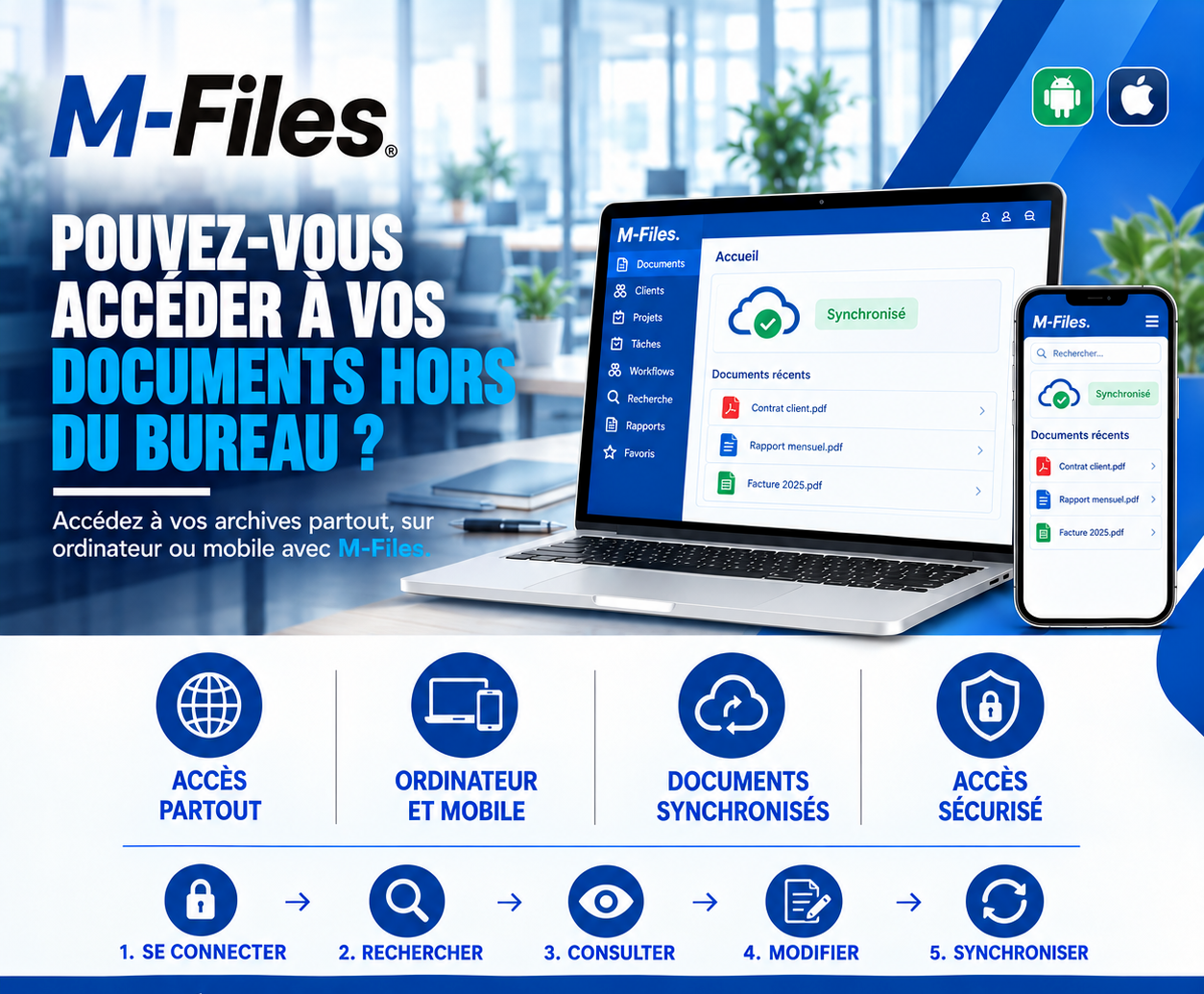
CAN YOU ACCESS YOUR DOCUMENTS OUTSIDE THE OFFICE?
Access everywhere, on computer and mobile, synchronized documents, secure access: see how M-Files supports your teams in the field.
Galaxy Conseils • Banking & financial institutions sector
Société Alpha is opening a new workshop in Kribi. Aïcha invites her bank advisor to come and see it: she wants to show him the machines, the team, the order book, before presenting her financing request for a second phase.
The advisor drives in from Douala. On site, Aïcha asks him precise questions: what is the current outstanding balance on her loan? What guarantees are already in place? Does the contract signed last year include an early repayment clause?
The answers are in the documents... left at the office. The advisor jots notes in a notebook, promises to "check when he's back." Back in Douala the next day, he has to find the documents, copy his notes into a visit report, and email it to his manager, who may or may not file it away.
The visit was a great opportunity to show Aïcha that her bank knows and follows her business. It turned into a list of pending questions. And the second-phase project fell a week behind.
Client visits, head-office meetings, travel between branches, occasional remote work: a large part of banking work happens outside the office. Yet the documents themselves often stay tied to a single workstation.
Inaccessible documents — without a connection to the branch network, a file can't be opened.
Copies taken along — to get by, files get sent to a personal inbox or saved on a USB drive.
Duplicate work — notes taken on paper, then re-typed back at the office.
Out-of-sync versions — the document edited on the road isn't the one on the server.
The goal is for staff to find, wherever they are, the same documents as at the office, in their latest version, with the same access rights. And for anything they change on the move to be immediately available to their colleagues.
Let's replay the story, this time at a bank that uses M-Files.
1. Log in. At the Kribi workshop, the advisor opens the M-Files app on his phone. He signs in securely, with the same rights he has at the office.
2. Search. He types "Société Alpha." The complete folder appears, with the most recent documents at the top of the list.
3. Review. He opens the client contract and immediately answers Aïcha about the early repayment clause. He checks the monthly report for the outstanding balance and guarantees.
4. Edit. On his tablet, he drafts the visit report while Aïcha shows him around the workshop, and attaches photos of the new machines.
5. Synchronize. Everything is saved in M-Files and synchronized. On screen, a single word: "Synced." His manager, in Douala, reads the report before he's even back.
Access everywhere. At the office, at a client's site, on the road or at home, your documents are accessible as soon as you're connected.
Computer and mobile. The same interface, the same documents, on computer, tablet and phone, Android or iOS.
Synchronized documents. Whatever is changed in the field is immediately available to the whole team, in the right version.
Secure access. Protected connection and identical access rights everywhere: everyone sees only what they're authorized to see.
With M-Files, there's no "office" set of documents on one side and a "taken along" set on the other. The web and mobile applications give access to the same vault, the same documents and the same versions. You don't copy a file to take it with you: you consult it where it lives.
Access rights apply the same way across all devices, and the connection can be hardened according to the bank's security policy. If a phone is lost, its access can simply be cut off: no folder copy is left lying around in a personal inbox.
Finally, the mobile app also lets certain documents be marked for offline viewing. That's useful in areas with weak network coverage, provided the bank's security rules are respected.
Ask yourself:
"If one of your advisors were at a client's site right now, could they securely open that client's contract on their phone?"
If the answer is no, your teams are working with one hand tied behind their back.
At Galaxy Conseils, we help banks and financial institutions give their teams secure access to their documents, at the office and in the field, with M-Files. Want to see concretely what this would look like at your bank?
Galaxy Conseils: innovation serving your performance.
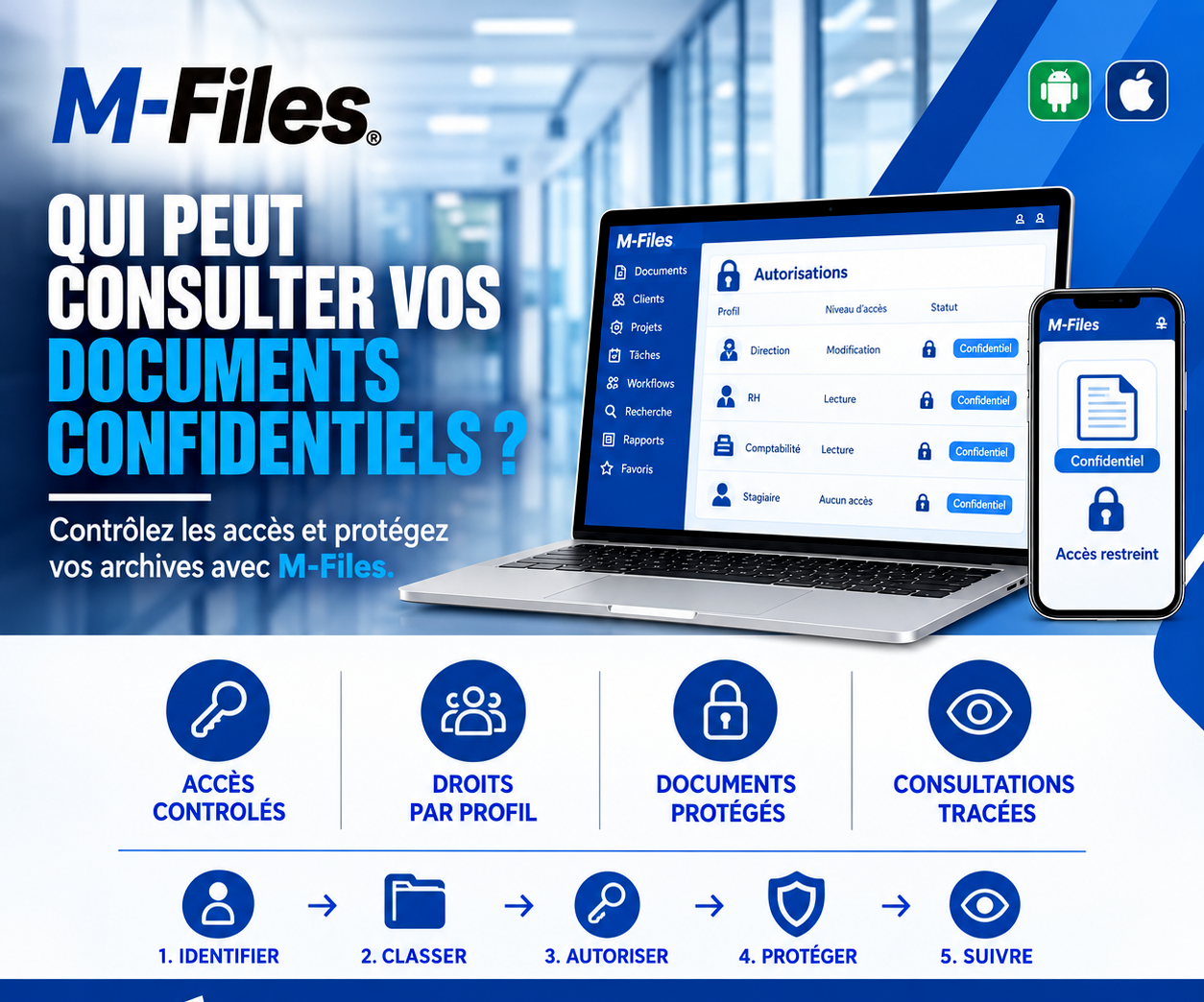
Who can view your confidential documents? Controlled access, role-based rights, protected documents, tracked views: discover how M-Files protects your sensitive records.
Read more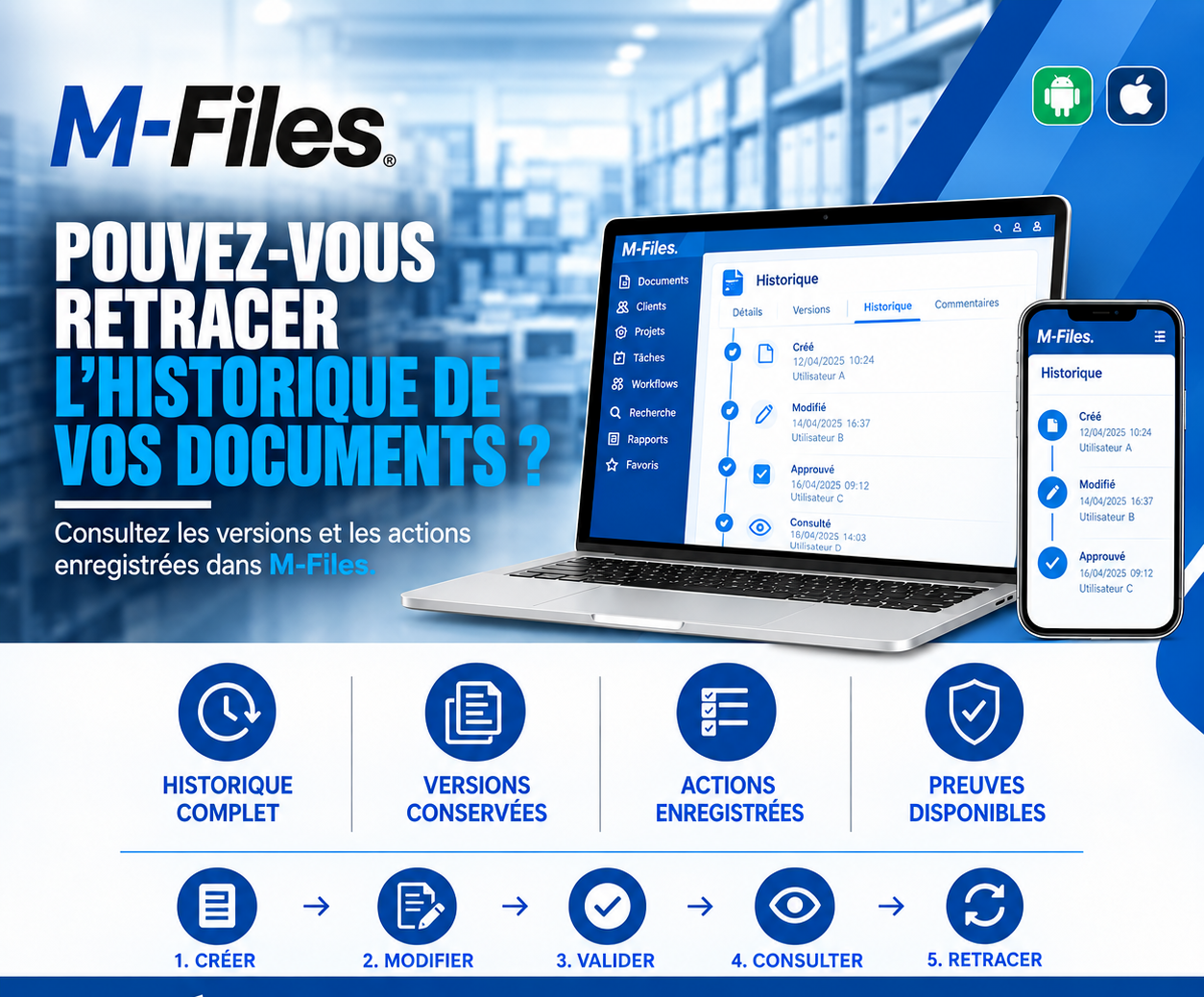
Can you trace the history of your documents? Complete history, versions kept, actions logged, evidence available: discover how M-Files answers auditors in seconds.
Read more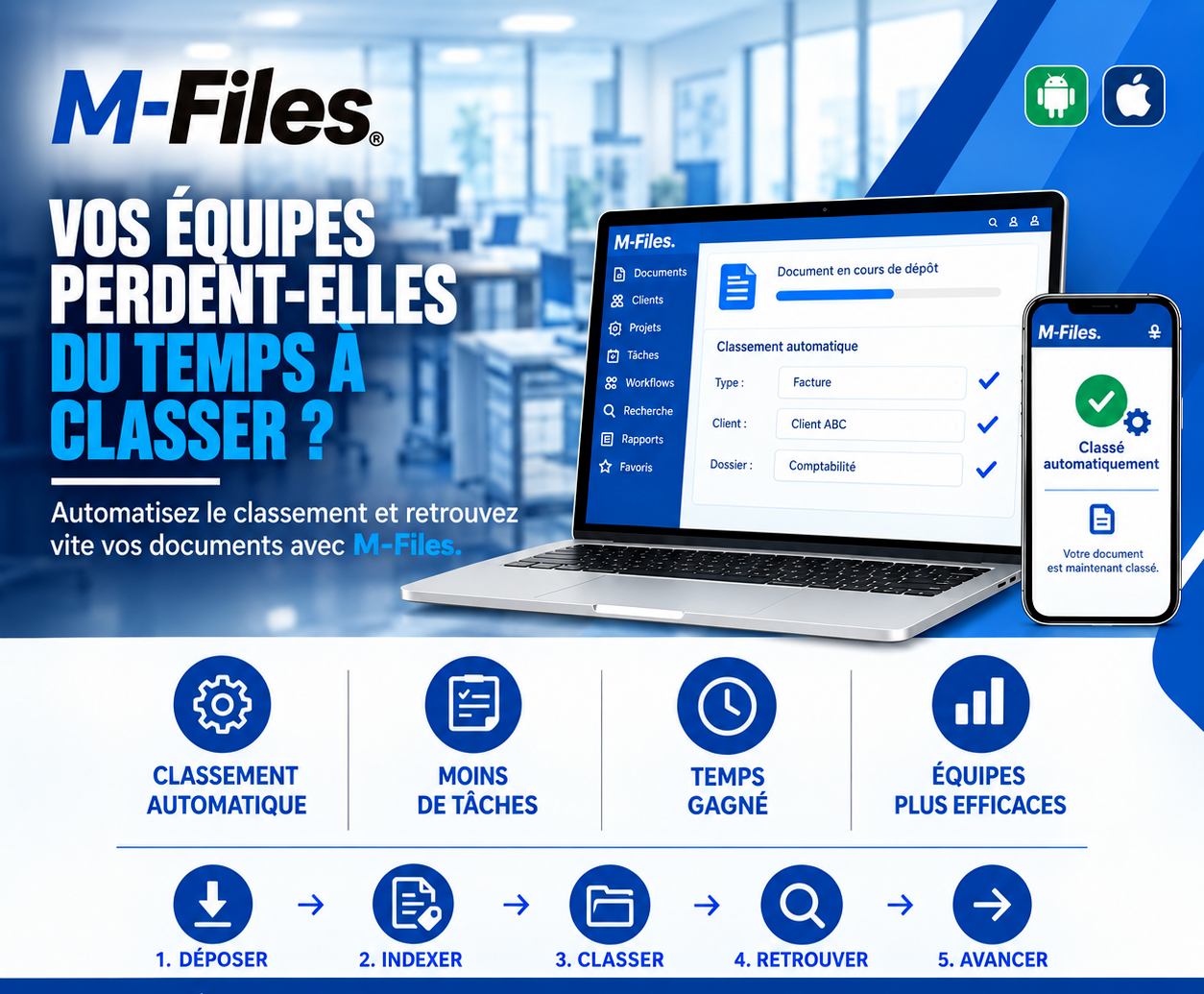
Is your team wasting time filing documents? Automatic filing, fewer repetitive tasks, time saved, more efficient teams: discover how M-Files files your documents for you.
Read moreContact us to learn more about our news and upcoming events.
Our offers, news and document management tips, straight to your inbox. One e-mail a month at most.
Unsubscribe in one click at any time. Privacy policy
Check your inbox
We've sent you a confirmation link. Click it to complete your sign-up.
Comments
No comments yet. Be the first to react!