
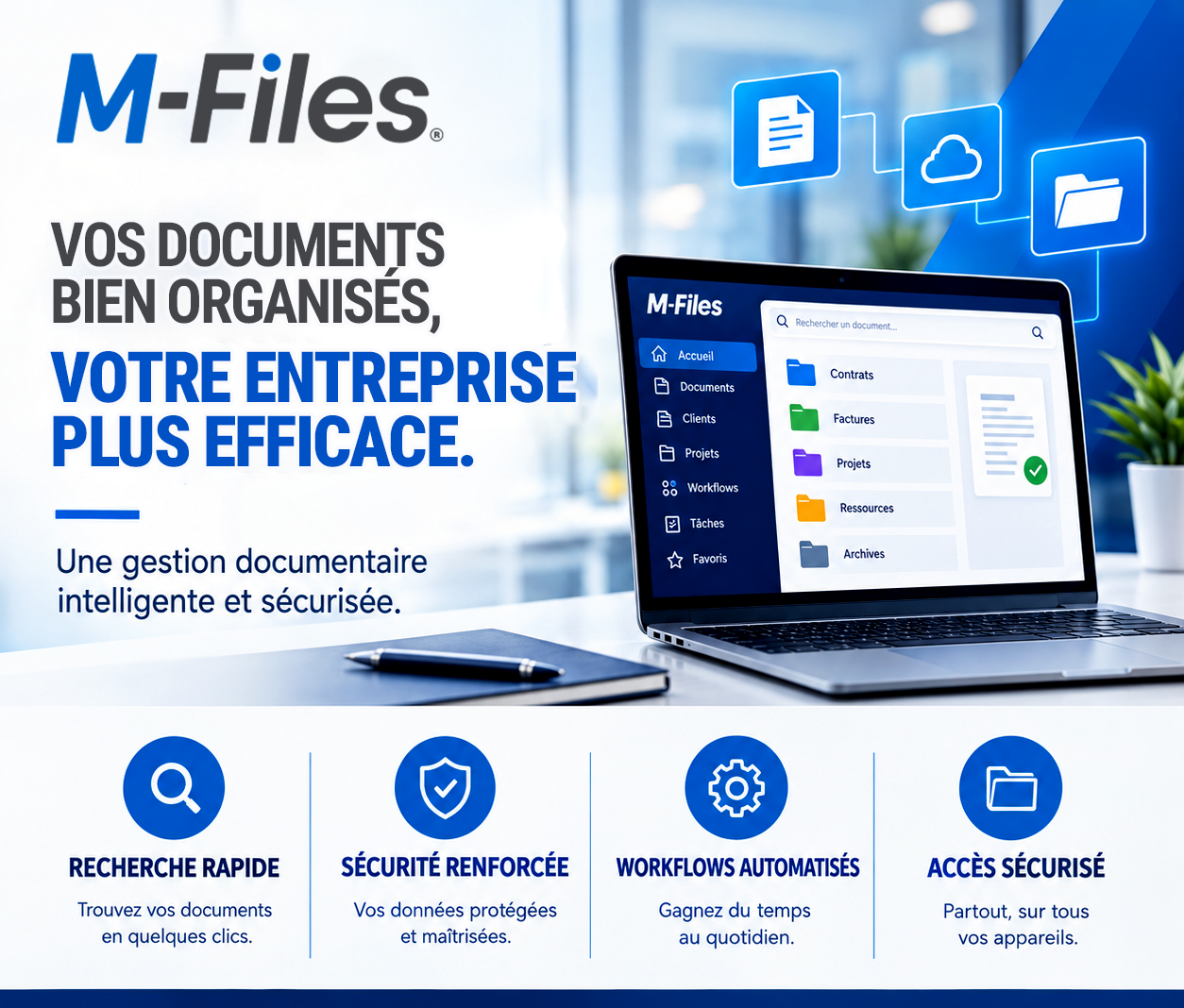
Document management & ECM
Are your company's documents classified by content or by location?
Moving from a folder tree to smart information management
In many organizations, finding a document still means knowing in advance where it was saved. This dependency on location slows down searches, multiplies copies, and undermines version control. An intelligent information management solution like M-Files lets you find information based on what it is and the context in which it's used.
To find a file, employees often need to know:
Take the example of a supplier contract. Should it be filed under the supplier's folder, the legal department, purchasing, current contracts, or the relevant fiscal year?
To cover every need, the same document often ends up saved in several places. Copies pile up, versions contradict each other, and one question eventually comes up: who holds the correct version of the document?
In an organization built solely on folders and subfolders, a document is found based on where it was filed. This approach regularly leads to:
With M-Files, a document is no longer identified primarily by where it sits, but by what it represents. A contract, for example, can be described using metadata useful to the business.
| Document type | Contract |
| Party involved | Supplier or client |
| Responsible department | Legal, purchasing, or finance |
| Period | Signature and expiration dates |
| Status | Draft, approved, signed, or expired |
| Confidentiality | Access based on roles and responsibilities |
The same document can then be found using several different criteria, without being duplicated and without digging through a long folder structure.
The legal department can view the contract in the "Contracts in progress" view, while finance finds it in the "Supplier commitments" view. Yet it's the same document, kept as a single copy in its official version.
M-Files notably lets you:
The real question is no longer: "Where is the document?"
It becomes: "Which document are you looking for, what's a piece of its content, and in what context do you need it?"
Moving from location-based filing to content-based management reduces unnecessary searches, secures documents, and makes information immediately usable.
Galaxy Conseils supports organizations in digitizing their processes and implementing M-Files solutions tailored to their needs.
And in your organization, how long does it take to find the right version of a contract, an invoice, or a client file?
Galaxy Conseils helps you set up an M-Files solution tailored to your needs.
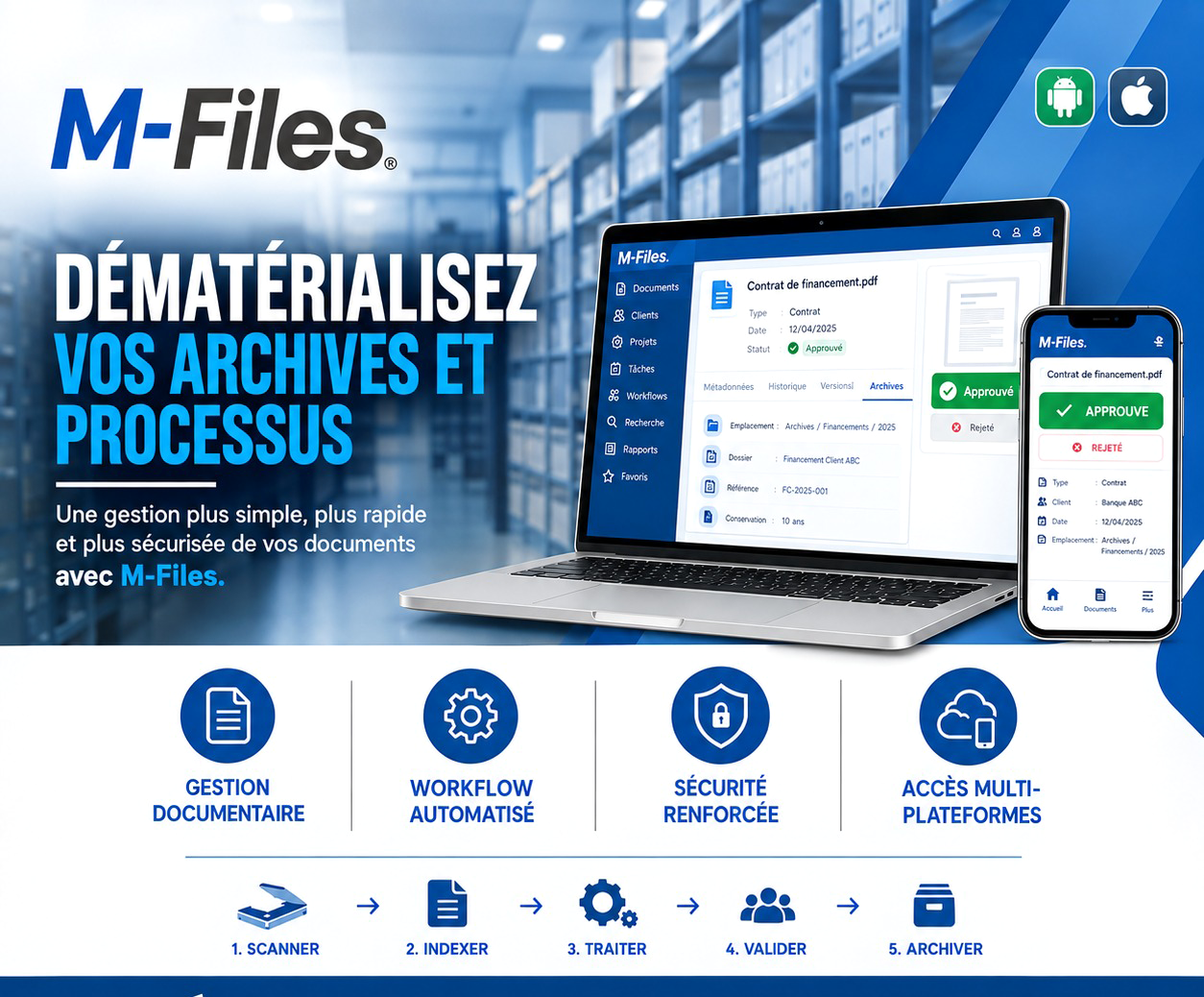
A missing file, a stalled approval, a stressful audit: the real problem isn't your team, it's paper. Discover how M-Files simplifies archive management and secures your document processes.
Read more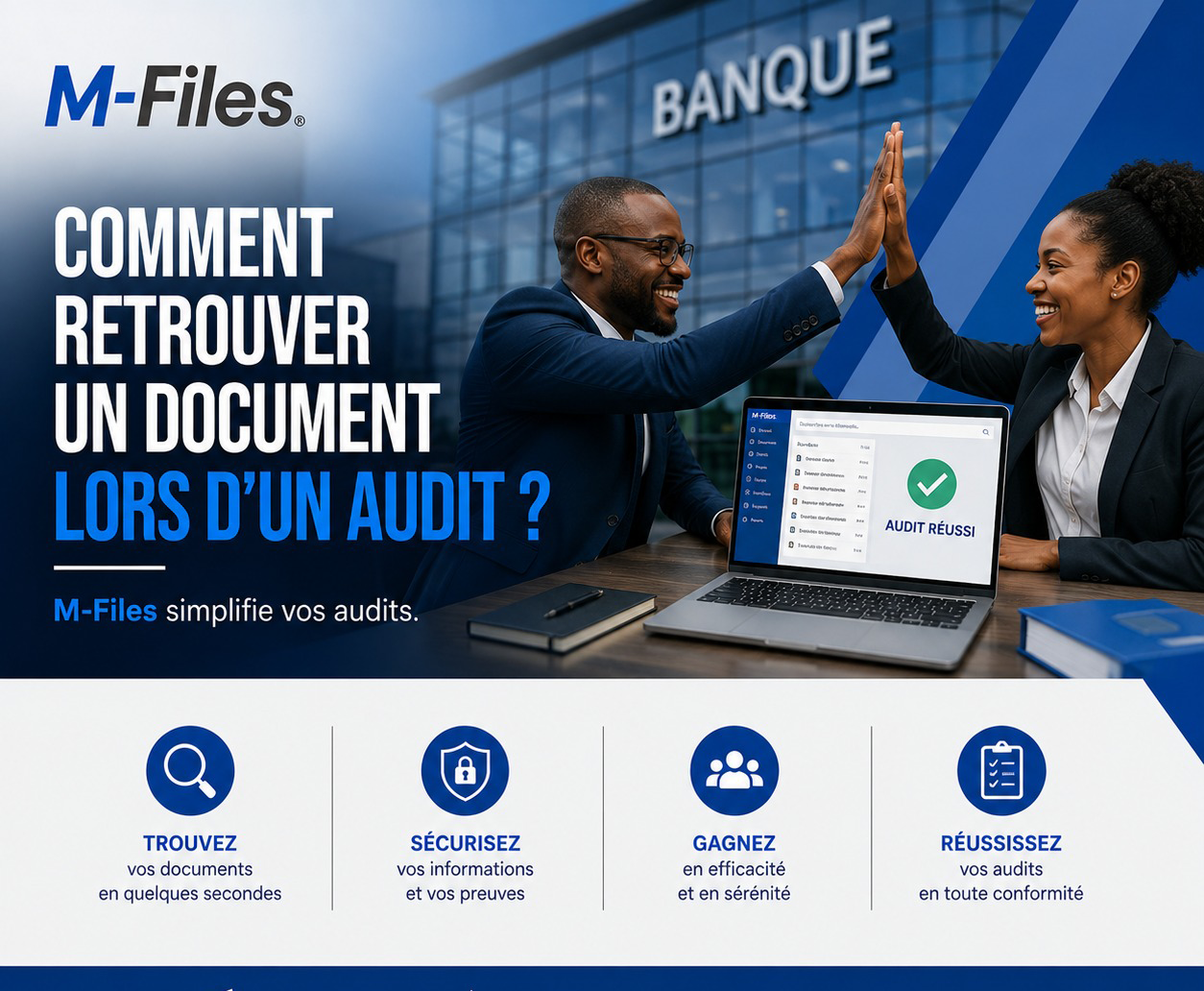
A missing document is costly during a bank or insurance audit. M-Files centralizes your documents by metadata: search in seconds, one authoritative version, tracked access — turning audits into a formality instead of an emergency.
Read more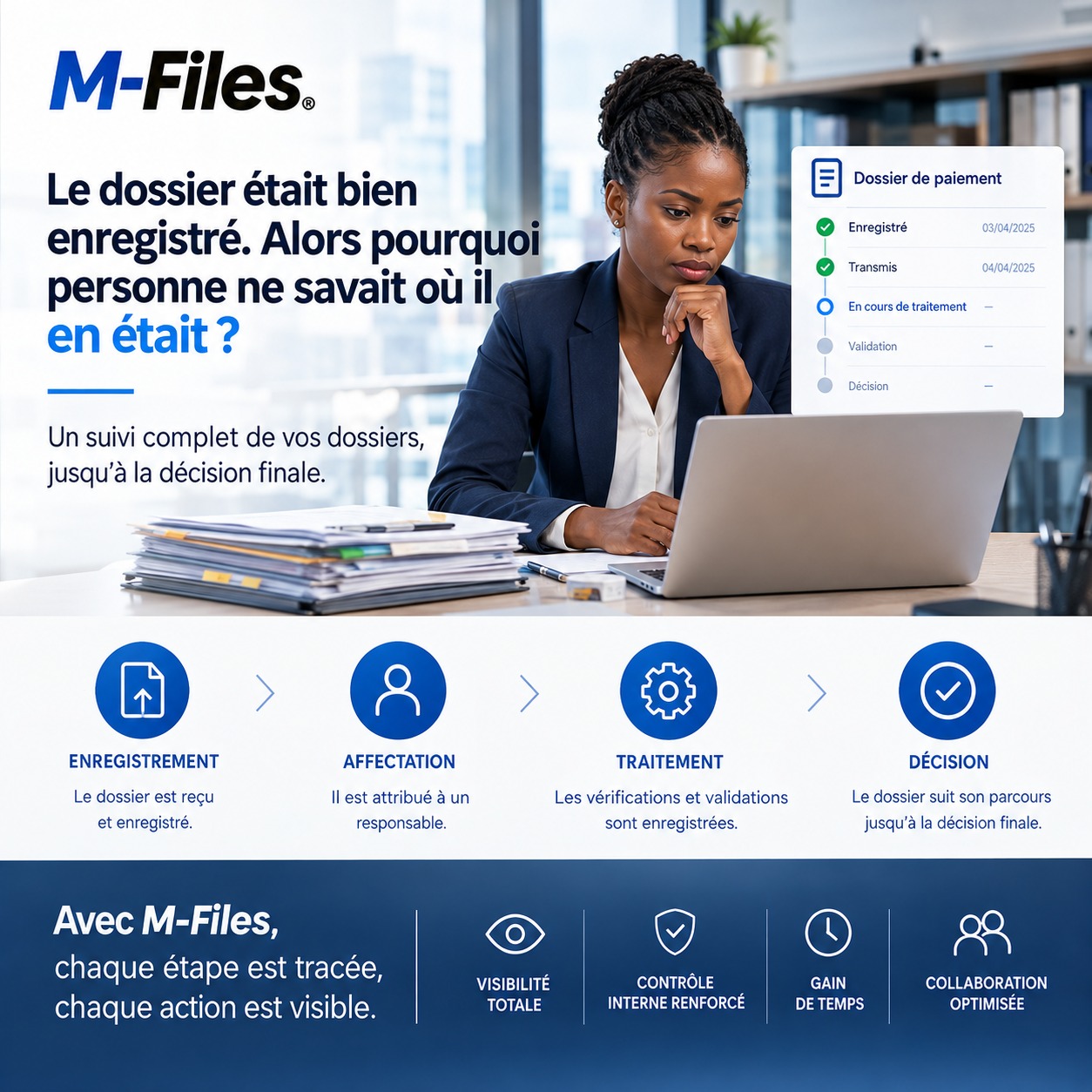
A payment file can be logged in a document management system and still stay stuck for weeks. Where is it? Has it been checked? Is a document missing? Who needs to act now? This real case shows how a public institution closed the gap between digital logging and actual processing, by tracking internal control all the way through to the final decision.
Read moreContact us to learn more about our news and upcoming events.