
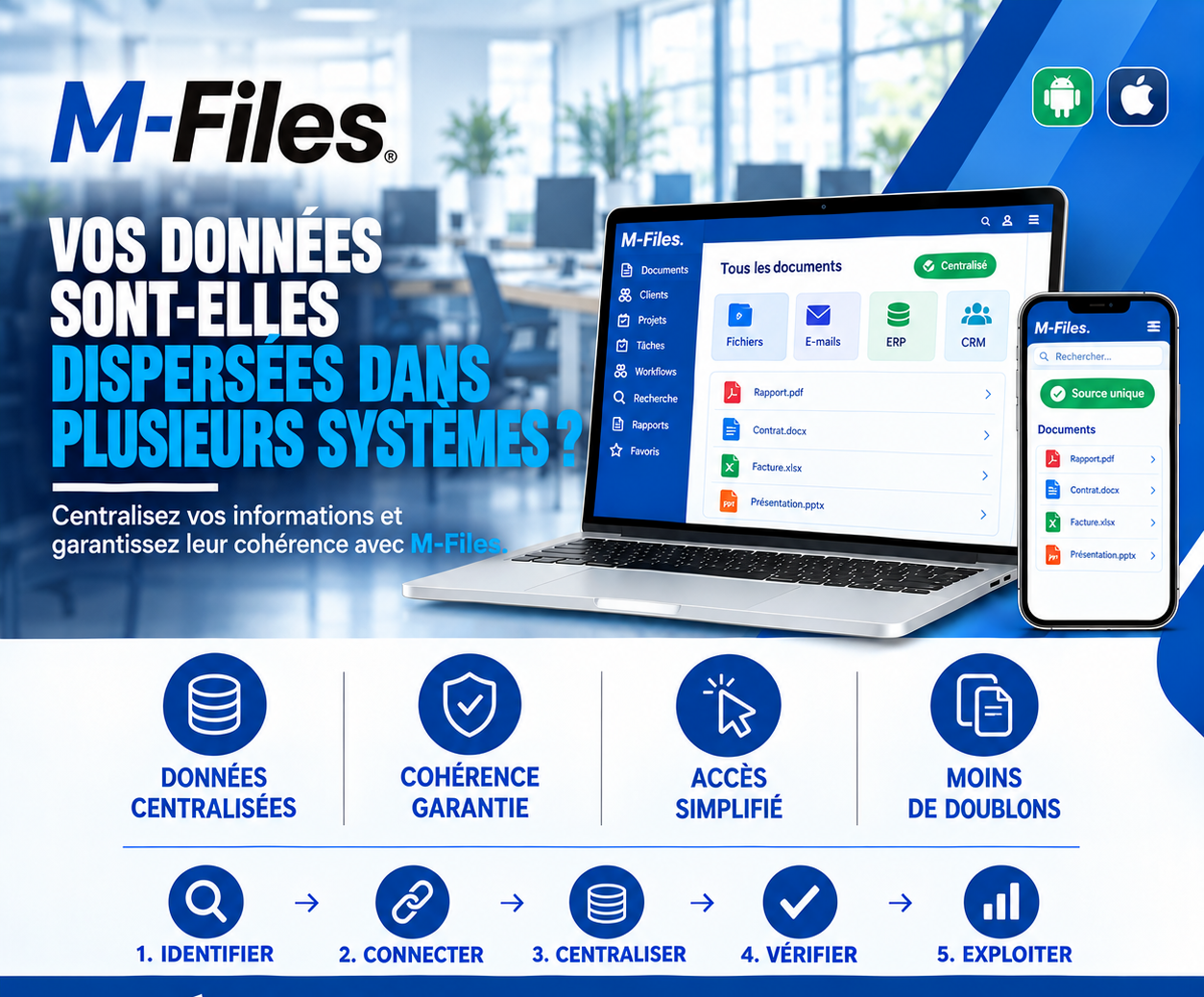
IS YOUR DATA SCATTERED ACROSS MULTIPLE SYSTEMS?
Files, emails, banking software, CRM: see how M-Files centralizes information and guarantees its consistency.
Galaxy Conseils • Banking & financial institutions sector
Like every bank, Aïcha's bank must regularly update its knowledge of its clients. This year, it's Société Alpha's turn: the compliance department asks the advisor to check that the file is complete and up to date. The CEO's ID, articles of association, trade register, proof of address, latest financial statements.
The advisor gets to work. The basic information is in the banking software. His meeting notes are in the customer relationship tool. The articles of association and trade register are in a shared folder. And Aïcha's new ID, sent three months ago, is still sitting as an attachment in his inbox.
In the shared folder, the ID is expired. In the banking software, the address is the old one. Unable to find the right documents, the advisor calls Aïcha to ask her to resend everything.
Aïcha resends documents she had already provided. The bank had the information, but it was spread across four systems that didn't talk to each other. And the file itself remained incomplete.
A bank naturally uses several tools: a central banking software, an email system, shared folders, often a customer relationship tool, sometimes an ERP for internal management. Each one is useful. But when each keeps its own share of the information with no link to the others, problems pile up.
Fragmented information — getting the full picture of a client means opening several applications.
Contradictions — an address, an executive, or a document up to date in one system, expired in another.
Duplicates — the same document exists in several copies, in several places.
Clients asked unnecessarily — they're asked again for what they've already provided.
Centralizing doesn't mean replacing every existing tool. It means linking the sources of information and offering a single access point, where all of a client's documents and data can be found, whatever the source system, with a clearly identified reference source.
Let's replay Aïcha's story, this time at a bank using M-Files.
1. Identify. Together with the bank, the information sources are mapped out: shared files, emails, banking software, customer relationship tool, and what each one holds.
2. Connect. M-Files is linked to these sources: the client list comes from the banking software, important emails are saved from the mail system, and shared folders are made accessible within the same interface.
3. Centralize. In "All documents," Société Alpha's file brings everything together: reports, contracts, invoices, presentations, compliance file items. The "Centralized" status confirms it.
4. Verify. The advisor sees at a glance what's up to date and what's missing. Aïcha's new ID, received by email, is already attached to her file.
5. Use. The compliance file is completed within an hour, from a single screen, and sent to the compliance department.
Centralized data. All of a client's documents and information are accessible from a single space.
Guaranteed consistency. One reference source for each piece of information, and contradictions spotted more easily.
Simplified access. No more need to open four applications to get the full picture of a file.
Fewer duplicates. Documents are no longer copied from one system to another: they're linked.
M-Files isn't trying to replace your banking software or your other tools. It sits above them, as a layer of information management. Thanks to its connectors, it can display data from other systems, such as the client or account list, and give access to documents stored elsewhere, without duplicating them.
Every document is described by its metadata and linked to the right client. That's what makes it possible to find everything from the client's record, whether the document comes from an email, a shared folder, or a scan.
And because the rollout happens progressively, the bank can start with one specific use, such as the compliance file, before extending the approach.
Ask yourself:
"How many applications do your advisors have to open to put together a client's complete file?"
If the answer is more than one, it's time to centralize access to your information.
At Galaxy Conseils, we help banks and financial institutions connect their systems to M-Files and centralize access to their information, starting from their existing tools. Want to see concretely what this would look like at your bank?
Galaxy Conseils: innovation serving your performance.
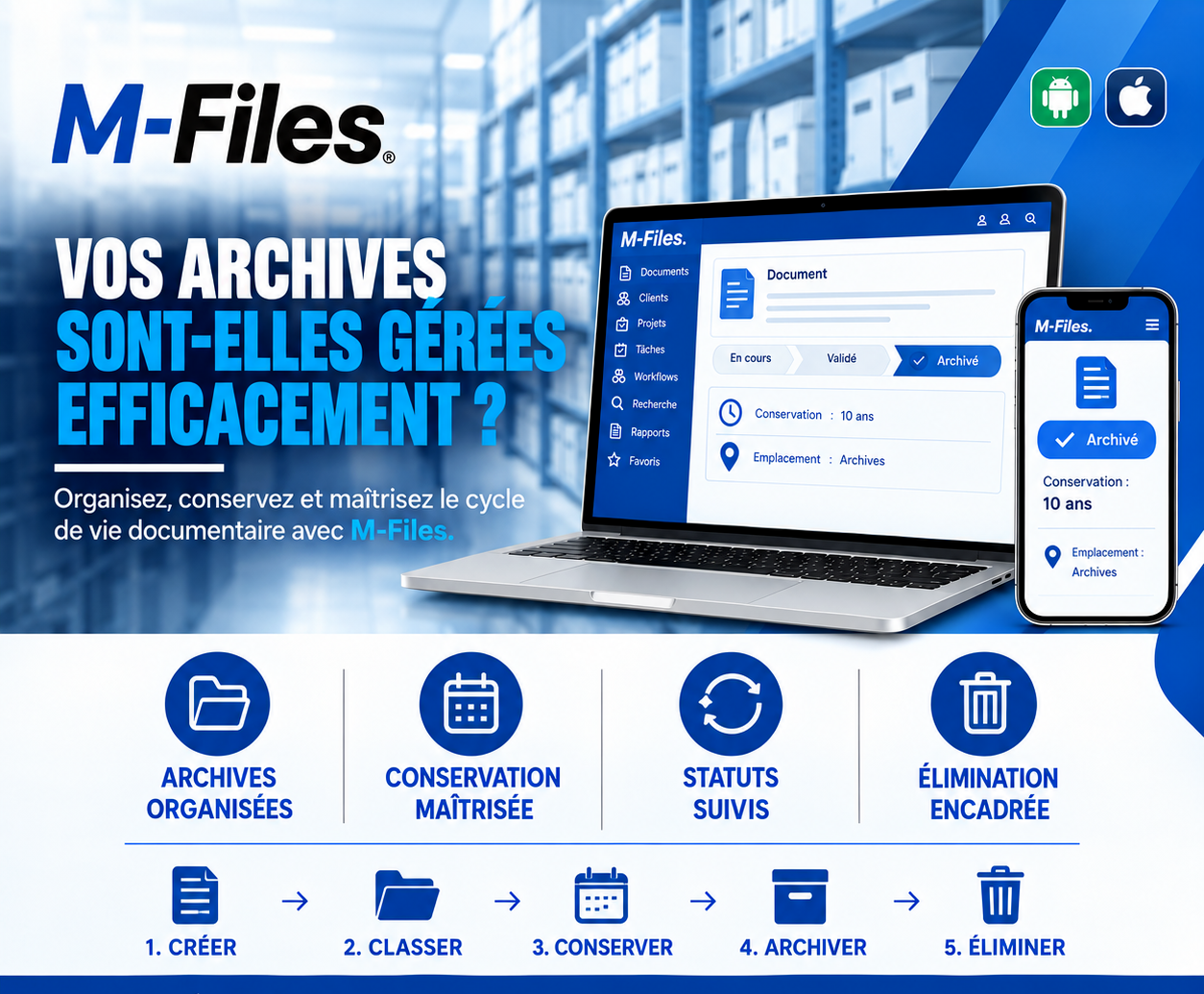
Are your archives managed efficiently? Organized archives, controlled retention, tracked statuses, supervised disposal: see how M-Files manages your documents' lifecycle.
Read more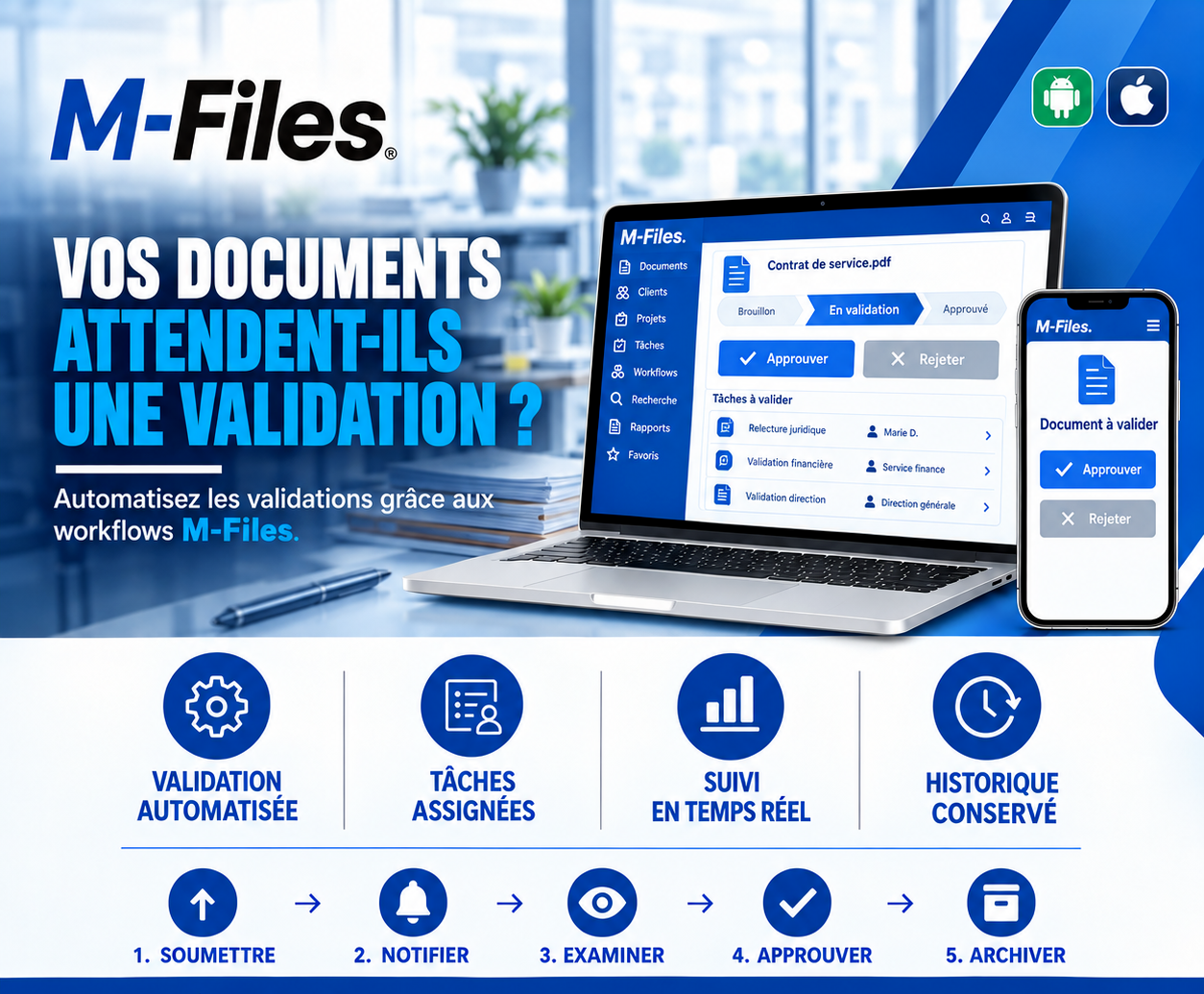
Are your documents waiting for approval? Automated validation, assigned tasks, real-time tracking, kept history: see how M-Files workflows speed up your approvals.
Read more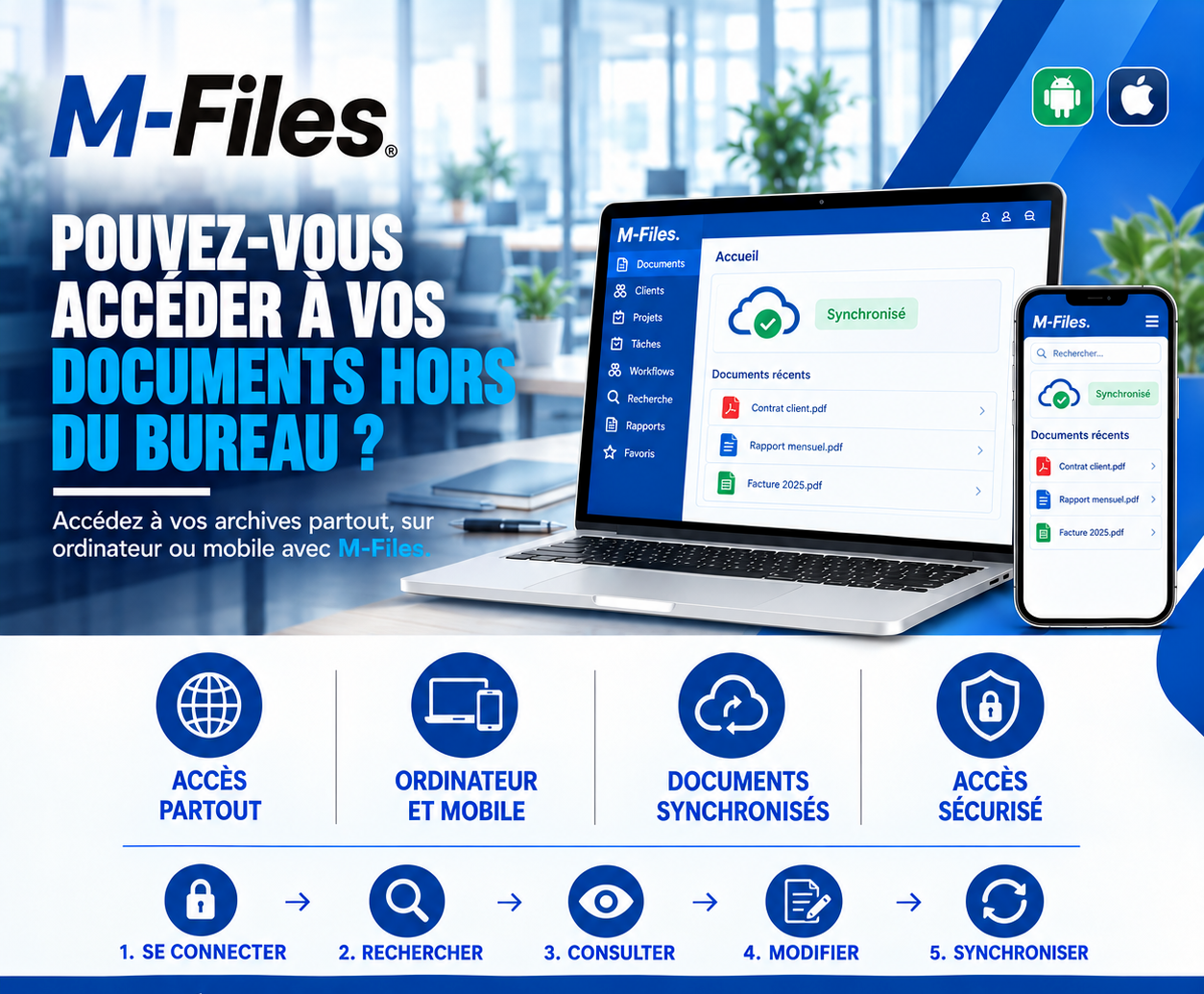
Can you access your documents outside the office? Access everywhere, on computer and mobile, synchronized documents, secure access: see how M-Files supports your teams in the field.
Read moreContact us to learn more about our news and upcoming events.
Our offers, news and document management tips, straight to your inbox. One e-mail a month at most.
Unsubscribe in one click at any time. Privacy policy
Check your inbox
We've sent you a confirmation link. Click it to complete your sign-up.
Comments
No comments yet. Be the first to react!