
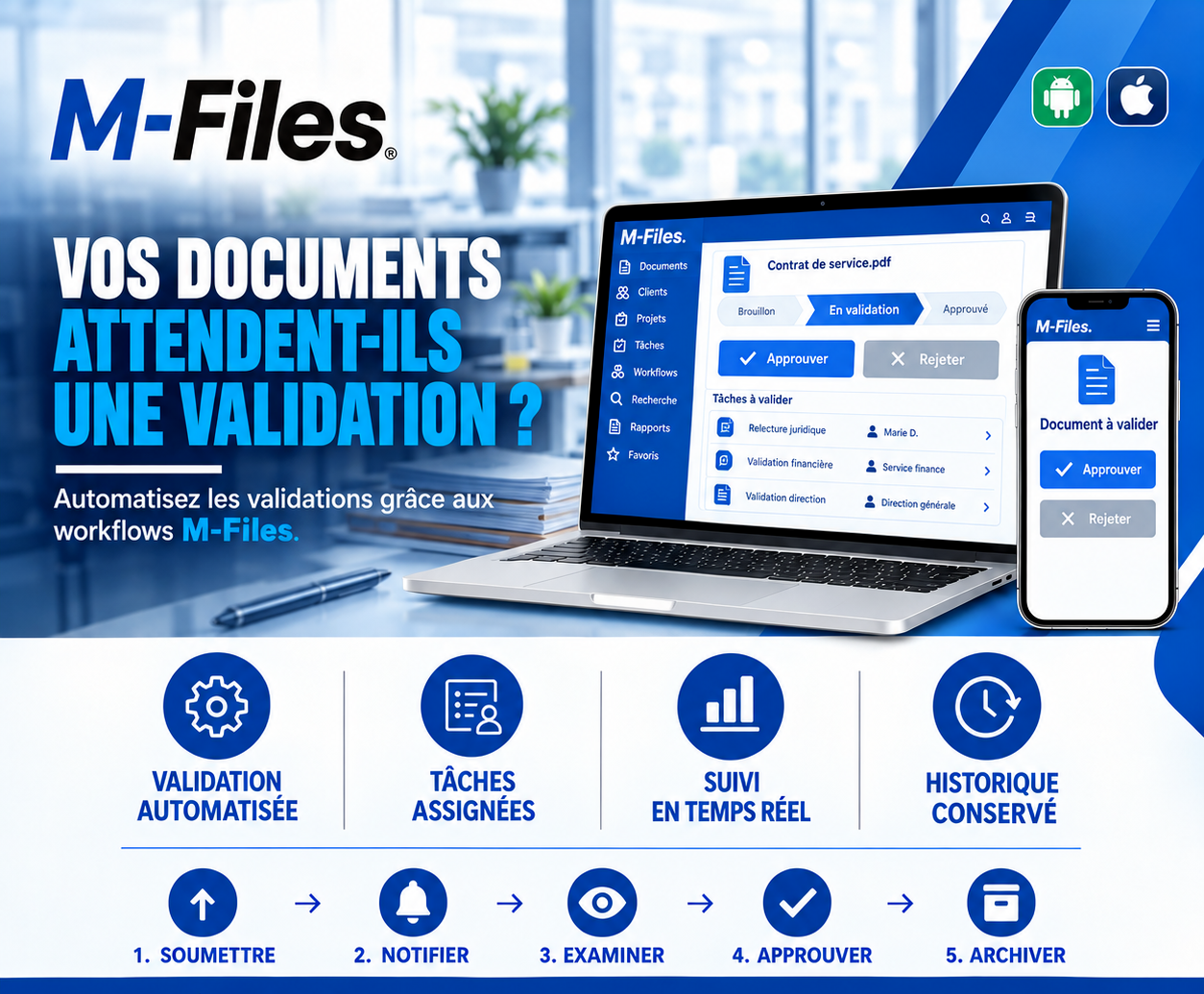
ARE YOUR DOCUMENTS WAITING FOR APPROVAL?
Automated validation, assigned tasks, real-time tracking, kept history: see how M-Files workflows speed up your approvals.
Galaxy Conseils • Banking & financial institutions sector
The bank wants to award Société Alpha a new service contract: maintaining its equipment in ten new branches. Aïcha has submitted her proposal, and the terms are accepted in principle. All that's left is to get the contract approved internally: legal review, financial sign-off, executive approval.
The contract goes out by email to the legal department. Marie, the legal counsel, reviews it and proposes a change to the penalty clause. She emails her version back... to the wrong recipient. A week goes by. The finance department, having received nothing, doesn't even know a contract is waiting for it.
When the file finally reaches senior management, it turns out the version sent isn't the one Marie corrected. Back to square one.
Aïcha waits a month for a signature she was told would come "within the week." Meanwhile, she has hired technicians for the ten branches, and she's paying them without being able to start the work.
At a bank, an important document rarely passes through a single person. A contract is reviewed by legal, checked by finance, approved by management. Any link in that chain can slow it down.
Documents circulating by email — sent, forwarded, forgotten, sometimes to the wrong recipient.
Approvers who don't know they're being waited on — no task, no alert.
Versions that cross each other — each reviewer works on their own copy.
No visibility — nobody knows where the document stands, or who's holding it up.
Poorly relayed rejections — the information gets lost, and the document never makes it back to whoever needs to fix it.
A workflow is an approval circuit defined in advance: which steps, in what order, by whom, with what deadlines. Every document submitted follows that circuit automatically. Each approver gets a task at the right moment, and everyone can see at any time where the document stands.
Let's replay Aïcha's story, this time at a bank using M-Files workflows.
1. Submit. Société Alpha's "Service Contract" moves from "Draft" status to "Under review." The workflow starts automatically.
2. Notify. Marie D. from legal immediately receives a "Legal review" task, on her computer and on her phone.
3. Review. Marie reviews the contract directly in M-Files. She taps "Reject" with a comment about the penalty clause. The contract automatically goes back to its author, who corrects it in the same document, then resubmits it. Marie approves the new version.
4. Approve. The finance department receives the "Financial approval" task and signs off. Senior management then receives the "Executive approval" task and approves from their phone, while traveling.
5. Archive. The contract moves to "Approved" status. It's archived with the full history: who reviewed it, who rejected it and why, who approved it, and when.
Automated approval. The circuit is defined once and for all, and every document follows it automatically.
Assigned tasks. Each approver gets their task at the right moment, with the up-to-date document.
Real-time tracking. Draft, under review, approved: everyone sees where the document stands, and who needs to act.
A kept history. Every approval, every rejection and every comment is recorded.
With M-Files, the document doesn't travel: the task does. The contract stays in one place, in its latest version, and each approver accesses it in turn. There are no more copies crossing paths by email.
Workflows are configured to your own rules: sequential or parallel approvals, deadlines, reminders, different circuits depending on amount or document type. The "Approve" and "Reject" buttons are available on computer as well as on mobile.
And because every step is recorded, the bank has a complete audit trail, useful for internal control as well as for auditors.
Ask yourself:
"How many documents are waiting for approval at your bank right now, and with whom?"
If no one can answer without walking the halls, your approvals deserve a real circuit.
At Galaxy Conseils, we help banks and financial institutions design and implement their approval workflows in M-Files, starting from their real procedures. Want to see concretely what this would look like at your bank?
Galaxy Conseils: innovation serving your performance.
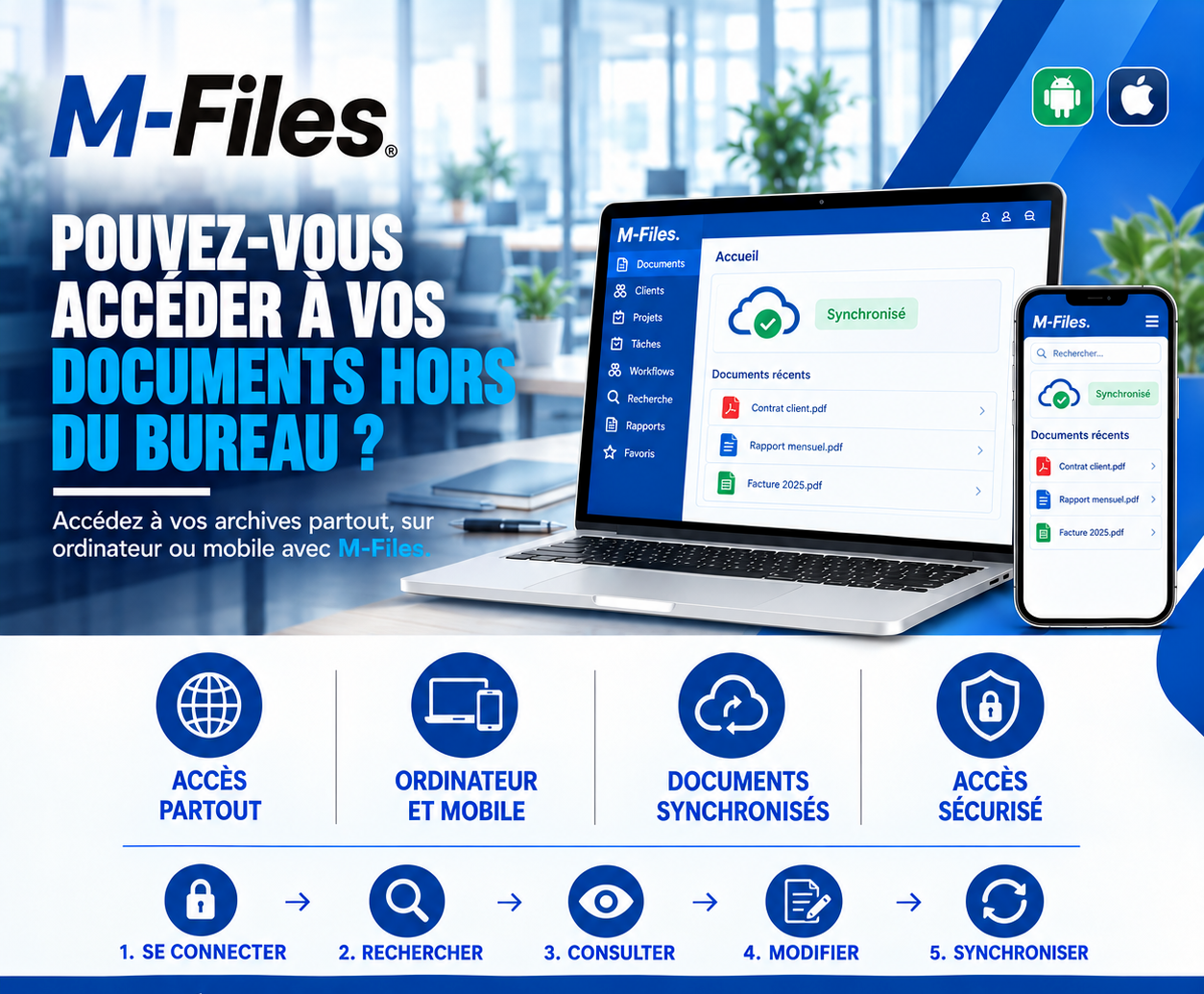
Can you access your documents outside the office? Access everywhere, on computer and mobile, synchronized documents, secure access: see how M-Files supports your teams in the field.
Read more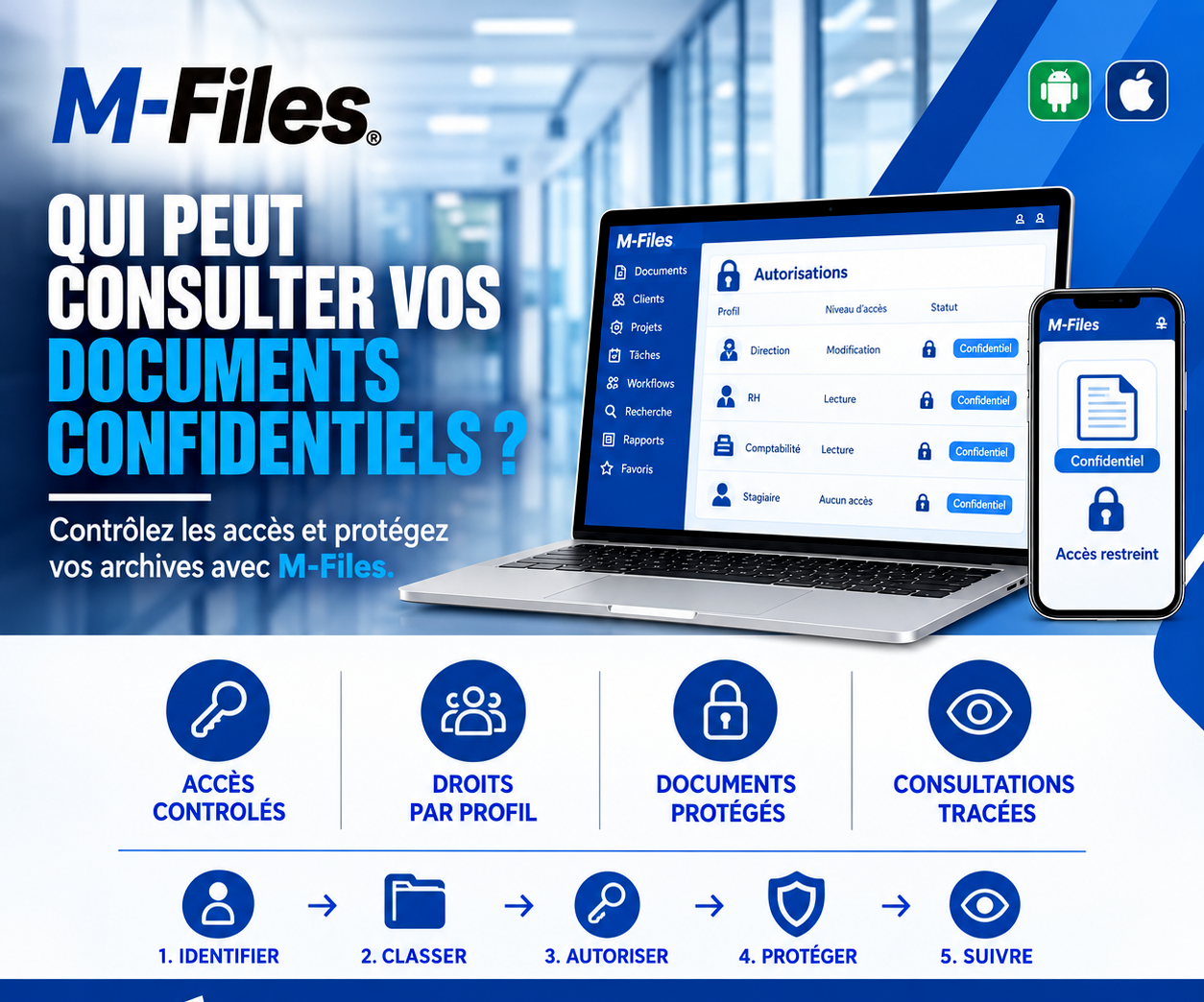
Who can view your confidential documents? Controlled access, role-based rights, protected documents, tracked views: discover how M-Files protects your sensitive records.
Read more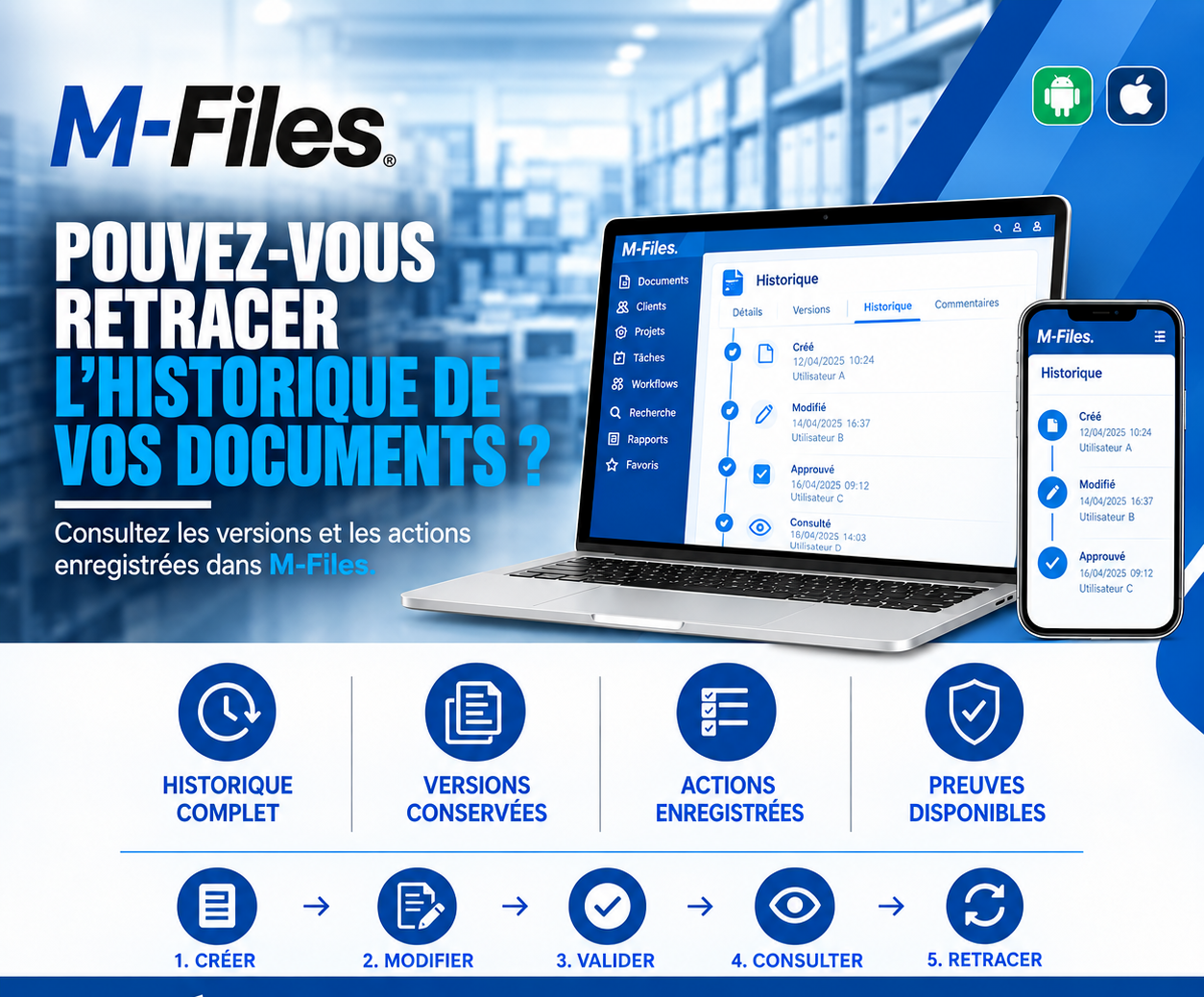
Can you trace the history of your documents? Complete history, versions kept, actions logged, evidence available: discover how M-Files answers auditors in seconds.
Read moreContact us to learn more about our news and upcoming events.
Our offers, news and document management tips, straight to your inbox. One e-mail a month at most.
Unsubscribe in one click at any time. Privacy policy
Check your inbox
We've sent you a confirmation link. Click it to complete your sign-up.
Comments
No comments yet. Be the first to react!